
Survive in Area 51 Guide: First steps when you load in

About
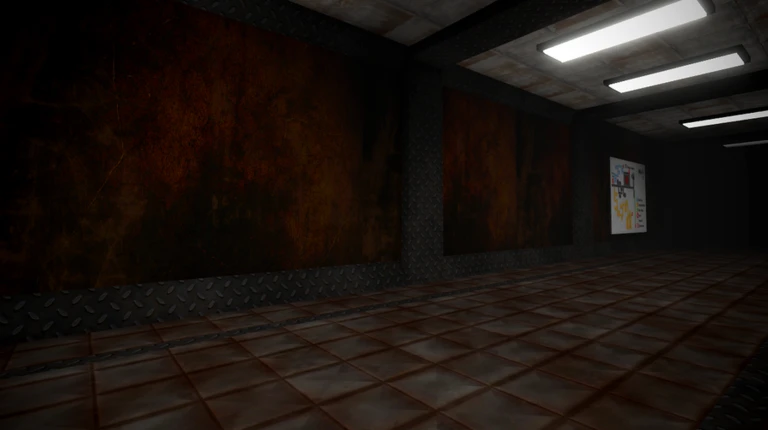
OverviewSurvive in Area 51 drops you into a monster-filled base where your job is simple: stay alive long enough to get stronger. You fight enemies, collect cells, unlock weapons at the shop, and hunt down hidden weapons scattered across the map. This guide covers how to get started, how to push through tough spots, and how to find every weapon the game hides from you.
What is on this page
Contents
First steps when you load in
Step
The game tells you to read the Welcome screen as soon as you join, and that advice is worth following — it explains the core rules and controls. Once you know the basics, the most important movement trick to practice is holding Shift to run. You will need it constantly.
- Read the Welcome screen it covers controls and the rules before you face your first enemy.
- Practice running hold Shift to move faster.
- Check the settings menu it shows the version number of the server you are on, and newer servers have the latest fixes.
MetaNew Player Survey
The next survey is being prepared.
Cells, the shop, and getting stronger
Tips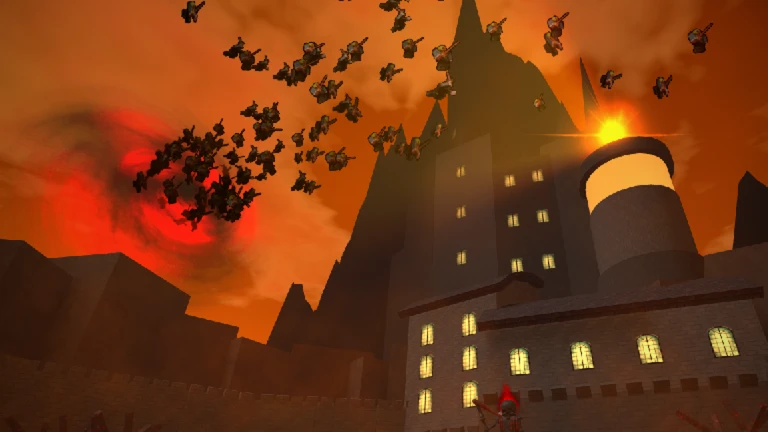
Every monster you kill drops cells, which are the game's currency. Spend those cells at the shop to unlock new weapons.
- Cells come from killing monsters.
- Spend cells at the shop to unlock weapons.
- You never need to spend real money — cells alone are enough to unlock weapons and progress.
Hidden weapons across the map
CheckExploring the map is not optional if you want the strongest loadout. Hidden weapons are spread across many different zones, and several are tied to specific enemies or bosses rather than just exploration. The badges the game awards make it clear exactly where each weapon lives.
- Check the darkest world for LXD.
- Check the glitch world for RGB.
- Check the brightest zone for LXW.
- Check the volcano for Vulcan.
- Check the sewers for the Water Gun.
- Kill Jack O' Lantern, the sewer boss, to get the Sheriff's Revolver.
- Kill Reaper, the main boss, to get Reaper's Scythe.
- Escape through the wrong portal to find Dual LX3.
- Check the prison for the HEX Spitter.
- Kill Zombie Brute, the prison boss, to get the Security Tablet.
- Check the factory for the Red Missile Launcher.
Crafted weapons and what you need to make them
Table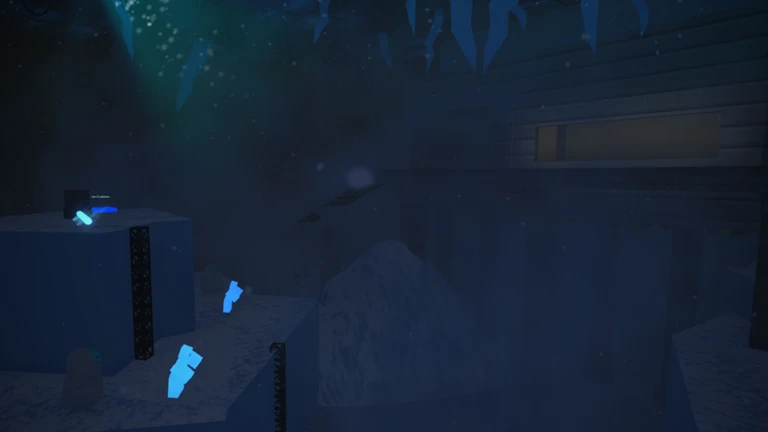
Each crafted weapon requires specific hidden weapons as ingredients. Find the source weapons first, then combine them.
| Crafted weapon | Ingredients needed |
|---|---|
| Acid Gun | Reaper's Scythe + Water Gun |
| Dual LXC | LXW + LXD + Dual LX3 |
| Obsidian Gun | Water Gun + Vulcan |
| Solar Ray | Vulcan + LXW + RGB + HEX Spitter |
| Spitfire | HEX Spitter + Vulcan + Sheriff's Revolver |
| Dual Revolver | Sheriff's Revolver + Dual LX3 |
When you are stuck and cannot progress
Warn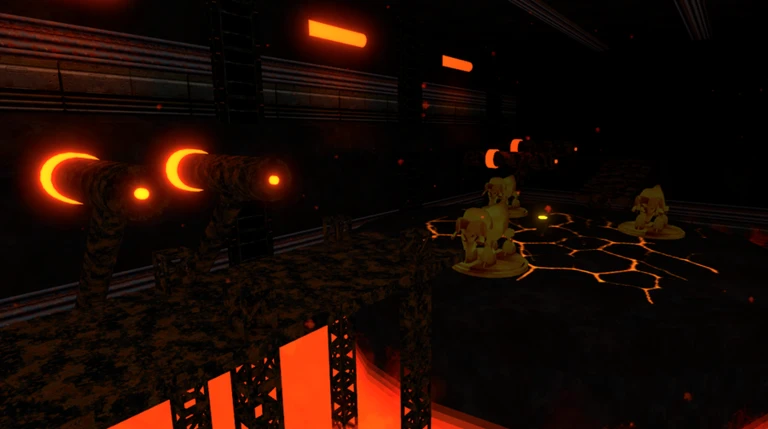
The fixes below address the most common problems directly.
Glossary
Glossary- Cells
- The currency you earn by killing monsters, used to buy new weapons at the shop.
- Shop
- The in-game store where you spend cells to unlock weapons you do not start with.
- Hidden weapon
- A weapon found by exploring a zone or defeating a specific boss, not purchased from the shop.
- Crafted weapon
- A weapon made by combining two or more hidden weapons you have already collected.
- Server version
- A number shown in the settings menu that tells you how up to date the server you joined is.
Common questions
FAQWhat should I do the very first time I play?
Read the Welcome screen so you understand the controls, then go fight enemies to start collecting cells. Take your cells to the shop and unlock whatever weapon you can afford.
How do I get crafted weapons like the Acid Gun or Solar Ray?
You cannot buy crafted weapons at the shop. You have to find the hidden weapons listed as ingredients — by exploring zones and defeating bosses — and then combine them. Check the crafting table in this guide for exactly what each recipe needs.
Do I need to spend Robux to enjoy the game?
No. Cells drop from every enemy you kill, and that is all you need to unlock weapons and progress.
My server seems to be missing a feature I heard about. What is going on?
Updates only apply to the newest servers. Open the settings menu, check your server's version number, and if it is old, leave and rejoin to land on a newer one.
Game updates can change what is on this page. If you spot something, get in touch and let us know.
