
Canterbury Bus Simulator Guide: Your first run from start to finish
About
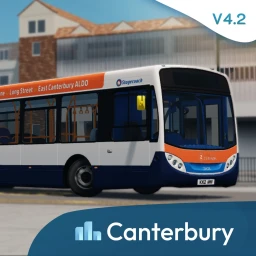
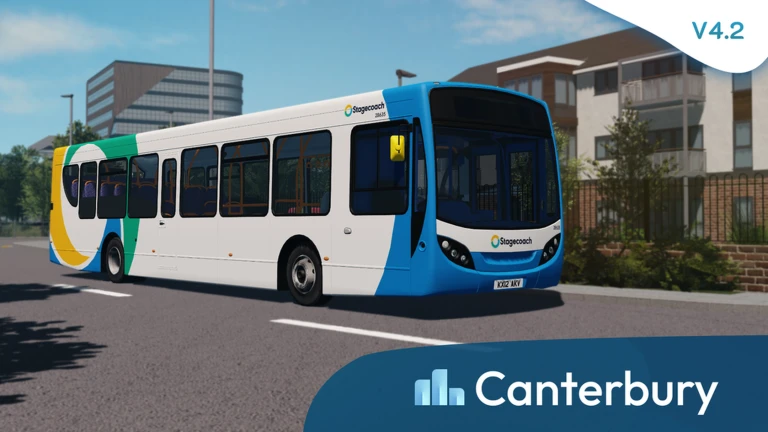
OverviewCanterbury Bus Simulator puts you behind the wheel of a UK-style bus, picking up NPC passengers at stops and dropping them off at their destinations to earn credits. This guide walks you through starting out, earning credits efficiently, unlocking new buses, and fixing common problems.
What is on this page
Contents
Your first run from start to finish
Step
When you enter the game, a default bus is ready for you. The map shows your available routes, each with a set of bus stops where passengers board and exit. Complete a run and the credits are added to your total automatically.
- Choose your bus select the default bus from the starting screen and head out onto the map.
- Check the route look at the on-screen route map so you know the order of stops ahead of you.
- Pull up to a stop bring the bus to a halt at the bus stop to let passengers board.
- Drive to the destination follow the route to the stop where your passengers need to get off.
- Drop off passengers stop at the correct destination stop and let them exit.
- Collect your credits the game adds credits to your account once the run is complete.
MetaNew Player Survey
The next survey is being prepared.
Earning credits faster
Tips
The more passengers you carry in one run, the more credits that run pays out.
- Wait at each stop until the bus is as full as possible before driving off.
- Try different routes to see which one pays out the most credits for your time.
Unlocking new buses
Step
Once you have saved enough credits, the in-game shop lets you spend them on additional buses. Each new bus offers a different look and feel. You never need to spend real money — all buses are available for credits.
- Save credits keep running routes until you have enough for the bus you want.
- Open the shop access the shop screen from the game's menu or UI.
- Browse the roster look through the list of unlockable buses and pick your target.
- Purchase spend your credits to unlock the bus.
- Head out take your newly unlocked bus onto the route of your choice.
Problems that stop progress
CheckIf runs are not paying out as expected, work through these checks before giving up on a route. Small positioning mistakes at stops are the most common cause of missed passengers and lost credits.
- Are you stopping precisely at the bus stop marker, not just nearby?
- Have you waited for passengers to finish boarding before driving away?
- Is the on-screen route map showing you are on the correct path, not a wrong turn?
- Are you stopping at the right destination stop, not just any stop?
- Have you tried the same route more than once to rule out a one-off mistake?
Playing without spending real money
Summary
The default bus gives access to all routes from the moment you start. Credits accumulate at a pace that lets you unlock new buses without any purchases. The whole game from first run to final bus unlock is designed for free players.
- Starting bus provided by default and works on every route in the game.
- New buses every one in the roster can be bought with credits, no real-money purchase needed.
Glossary
Glossary- Route
- A set path the bus follows, with several stops along it where passengers board and exit.
- Bus stop
- A marked location on a route where passengers get on or off when the bus pulls up.
- Credits
- The in-game currency you earn by completing runs, used to unlock additional buses.
- Unlock
- Paying credits in the shop to make a new bus permanently available for your account.
- NPC passenger
- An AI character who boards your bus at a stop and needs to be delivered to their destination.
Common questions
FAQHow do I earn credits more quickly?
Wait at each stop until the bus is carrying as many passengers as possible before you drive off, since a fuller bus means a bigger payout. You can also experiment with different routes to find which one gives the best return for the time it takes.
How do I find out when the game gets updated?
Joining the official Canterbury & District community group on Roblox is the fastest way to hear about new buses, route changes, and other updates. Announcements go there first.
Can I play alongside other players?
Other players can appear on the same map, but each person runs their own bus independently. There is no shared co-op driving; everyone operates their own route.
Game updates can change what is on this page. If you spot something, get in touch and let us know.
