
Shipping Lanes — Getting started with your first delivery
About
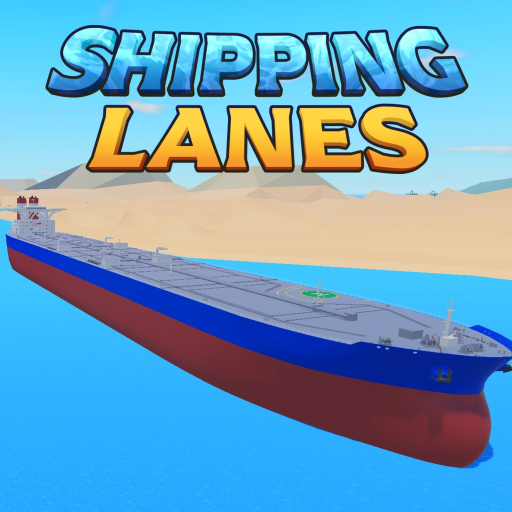
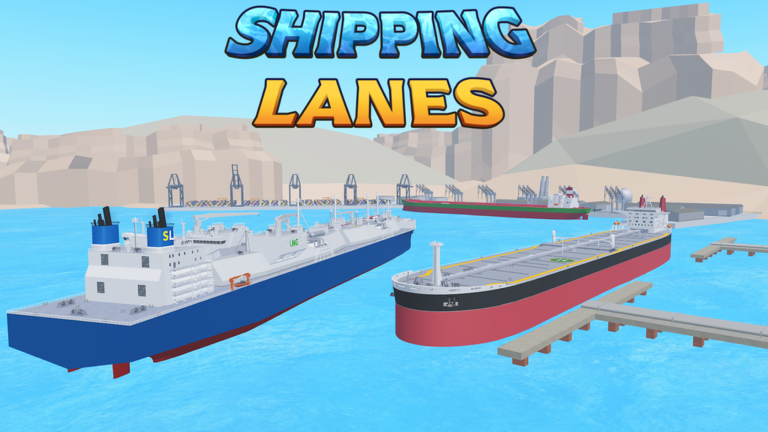
OverviewShipping Lanes is a Roblox game where you captain a ship, haul cargo between ports, and earn money to buy bigger and better vessels. This guide covers how to get started, how to earn faster, when to upgrade your ship, and how playing with friends can speed up your progress.
What is on this page
Contents
Getting started with your first delivery
Step
When you first join, you have a small starter vessel ready to go. The game walks you through loading cargo and delivering it to a nearby port — complete that run and you earn the Tutorial Completed badge along with your first payout. Before you push further out, spend a few minutes checking the map so you know where the ports sit.
- Join the game you spawn with a starter ship already available
- Follow the tutorial load cargo and sail to the nearest port to complete your first delivery
- Collect your reward the money from that run goes straight into your balance
- Explore a few ports seeing what cargo each one handles helps you plan better routes later
Choosing and upgrading your ship
Table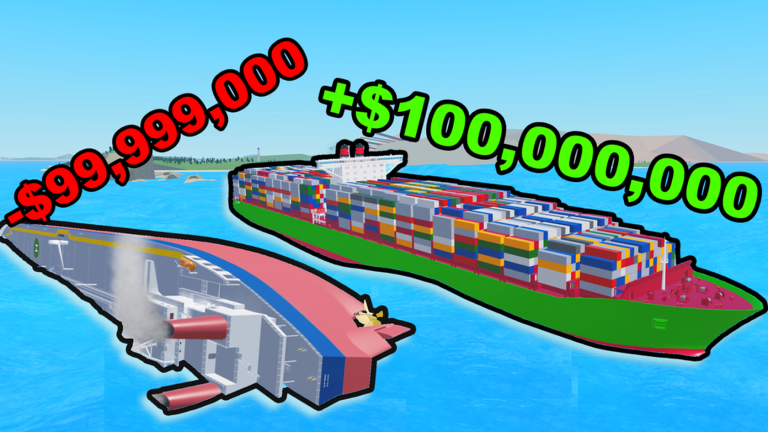
Ships come in a range of sizes. The Quad-A Class Container Ship and the Seawise Giant sit at the top end and are among the most expensive ships in the game, so treat them as long-term goals rather than early purchases.
| Small ships | cheap to buy, good for the early game when funds are tight |
| Large ships | high cargo capacity, worth saving toward as your main goal |
| Quad-A Class | a named top-tier vessel that marks a major spending milestone |
| Seawise Giant | the longest ship in the game and one of the priciest, a long-term target |
Playing with friends
Tips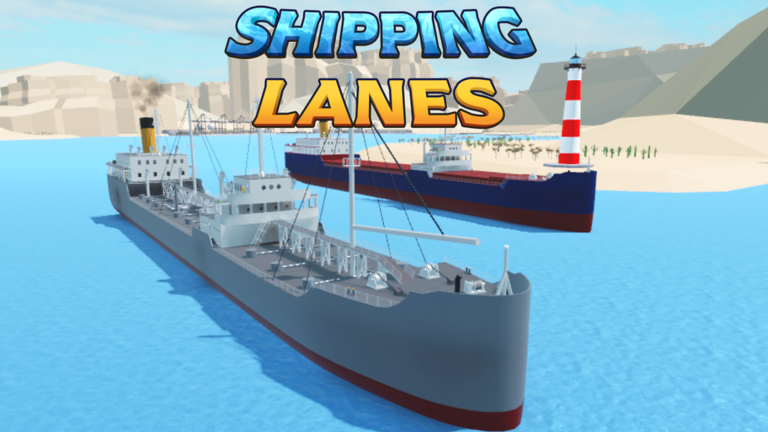
Other players can let you ride on their ships, and you can do the same for them. You can also haul a friend's ship for fun, which the game directly supports.
- Ask a friend with a bigger ship to take you along — you can reach farther ports
- Customize your own ship so other players have a reason to want to board it
- If you meet the developer kni0002 in a server, you earn a special badge
Things to do beyond cargo runs
CheckDeliveries are the core loop, but the world has other things to discover. Some of these are tied to specific badges, which means they are achievements the developers built into the game on purpose.
- Use the Desert Canal at least once it unlocks the Canal Shortcut badge
- Climb the mountain in the Antarctic region to earn the Antarctic Peak badge
- Find and launch a rocket, then successfully land it two separate badges reward each step
- Watch for the volcano event while sailing it is a rare sight worth waiting for
- Track your total distance sailed reaching 21,638 nautical miles earns the Expert Navigator badge
Glossary
Glossary- Port
- A location on the map where you pick up or drop off cargo to complete a delivery and earn money.
- Cargo
- Goods such as oil that you load onto your ship and transport between ports for payment.
- Delivery
- A completed run in which you carry cargo from one port to another and collect a cash reward.
- Desert Canal
- A shortcut route that can be used while sailing.
- Seawise Giant
- The longest ship available in the game and one of the most expensive purchases you can make.
- Quad-A Class
- A large container ship near the top of the purchase ladder, representing a major money milestone.
Common questions
FAQWhat is the point of the rocket and the mountain?
They are optional activities built into the game world that award badges when you complete them — launching a rocket, landing it, and climbing the Antarctic mountain each earn their own badge.
Can I play this without spending Robux?
The main loop — delivering cargo, earning in-game money, and buying ships — runs entirely on in-game currency you earn through play. You can work toward even the largest ships, including the Seawise Giant, purely through deliveries over time.
Game updates can change what is on this page. If you spot something, get in touch and let us know.
