
Game guide
Warfare Tycoon — The basic loop from day one
Is this game fun?
No votes yet. Cast the first one.
About
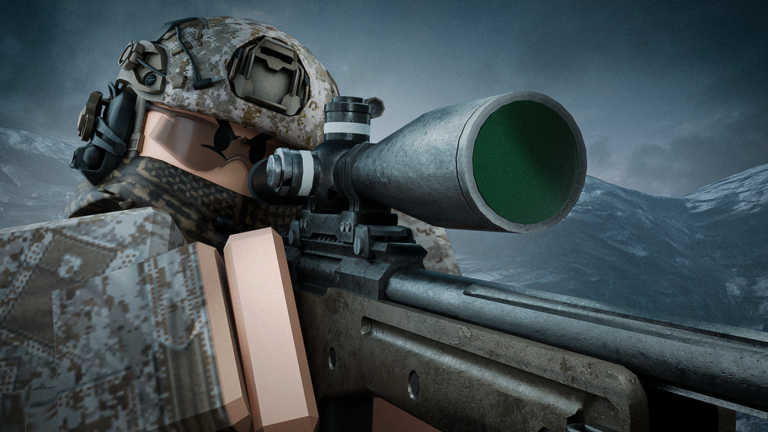
OverviewWarfare Tycoon is a military base-building game where you grow your base by earning in-game currency, then take that firepower into PvP combat with weapons, tanks, and helicopters. This guide covers how to get started, earn money efficiently, fight effectively, and make the most of free extras the game offers.
What is on this page
Contents
01
The basic loop from day one
Step
In short
Every session follows the same rhythm: collect money from your base, unlock new buildings, then take your gear into a fight.
When you first join, you are given a military base with a set of starter buildings. Click or tap those buildings to generate currency, then spend that currency on new facilities to expand. Once your base is in decent shape, head into combat to earn rewards. Your progress saves automatically, so you can always pick up where you left off.
- Activate your buildings click each one in your starter base to start producing currency.
- Collect your funds let the buildings run and gather what they produce before spending.
- Buy new facilities spend your currency on additional buildings to raise your income rate.
- Gear up as your base grows, weapons, tanks, and helicopters become available to unlock.
- Enter a combat mode join a Hardpoint or Deathmatch to earn rewards.
02
Earning currency in the early game
TipsIn short
Running several buildings at the same time is an effective way to grow your funds.
A single building produces currency slowly, but multiple buildings running together add up fast. Since the game saves your progress, you can log off and come back later to find currency waiting for you.
Tips worth knowing
- Run as many buildings at once as you can afford rather than putting all your currency into one.
- Log in at regular intervals to collect stored funds and put them straight back into new buildings.
- A game pass speeds up how fast buildings earn currency, but all equipment is reachable without one.
03 Live and upcoming events
Events
いま開催中・開催予定のイベントです。期間が決まっているので先に確認しておきましょう。
04
Hardpoint vs. Deathmatch
Table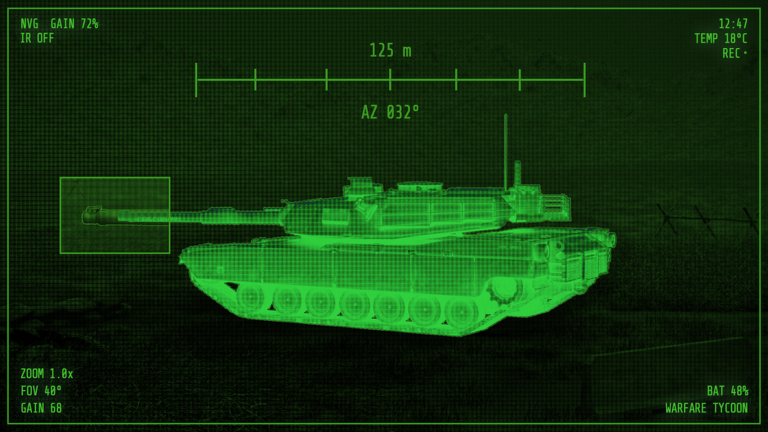
In short
Both modes reward you for participating.
Warfare Tycoon has two combat modes. Knowing the difference helps you pick the right one for your current loadout.
| Hardpoint | teams fight to capture and hold a specific point on the map; the side that holds it longest wins. |
| Deathmatch | victory goes to whoever eliminates the most enemy players. |
| Rewards | both modes pay out for participating, with a bonus for winning. |
05
Weapons and vehicles
Tips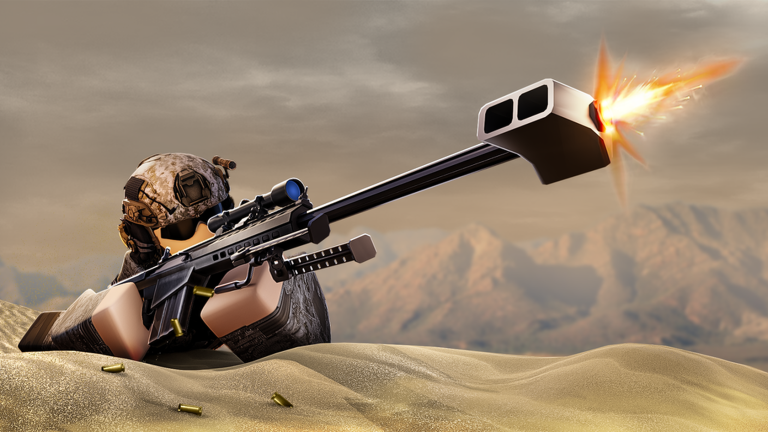
In short
Start with whatever basic weapons are available, then invest in vehicles as your base grows.
Early on, infantry weapons are your main option. As you unlock more buildings, additional firearms open up alongside armored vehicles and air units. Tanks and helicopters are expensive but give you a significant edge in large engagements. Everything in the arsenal is reachable without spending Robux.
Tips worth knowing
- Start with the infantry weapons available from the beginning before spending on anything expensive.
- Joining the Stealth Developers group gives you a free Kriss Vector SMG.
06
Free extras: group rewards and redeem codes
TipsIn short
Joining the official group and entering any active codes costs nothing and gives you a head start.
The game offers a few ways to get free items. The group reward gives you a weapon immediately on joining. Redeem codes are distributed periodically and entered through a dedicated field inside the game — each code can only be used once per account, so you cannot share them across accounts.
Tips worth knowing
- Join the Stealth Developers group on Roblox to receive a free Kriss Vector SMG straight away.
- Open the code redemption field inside the game and enter any active codes.
- Each code works once per account — entering it on a second account will not work.
07 Working codes
Codes
 70KLIKES
50KLIKES
40KLIKES
60KLIKES
70KLIKES
50KLIKES
40KLIKES
60KLIKES
Glossary
Glossary- Tycoon
- A game format where you build and expand facilities to generate income over time.
- Hardpoint
- A combat mode where teams compete to capture and hold a set location on the map.
- Deathmatch
- A combat mode where the winner is whoever racks up the most enemy eliminations.
- PvP
- Player versus Player — any mode where you fight other real players rather than AI.
- Game pass
- An optional Robux purchase that speeds up how fast your base buildings earn currency.
- Unlock
- Spending enough in-game currency to make a new building, weapon, or vehicle available to use.
Common questions
FAQCan I get every weapon and vehicle without spending Robux?
Yes. Game passes only speed up how fast your buildings earn currency — they do not unlock equipment that is otherwise blocked.
Will my progress disappear if I close the game?
No. Both your tycoon progress and any game passes you have purchased are saved automatically. You can quit and come back at any time without losing what you have built.
Can I share redeem codes across multiple accounts?
No. Each code can only be used once per account.
Updated Sep 30, 2026
Game updates can change what is on this page. If you spot something, get in touch and let us know.
Game updates can change what is on this page. If you spot something, get in touch and let us know.
