
Tiny Sailor's: WORLD™ Guide: Types of vehicles
About
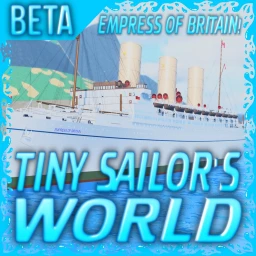
OverviewTiny Sailor's: WORLD is a vehicle simulator on Roblox where you sail ocean liners, fly planes and airships, and dive with submarines. This guide covers what vehicles you can choose, how to find hidden easter eggs, and how event ships are unlocked.
What is on this page
Contents
Types of vehicles
Summary
Each vehicle category plays differently. Submarines let you dive beneath the surface and sink other ships from below.
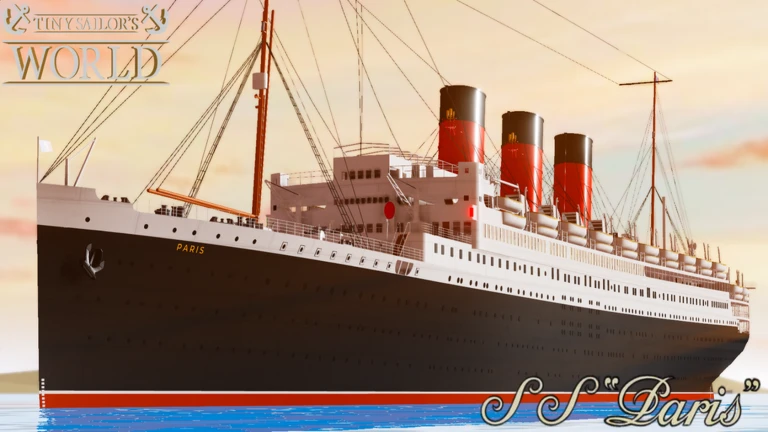
- Ocean liners large passenger ships, including Titanic-style vessels, for open-sea sailing.
- Container ships and cruise ships cargo and leisure alternatives to the classic liner.
- Warships military vessels.
- Planes and airships aircraft that take you into the sky.
- Submarines dive beneath the surface and sink ships from below.
Sink simulation
Tips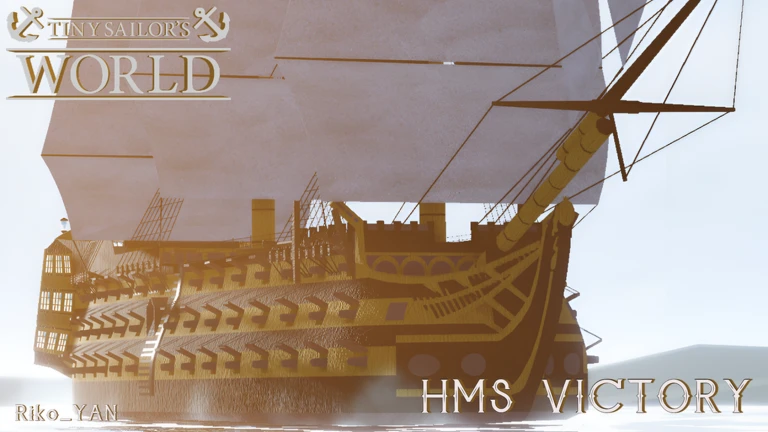
The game provides multiple sink simulation options. Submarines let you sink surface vessels from below.
- Use the sink simulation options to watch ships go under.
- Piloting a submarine lets you sink surface ships from below.
Easter eggs and badges
Check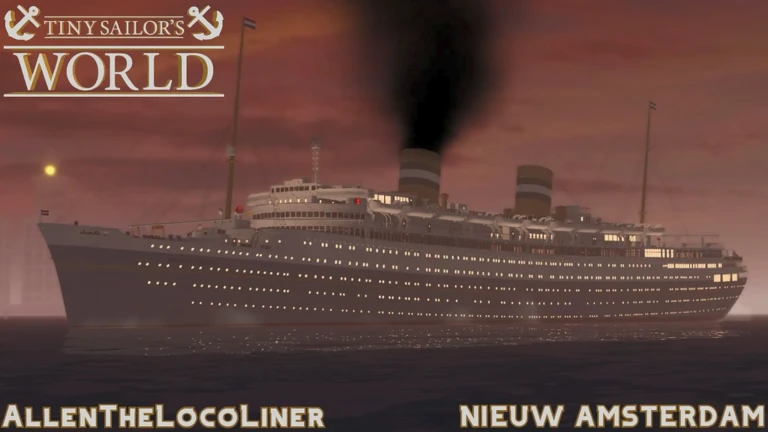
Easter eggs are hidden spots scattered across the map. Finding one awards a badge. They are sorted into three difficulty tiers.
- Easy Lighthouse: the large lighthouse that guides ships.
- Easy Beached Ship: a ship stranded on a remote island beach.
- Easy Titanic Iceberg: the iceberg associated with the Titanic's sinking.
- Medium Sunken Ship: a sunken liner on the ocean floor.
- Medium Sunken Submarine: a lost submarine in the deeper underwater zone.
- Hard Ancient Atlantis: the hidden underwater city of Atlantis.
Event ships and how to unlock them
Warn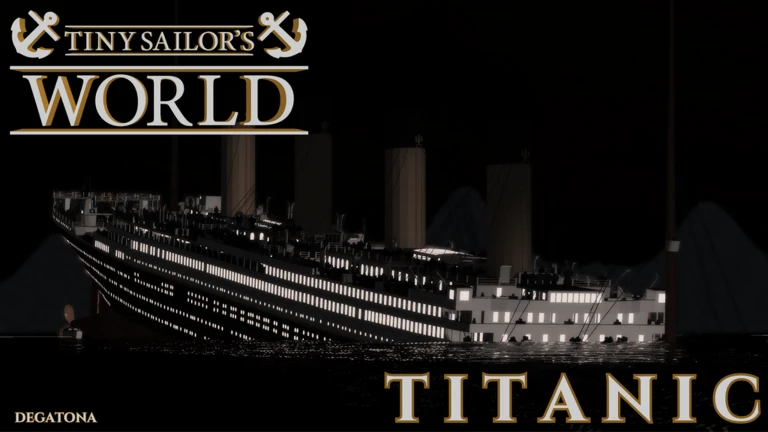
During special timed events, earning the event badge permanently unlocks an exclusive ship. Three events have run so far.
Free play versus the Ship Options Customization Gamepass
Table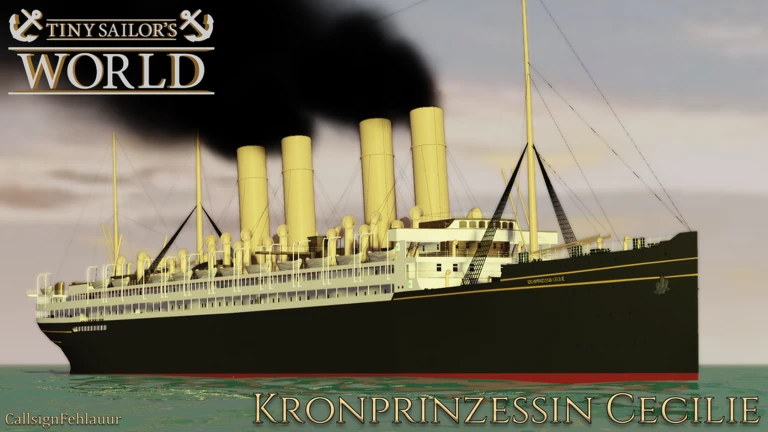
Nothing behind the gamepass blocks you from sailing, flying, diving, or sinking ships. It expands what you can change about a vehicle.
| Free | full access to all vehicles and sink simulation. |
| Free | all event badges and their ship unlocks, as long as you play during the event. |
| Gamepass | customization options for ships, planes, airships, and submarines. |
Hardware and console setup
CheckThe game publishes recommended specs for PC. Console players have an extra requirement.
- CPU Intel Core i3 or better.
- Graphics NVIDIA GeForce GTX 1650 4 GB or equivalent or better.
- RAM 8 GB DDR4 or more.
- Console (PS or Xbox): a mouse and keyboard must be connected the game requires them.
Glossary
Glossary- Ocean liner
- A large passenger ship designed for long ocean crossings — the Titanic is the most famous example.
- Airship
- A gas-lifted flying vessel that you control through the sky.
- Easter egg
- A hidden object or location on the map that rewards you with a badge when you find it.
- Ship Options Customization Gamepass
- A paid Roblox gamepass that unlocks appearance and configuration options for ships, planes, airships, and submarines.
- Event badge
- A limited-time badge earned by playing during a special event, which unlocks an exclusive ship.
Common questions
FAQCan I enjoy the game without spending Robux?
Yes. Every vehicle and the sink simulation are available for free. The Ship Options Customization Gamepass only adds extra ways to customize vehicles.
Do I need a mouse and keyboard to play on console?
Yes — PlayStation and Xbox players must connect both a mouse and a keyboard. PC players already have what they need.
How do I find the Hard easter egg?
The Hard badge is for finding the underwater city of Atlantis, which is hidden in the map.
What happens if I miss an event?
The exclusive ship tied to that event will no longer be available once the event closes.
Game updates can change what is on this page. If you spot something, get in touch and let us know.
