
Typical Colors 2 Guide: First steps before your first match
About
OverviewTypical Colors 2 is a team-based shooter inspired by Team Fortress 2, putting you into offensive, defensive, and support roles with over 200 weapons to choose from. This guide walks you through getting started, picking a role, fighting smarter, and unlocking some of the game's trickier achievements.
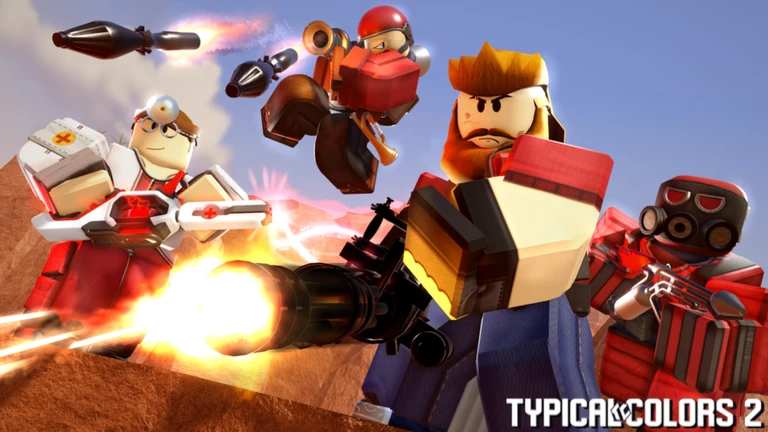
What is on this page
Contents
First steps before your first match
Step
The very first thing worth doing is adjusting your graphics. Open the Main Menu with M, find Settings in the top right, and turn Graphics down until the game runs smoothly. On Android, check that your phone has at least 6 GB of RAM before you go further — below that threshold, frame drops will make the game hard to play. Once the game is running well, spend a minute on the basic controls so nothing surprises you mid-match.
- Open Settings press M to reach the Main Menu, then hit Settings in the top right corner.
- Lower Graphics reduce quality until the screen stops stuttering, especially on Android or lower-end devices.
- Check RAM on Android the game warns that 6 GB or more is needed for a stable experience; iOS devices run more reliably out of the box.
- Learn movement W, A, S, D to move; Space to jump; Ctrl to crouch.
- Learn weapon switching number keys 1 through 5, scroll wheel, or Q for the previous weapon.
- Learn communication Y or / for all chat, U for team chat, Tab to open the scoreboard.
The three roles and which to try first
Table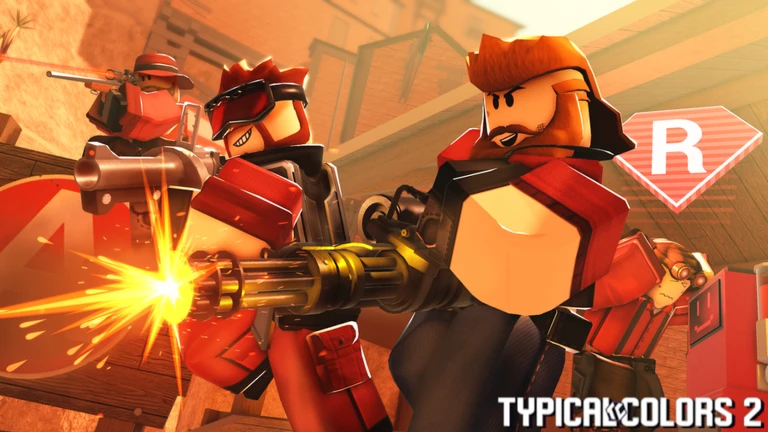
Every player slots into one of three broad roles: offensive, defensive, or support. Offense deals direct damage and pushes objectives. Defense holds ground and protects key areas. Support keeps teammates alive and assists over long fights.
| Offense | deals direct damage and leads pushes on objectives. |
| Defense | holds positions and prevents the enemy from advancing. |
| Support | heals and assists teammates, making the whole team harder to beat in a long fight. |
Flanker basics
Tips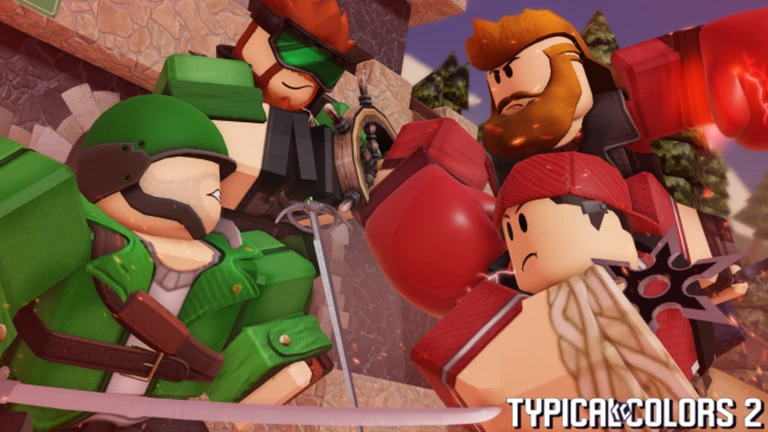
The Flanker is the fastest class in the game and captures control points faster than anyone else. The class is built around a shotgun as the main weapon, with a pistol as backup at longer range. Because you can see enemy health directly, you can make a deliberate call about when to switch from shotgun to pistol or melee rather than guessing.
- Use your shotgun to drop an enemy's health, then finish with pistol at range or melee up close to save ammunition.
- The Flanker double jumps by default, giving you movement options most classes do not have.
- Because enemy health is visible, you never need to guess when to swap weapons — watch the number and react.
- Speed and fast point capture make the Flanker especially valuable in control point modes.
- The Double Play achievement requires eliminating two enemies with a single shotgun shot, so look for moments when enemies are grouped close together.
Map-specific goals worth knowing
Tips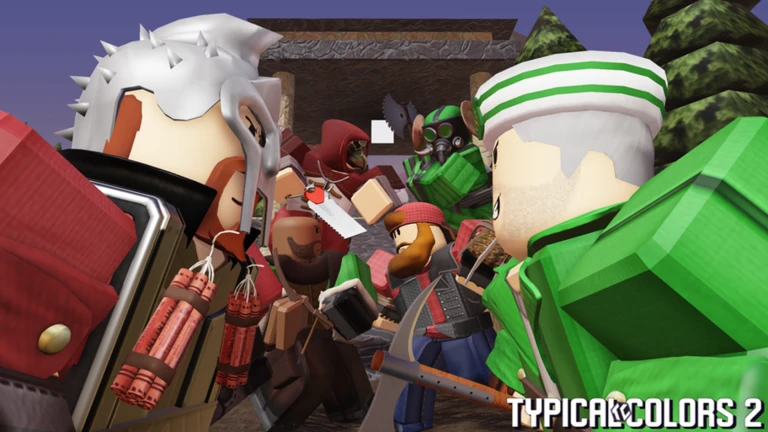
The game includes a variety of maps with different objectives, and a handful of them have conditions tied to achievements that reveal useful information about how those maps work.
- On Himalaya, the control point can be captured in 15 seconds or less after it opens — move to it immediately when it becomes available.
- On Calamity, the defending team wins by keeping the payload cart from crossing the bridge, so defenders should focus resources near that crossing.
- On Rooftop/Rooftops in King of the Hill, falling hazards can eliminate enemies — use high ground and environmental edges deliberately.
- Pirate Bay has a Pirate Captain role; helping eliminate that captain while your team wins the round earns recognition.
- On Lakeside in Vs. Bosses mode, the objective splits into either defeating King Abrax or playing as him — understand which side you are on at the start.
- The Postcard achievement asks you to win rounds on Lakeside, Gorge, Turbine, Doublefort, Rooftops, and Blastport, so playing a wide variety of maps has real progress attached to it.
Playing with friends
SummarySeveral achievements are specifically designed around playing alongside friends, which means the game actively rewards you for not queuing alone.
- Fortress of Friends join any server with a friend present.
- Deuces team up with a friend in the same server and eliminate an enemy together.
- The Leader have five other Roblox users follow you into your session.
- Third Door teleport 20 teammates in a single round.
- Jack of All Trades eliminate at least one enemy as every class in a single session.
 tatentelly
anothercloudyday
typicalcolors2024
Funds 500
danieljcornwallace
Neek
tatentelly
anothercloudyday
typicalcolors2024
Funds 500
danieljcornwallace
Neek
Glossary
Glossary- Primary Fire
- The main attack of a weapon, triggered with the left mouse button.
- Secondary Fire
- A weapon's alternate attack or special effect, triggered with the right mouse button.
- Scoreboard
- A Tab-key overlay that shows each player's stats and helps you see where the enemy team is concentrated.
- Cover
- Any wall, crate, or structure you use to block incoming fire while repositioning or reloading.
- Frame Drop
- A moment when the game stutters because your device is struggling to keep up, fixed by lowering graphics quality.
- King of the Hill (KOTH)
- A mode where both teams fight to hold a single central point long enough to win.
- Payload
- A cart one team pushes toward a goal while the other team tries to stop it, as seen on Calamity.
- Vs. Bosses
- A mode on Lakeside where one side plays as powerful boss characters and the other tries to defeat them.
Common questions
FAQThe game is running badly on my phone. What should I do?
Open the Main Menu with M, go to Settings in the top right, and reduce graphics quality. If you are on Android, the game specifically calls for at least 6 GB of RAM. iOS devices run more stably in general.
How does the Flanker's weapon combo work?
Chip the enemy's health down with your shotgun, then switch to pistol for a clean finish at range, or use melee if they are right in front of you. The point is to save shotgun ammo for the opening damage rather than burning it on a near-dead target.
Game updates can change what is on this page. If you spot something, get in touch and let us know.
