
Driving Empire Car RacingRP Guide: First steps after joining
About
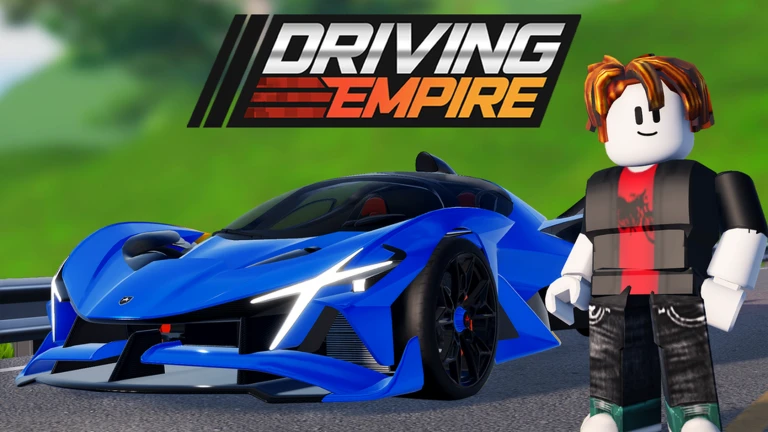
OverviewDriving Empire is a Roblox driving game with over 300 cars and boats, licensed brands like Lamborghini, McLaren, Porsche, and Audi, and a large open world where you can race, cruise, and customize your vehicles. The latest update, released October 2, 2026, brings NASCAR Las Vegas back to the game. This guide covers how to get started, earn in-game money, win races, chase badges, and make the most of what the game offers.
What is on this page
Contents
First steps after joining
Step
When you first load in, the game walks you through a tutorial that covers the basics — getting in and out of a car, accelerating, and braking. Do not skip it, because these controls are the foundation for racing and open-world driving. After the tutorial ends, you receive a starter car you can take anywhere on the map.
- Complete the tutorial work through every step so the controls feel natural before you hit the open world.
- Check the settings menu look over the key bindings and adjust anything that feels awkward for you.
- Drive the starter car around the map explore the terrain and get a feel for how the car handles before worrying about money.
- Watch what other players are driving it gives you a sense of what vehicles you can aim for next.
MetaNew Player Survey
The next survey is being prepared.
Earning money and buying your first real car
Check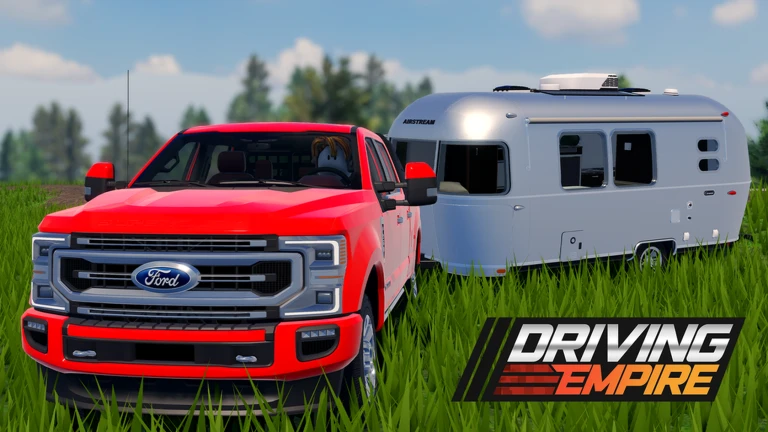
In-game currency comes from driving and entering races. The more you play, the more you accumulate. Setting a target vehicle early keeps you motivated, because you always know how far you still need to go. Once you buy a car, customize it — upgrades to performance make the same driving input go further.
- Have you picked a target car to save toward? A clear goal makes grinding feel less aimless.
- Did you check for active redeem codes? The site currently tracks three working codes entering them gives you an instant cash boost without spending Robux.
- Have you customized your car after buying it? Upgrading acceleration and braking improves results from the very first race.
Badges as long-term goals
Tips
Driving Empire has 25 badges in total. Several of them reward sustained play in a way that lines up naturally with how you progress through the game — earning money, winning races, and simply putting in miles. The mileage badges in particular give you a clear ladder to climb the longer you stick with it.
- The very first badge unlocks the moment you join — so you already have one.
- Mileage badges run from 1,000 miles all the way to 100,000 miles across six steps, rewarding you for consistent driving over time.
- Winning any race in first place earns you a dedicated race-winner badge, so entering races has a payoff beyond the prize money.
- Accumulating $1,000,000 in in-game currency unlocks a separate badge, which gives your money-grinding a second reason beyond buying cars.
Winning races
TipsRacing in Driving Empire rewards consistency over recklessness. Crashing into other cars kills your momentum and your finishing position. Running the same course multiple times is the fastest way to improve, because you start to anticipate corners rather than react to them.
- Run each course several times until you know where every sharp corner sits.
- Brake before the turn, not during it — hitting the brakes mid-corner scrubs too much speed.
- Hold full throttle through straights — that is where you claw back time lost in corners.
- Stay away from other cars where you can; contact slows both of you down.
- Invest some of your earnings into performance customization — the same driving skill produces better lap times in a tuned car.
Customization and what it changes
Table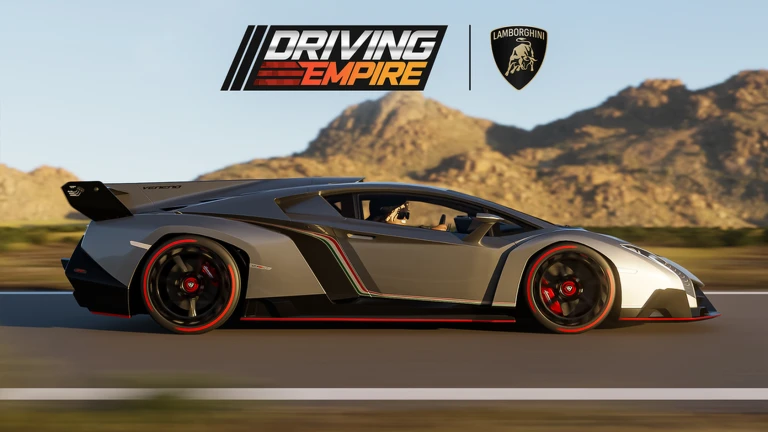
Driving Empire splits customization into appearance and performance, and both are available using in-game currency. Making changes right after you buy a car means you get the most out of it from the first race.
| Visual | colors, wheels, and stickers change how your car looks at meets and events. |
| Performance | tuning the engine and brakes changes acceleration and stopping power in races. |
| Cost | both types of upgrade use in-game currency earned through driving and racing. |
Redeem codes
StepThe developers release codes periodically that hand out in-game money or other bonuses. Each code can only be redeemed once on a given account, and codes do expire, so act quickly when a new one appears. The site currently tracks three working codes — they are inserted automatically on the codes page so you always see live ones.
- Open the code entry menu find it through the main menu or the settings panel in-game.
- Enter the code exactly capitalisation and punctuation matter, so copy carefully.
- Collect your reward currency or items arrive immediately after a successful entry.
- Check back regularly new codes drop without much warning, and old ones stop working once they expire.
 RAMBO
$50,000
UWU
3ASTER
THANKS150K
RAMBO
$50,000
UWU
3ASTER
THANKS150K
Free-to-play and paid options
Summary
Spending real money on Robux is an option in Driving Empire, but it functions as a time-saver rather than a gate. The in-game currency you earn through races and driving covers most vehicles and all customization. If you are patient and consistent, the paid route is never necessary.
- Free path earn currency through driving and races, enter codes for bonuses, buy cars and upgrades over time.
- Paid path purchase in-game currency with Robux to skip the grinding phase and buy vehicles sooner.
Account safety while playing
WarnDriving Empire is an all-ages game, but the usual online risks still apply. Report anything that feels wrong using Roblox's built-in tools.
Community strategy ideas
CommunityThese ideas and tips come from people playing the game. Share your discoveries too!
No strategy ideas yet. Share a tip you discovered.
Share a strategy idea
[NEW LIMITED✨] Driving Empire🏎️ Car Racing📦RP
Glossary
Glossary- In-game currency
- The money you earn by driving and racing, used to buy vehicles and customization upgrades.
- Open world
- The large free-roam map where you can drive anywhere without following a set race route.
- Customization
- Changes you make to a car's appearance (color, wheels, stickers) or performance (engine, brakes) using in-game currency.
- Car meet
- A community event where players gather to show off their vehicles rather than compete in a race.
- Redeem code
- A one-use code released by the developers that gives you free in-game currency or items when entered in the code menu.
- Tuning
- Adjusting a car's mechanical settings to improve acceleration, top speed, or handling in races.
- Badge
- An achievement that unlocks when you hit a specific milestone, such as a mileage target, a race win, or a currency total.
Common questions
FAQI keep losing races — what should I change?
Run the same course repeatedly until you know the corners by memory, because anticipating a turn lets you brake earlier and carry more speed through it. After that, spend some currency on performance upgrades — a tuned car rewards the same input with a noticeably faster lap.
Do I need to spend Robux to enjoy the game properly?
No — in-game currency earned through driving and races covers the vast majority of cars and all customization options. Robux just speeds up the process of saving for expensive vehicles.
What should I do right after buying a new car?
Head straight to the customization menu and tune the performance settings before taking it into a race. Adjusting acceleration and braking to suit your driving style makes a real difference from the very first outing.
Where do I enter redeem codes?
The code entry menu is accessible from the main menu or the settings panel inside the game. Each code works once per account, so enter any new code you find before it expires.
How do I earn badges?
Most badges come naturally from playing — one unlocks just for joining, and the mileage badges accumulate as you drive. The race-winner badge requires finishing first in any race, and the currency badge unlocks once you have collected $1,000,000 in in-game money.
Can I play with friends?
Yes — you can race against friends or simply cruise the open world together and show off your cars at community events and car meets.
Game updates can change what is on this page. If you spot something, get in touch and let us know.
