
General Quarters Guide: Two controls worth learning first
About
OverviewGeneral Quarters is a cooperative naval tower-defense game where you and your teammates defend a fleet of ships against waves of enemies attacking from both the sea and the air. This guide covers the controls you need to know, how to earn a win, how to level up, and what to do when something goes wrong.
What is on this page
Contents
Two controls worth learning first
Step
The game gives you two dedicated keys for communication and target-calling.
- Mark a target press T to place a marker on an enemy and let your whole team see what you are focusing on.
- Call out quickly press the semicolon key to open Quick Chat and send a short message without typing a full line.
MetaNew Player Survey
The next survey is being prepared.
Level milestones and win badges
Table
There are two separate tracks of badges: one tied to your level and one tied to how many wins you have accumulated.
| Badge | How to unlock |
|---|---|
| Seaman | Reach Level 4 |
| Warrant Officer | Reach Level 11 |
| Ensign | Reach Level 21 |
| Lieutenant | Reach Level 41 |
| Captain | Reach Level 71 |
| Admiral | Reach Level 111 |
| Grand Admiral | Reach Level 131 |
| Win 1 Game | Beat Wave 20 with at least 1,000 personal score |
| Win 5 Games | Earn 5 qualifying wins |
| Win 25 Games | Earn 25 qualifying wins |
Glossary
Glossary- Wave
- One round of enemy attackers that the team must fight off together; Wave 20 is the final wave and clearing it counts as a win.
- Quick Chat
- A menu opened with the semicolon key that lets you send a short preset message to your team without stopping to type.
- Mark Target (T key)
- Pressing T puts a visible marker on an enemy so your teammates know what you are focusing fire on.
- Personal score
- The points you earn yourself in a session; you need at least 1,000 for a team victory to count as your win.
- Scharnhorst Class Battleship
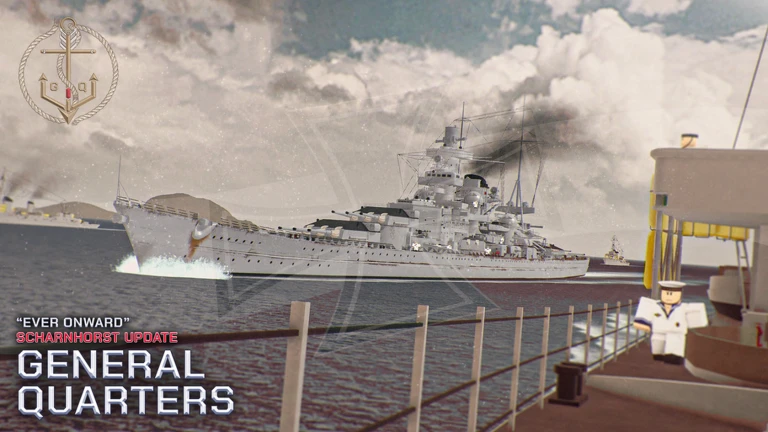
- A battleship type added in the latest update, accompanied by escort ships.
Common questions
FAQI helped my team beat Wave 20 but I did not get a win badge — why?
A win only registers if you personally scored at least 1,000 points in that session.
How do I tell my teammates where the enemies are coming from?
Press T to mark an enemy and give your team a visible indicator, then follow up with the semicolon key to send a Quick Chat message.
Does playing on mobile put me at a disadvantage?
The game is fully supported on mobile and the content is the same as on PC.
Game updates can change what is on this page. If you spot something, get in touch and let us know.
