
Super Striker League Guide: Winning early matches
About
OverviewSuper Striker League is an extreme soccer game on Roblox where power-ups, special abilities, and unlockable weapons shake up every match. This guide covers getting started, scoring more goals, making the most of power-ups, and climbing through the player levels.
What is on this page
Contents
Player notes and tips
Found a useful trick? Share it with everyone! Notes with screenshots are welcome!
Write a guide note
⚽ Super Striker League
Winning early matches
Tips
In your first matches you do not need complicated plays. Focus on finding openings and converting them fast. Every power-up that spawns on the field is a small advantage, and letting the other team pick them all up makes every duel harder.
- Watch for moments when your opponent does not have the ball, then move in to take it.
- Once you have the ball, push toward the opponent's goal without hesitating.
- Grab every power-up you see
they boost your abilities and denying them to opponents matters.
- Avoid forcing through a crowd of defenders; wait for a gap instead of charging straight in.
MetaNew Player Survey
The next survey is being prepared.
Power-ups and special abilities during a match
CheckPower-ups appear on the field throughout each match, and both teams are going after the same ones. Keeping part of your attention on where they spawn means you will grab more of them than players who only watch the ball.
- Keep the whole field in view, not just the ball, so spawning power-ups catch your eye.
- If an opponent is heading for a power-up and you are closer, go get it first.
- Use a power-up right before a one-on-one battle to tip the fight in your favor.
Scoring goals when you are stuck
Warn
Unlocking weapons and items
SummaryThe game lets you unlock new items and upgrade them as you play. Spending real money only speeds up that process; it does not gate any item behind a paywall.
- How to unlock
play matches and accumulate experience until unlock conditions are met.
- Free-to-play path
every item is reachable by playing regularly without paying.
- Paid option
purchasing only shortens the time to unlock, it is never required.
Leveling up and long-term goals
Summary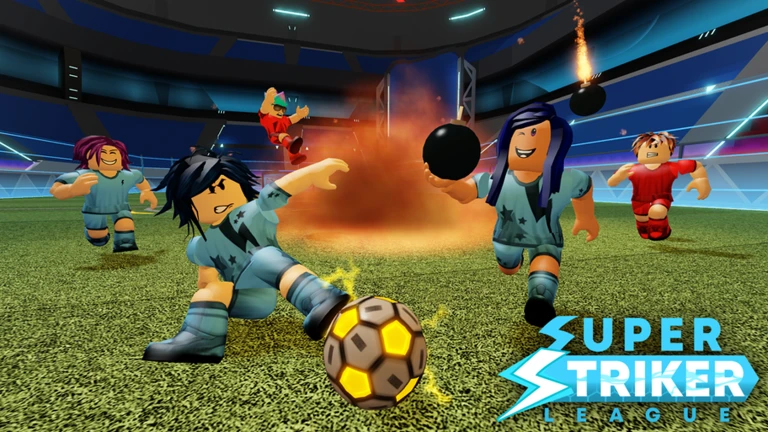
Your player level rises as you play, and the game tracks both goals scored and assists given.
- Level milestones
levels 10, 25, 50, 100, 250, and 1,000 each mark a badge reward.
- Win milestones
1, 10, 100, and 1,000 wins each unlock a badge.
- Goal milestones
50, 500, and 5,000 goals tracked separately from wins.
- Assist milestones
50, 500, and 5,000 assists reward dedicated playmakers.
- Party bonus
completing a match with at least one friend counts toward the party badge on top of everything else.
Connection and performance problems
WarnRoblox games depend heavily on a steady internet connection, and lag in Super Striker League shows up as missed shots, characters freezing, or controls not responding.
Glossary
Glossary- Power-up
- An item that spawns on the field during a match and temporarily boosts your abilities when you pick it up.
- Special ability
- A character-specific power that you activate using power-ups you have collected during a match.
- Unlock
- The process of making a weapon or item available to use by playing enough matches to meet the game's conditions.
- Assist
- A pass or play that directly leads to a teammate scoring a goal, tracked separately from your own goal count.
- Player level
- A number that rises as you play matches, with badge rewards waiting at several milestones along the way.
Common questions
FAQCan I unlock every item without paying?
Yes. Playing matches regularly is enough to unlock all weapons and items over time. Paying only gets you there faster, it is not required.
Does playing with friends give any benefit?
Completing a match with a party of two or more people earns you the party badge, so there is a concrete reward for playing alongside friends.
Why does the game feel laggy even when I am playing normally?
A weak or unstable internet connection is the most common cause. Switch to a stronger Wi-Fi signal, close background apps, and restart the game if the lag does not clear up on its own.
Game updates can change what is on this page. If you spot something, get in touch and let us know.