
Restaurant Tycoon 2 — Opening your first restaurant
About
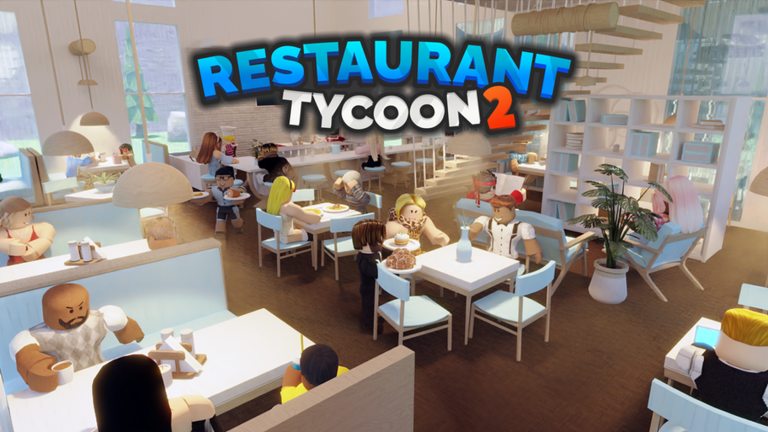
OverviewRestaurant Tycoon 2 is a Roblox tycoon game where you build a restaurant from scratch, design your kitchen, set your menu, and serve customers. You can also visit friends' restaurants and order from their menus. This guide covers how to open your first restaurant, grow it into a multi-star establishment, and fix the most common problems that slow players down.
What is on this page
Contents
Opening your first restaurant
Step
When you start, walk onto the empty plot and choose a save slot. You can name your restaurant up to 50 characters, then pick from 11 pre-built layouts to begin with. Your starting cash is $350, and the game already places two tables, four chairs, two stoves, two ovens, two preparation counters, and one order counter for you. Your only job before opening is making sure customers can get in and sit down.
- Check the default tables and chairs make sure each table has chairs facing it, or customers cannot sit.
- Add a door without an entrance customers have no way to get inside.
- Set at least one menu item an empty menu produces zero orders.
- Confirm the kitchen connects to the dining area walls or objects blocking the path stop food from reaching tables.
Growing your kitchen and menu
Tips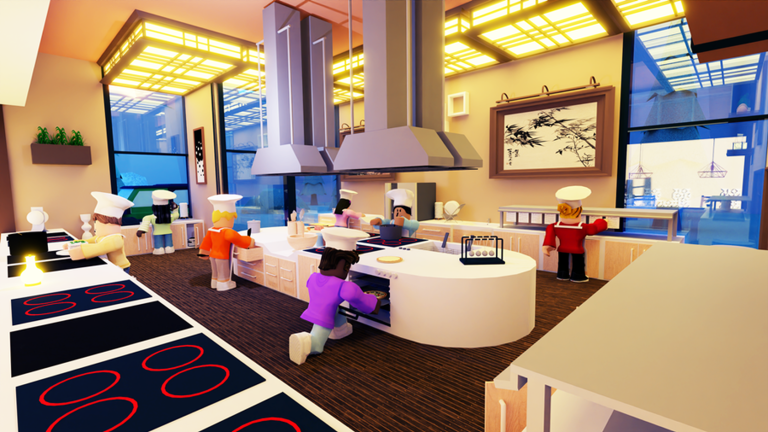
Your default kitchen handles basic dishes, but adding advanced appliances such as a deep fryer, grill, pizza oven, fridge, mixing counter, dishwasher, teppanyaki, or tandoor unlocks recipes that were not available at the start. Each new appliance you place activates the recipes that need it. Balance the number of seats against how quickly your kitchen can actually produce food — too many tables and service falls behind.
- Match your seat count to your cooking speed — if orders pile up, add appliances before adding more tables.
- Place lights above tables so customers can see the dining area — lighting affects your decoration rating.
- Put TVs, plants, signs, and shelves around the restaurant to push your decoration score higher over time.
Reaching 3, 4, and 5 stars
CheckThe restaurant's information sign outside shows your current star rating and a breakdown of each rating category. Tip chance is tied directly to that overall rating, so a higher star count also means more tips. The game tracks your progress in day milestones — day 5, day 30, and day 100 are all official achievements.
- Check the restaurant information sign regularly to see which rating category is lowest.
- Advanced kitchen appliances raise the quality of food you can serve, which feeds into your overall rating.
- Decoration items lights, TVs, art, plants, shelves, and electronics — contribute to your decoration rating.
- Bathrooms are not required, but adding them boosts your decoration score.
- A tip jar in your restaurant earns extra income as your rating rises; additional tip jars are available for 50 in-game currency each after the first.
Layout and flow mistakes to fix
Warn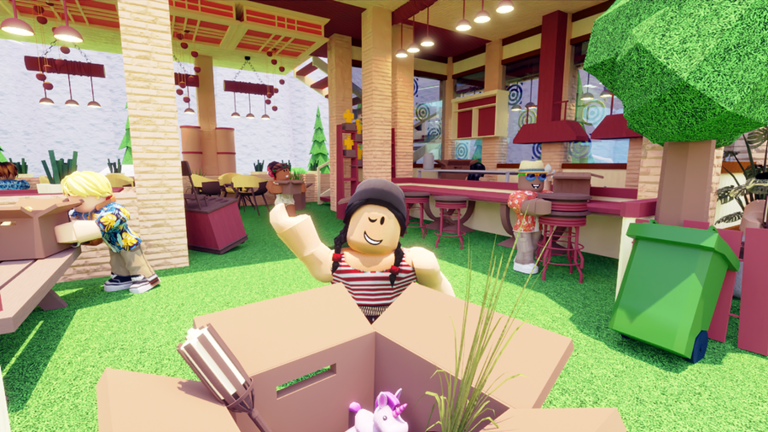
Before rebuilding anything large, run through the basics. A single missing door or one table with no chairs next to it is enough to stop all customer flow. The path from the entrance to the seats, and from the kitchen to the tables, must be completely clear of walls and objects.
Playing with friends
SummaryUp to nine restaurants can exist in one server at the same time. You can visit a friend's restaurant, browse their menu, and order food from it.
 LIGHT IT UP
Wireframe Lights
SUBTOVEDDEV
SUBTODEV
RAZORFISHGAMING
LIGHT IT UP
Wireframe Lights
SUBTOVEDDEV
SUBTODEV
RAZORFISHGAMING
Glossary
Glossary- Order Counter
- The kitchen item where customer orders are received; it comes with your restaurant by default.
- Tip Jar
- An item that earns extra income based on your restaurant's rating; more jars can be bought for 50 in-game currency each after the first.
- Restaurant Information Sign
- The sign outside your restaurant that displays your star rating, overall score, rating breakdown, and tip chance.
- Drive-Thru
- A separate area where customers in vehicles order and receive food in paper bags instead of plates.
- Build Mode
- The in-game interface where you place, buy, and arrange furniture, walls, appliances, and decorations.
- Save Slot
- A stored version of one of your restaurants; you can have multiple, and slots beyond six cost 25 Robux.
Common questions
FAQHow do I unlock new recipes?
Advanced kitchen appliances each unlock a set of recipes that require them — for example, a deep fryer, grill, or pizza oven will each add new dishes to what you can serve. Simply place the appliance in your kitchen and the recipes it enables become available.
How do I get a second floor?
There is a second-floor upgrade you can purchase; once you buy it, basic stairs are added to your restaurant automatically. You can place stairs before buying the upgrade, but customers will not use them until the upgrade is active. Roofs can also double as second-floor surfaces if the game shows a 'Too Much Floors' message.
What happens if I delete a restaurant?
Deleting a restaurant is permanent — the game asks you to type your username to confirm the action before it goes through.
Game updates can change what is on this page. If you spot something, get in touch and let us know.
