
Ragdoll Testing Guide: Basic controls
About
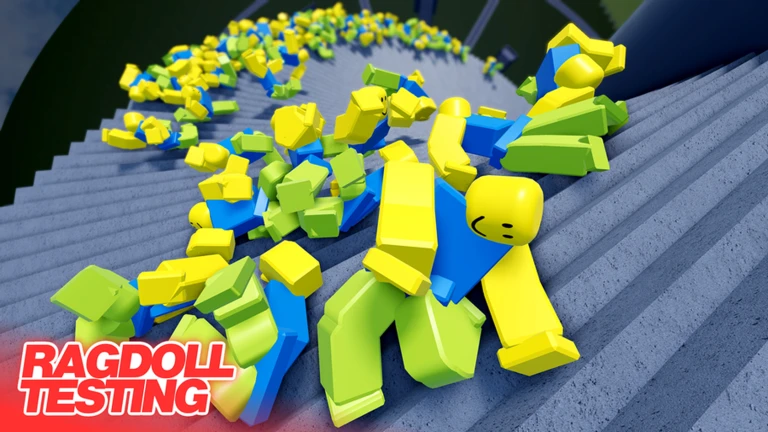
OverviewRagdoll Testing is a realistic ragdoll physics simulator where your character flops, flies, and collides with the satisfying weight of a real physics engine. This guide covers the controls, how to get the most out of private servers, how PvP and size differences work, and the tools you can use to mess around with friends.
What is on this page
Contents
Basic controls
CheckAll controls are single-key shortcuts. On mobile, tap the three dots in the top-right corner, then tap Inventory in the dropdown to reach your tools.
- Q opens the main menu, where you can browse gamepasses, settings, avatar options, teleports, and the radio
- R switches your character into ragdoll mode, letting physics take over
- E turns on antigravity so you float and move without gravity pulling you down
- L resets your character back to its default state
- C switches to first-person camera
- F plays an emote
Playing with friends on a private server
Summary
You can create a private server without spending any Robux, and it comes with features ready to go the moment your friends join.
- Private server completely free to create
- Titan mode available at no cost on private servers
- Max size scaling up to 45 times normal size
Why your attacks sometimes do nothing
Warn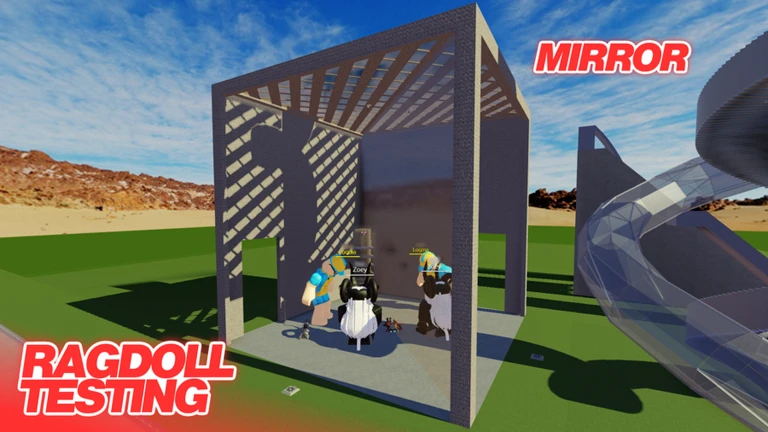
Ragdoll Testing is built around size differences, and that directly affects whether you can damage another player. Three separate situations block your attacks entirely.
Tools for messing around
Tips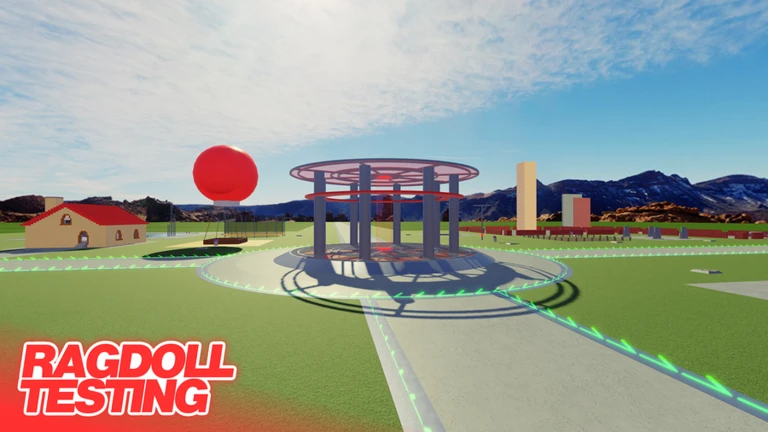
Beyond the core physics, the game gives you several items and actions designed purely for chaotic fun with friends.
- Sticky bombs launch other players through the air when they detonate
- The punch tool lets you send characters flying with direct physical contact
- The boombox plays music
- Emotes (F key) give your ragdoll expressive animations
- Motion-captured animations let you recreate complex movements
What you get without spending anything
Table
Gamepasses exist but are not required.
| Basic controls and ragdoll physics | free |
| Private server creation | free |
| Titan mode on a private server | free |
| Gamepasses | paid, add extra content |
Glossary
Glossary- Ragdoll mode
- A physics state toggled with R where your character's body goes limp and moves entirely according to the physics engine.
- Titan mode
- A size mode that lets you scale your character up, reaching as large as 45 times the normal size on a private server.
- Antigravity
- A mode toggled with E that removes gravity's pull on your character so you can float and move freely in the air.
- Safe zone
- An area on the map where incoming attacks from other players never deal damage, regardless of PvP settings.
Common questions
FAQI can't find any tools on mobile. What do I do?
Tap the three dots in the top-right corner of the screen. From the dropdown that appears, tap Inventory and your tools will show up there.
Do I need to buy a gamepass to play with friends properly?
No. You can create a private server for free, and Titan mode is already unlocked on private servers at no cost.
Game updates can change what is on this page. If you spot something, get in touch and let us know.
