
 Live now
–
Game guide
Store Empire Guide: Starting layout for your store
Is this game fun?
No votes yet. Cast the first one.
About
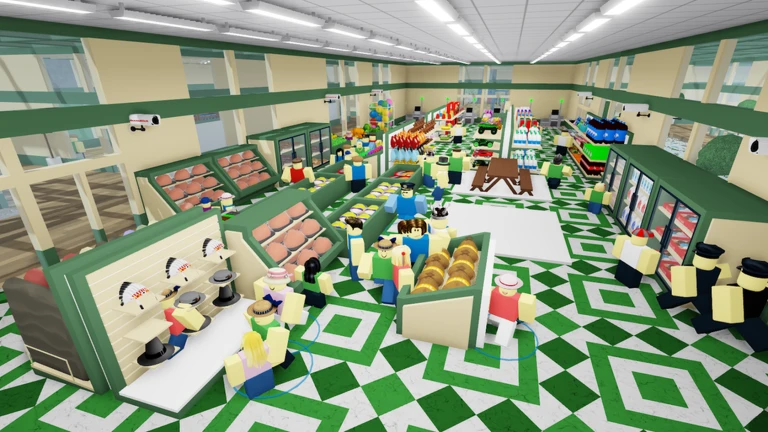
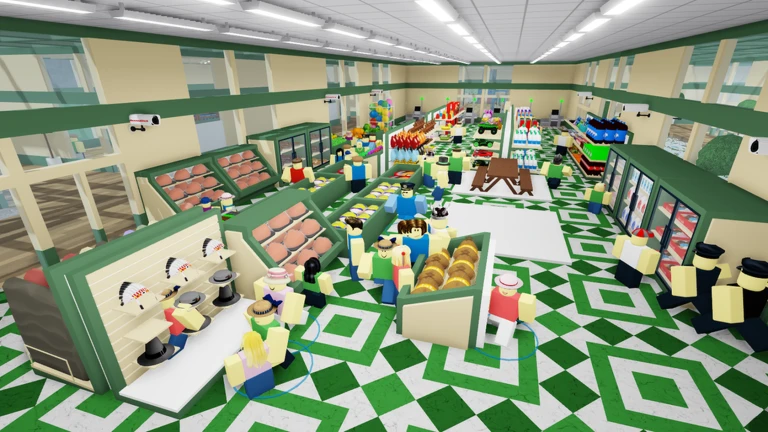
OverviewStore Empire [Summer] is a free store-building tycoon on Roblox where you stock shelves, hire employees, and grow your shop to attract as many customers as possible. This guide covers how to lay out your store, which items to sell first, how customers behave, and how the bakery system works.
What is on this page
Contents
Player notes and tips
Found a useful trick? Share it with everyone! Notes with screenshots are welcome!
Write a guide note
Store Empire [ Summer ]
01
Starting layout for your store
Step
In short
Getting your cash registers and entrances right from the start saves you a lot of rearranging later.
Before you place a single shelf, think about how customers will move through your store. A clear path from the door to the register means faster sales and fewer customers wandering around doing nothing.
- Place cash registers near the front
put them close to the entrance so customers reach them quickly after picking up items.
-
Add multiple entrances at the front of your store so customers can get in and out without bottlenecking.
- Stock your shelves with a variety of items
customers buy more overall when they have more to choose from.
- Hire a Custodian early
customers sometimes leave trash, and you have to click it several times to remove it yourself; a Custodian cleans it automatically.
- Avoid large items like carpets and pipes at the start
they eat up physical floor space and storage space at the same time.
✦ Player polls!
MetaNew Player Survey

The next survey is being prepared.
02
Choosing what to sell
TipsIn short
Fast-selling popular items earn you more money over time than expensive slow-movers.
Not all items are equally worth stocking. The speed at which something sells matters more than its price tag, especially early on when you need steady cash flow.
Tips worth knowing
- Prioritize items that sell quickly rather than high-priced items that sit on the shelf for a long time.
- Stocking a lot of variety within one category
for example, filling a section with food items — pushes customers to buy more per visit.
- Skip large items like carpets and pipes early on; they take up too much space in both your store and your storage.
- Some items unlock more than once at different store levels, so do not be surprised if you see a familiar item appear again.
03 Live and upcoming events
Events
Events running now or coming soon. They have fixed dates, so check them first.
Live now
–
04
Customer types and what drives them
Table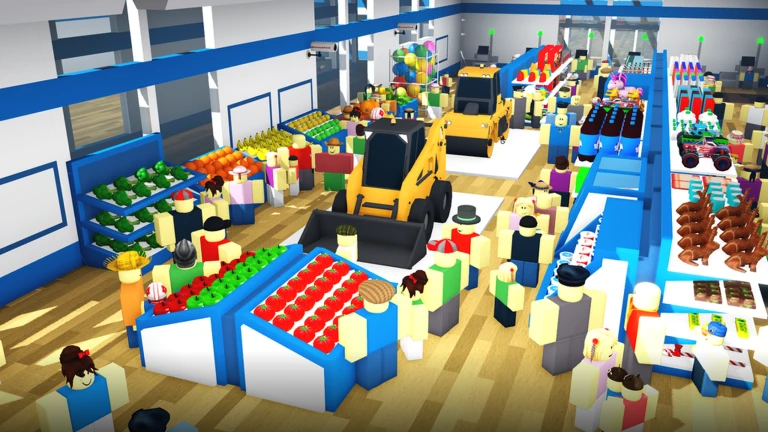
In short
Stocking the right items for the right customers is one of the main levers you have over your income.
Each customer type has different item preferences and a different amount of money to spend. Certain customers only show up when the items they want are actually on your shelves.
| Standard Customer | the most common visitor, arrives in a normal vehicle |
| Farmer Customer | arrives by tractor, uncommon |
| Trucker Customer | arrives in a semi truck, uncommon |
| Super Rich Customer | arrives in a neon gold limo, rare |
| Robber | does not pay for anything; only appears once your store reaches Level 6, uncommon |
05
Reading the customer menu
Check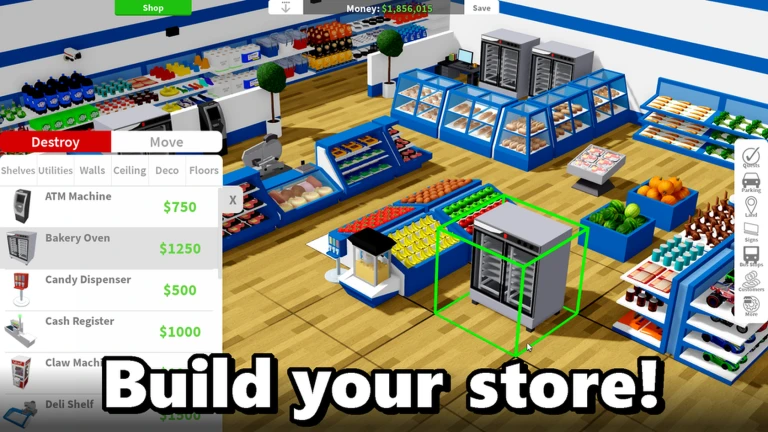
In short
The customer menu tells you everything you need to know about any shopper in your store, including whether they are a robber.
Click any customer to open their menu. It shows six pieces of information that help you understand what is happening in your store at any moment.
- Customer number tracks the total count of all visitors your store has ever had.
- Current action shows whether the customer is exploring, searching for an item, or actively buying.
- Customer type displays their category and flags them as a robber if they have been discovered.
- Items in cart shows how many items the customer has picked up so far.
- Money spent shows the total value of items in the customer's cart; robbers show $0 here.
- Time in store shows how long that customer has been inside.
06
The bakery system
Summary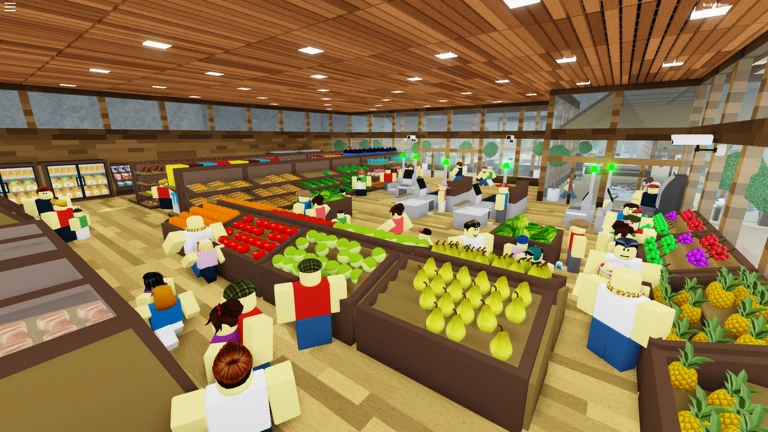
In short
Bakery items cannot be bought and stocked like normal products — you have to produce them yourself using the Bakery Oven and a Bakery Worker.
The Bakery category unlocks at Store Level 8 along with the Bakery Oven, the Bakery Worker, and the Bread Shelf. Raw Dough cannot be sold directly; it must be processed first.
- Unlock level
Store Level 8 unlocks the entire bakery system at once
- Raw input
Raw Dough goes into the Bakery Oven and cannot be sold as a standalone item
- Croissants
produced at the oven, sold for $25 on a Bread Shelf
- Mini Loafs
produced at the oven, sold for $30 on a Bread Shelf
- Loafs
produced at the oven, sell for $35 on a Bread Shelf
07
Shelf types and what they carry
Tips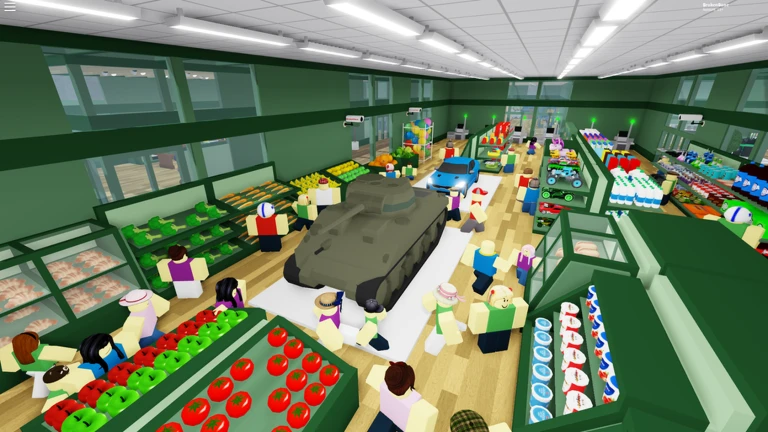
In short
Buying the wrong shelf for an item means you cannot stock that item at all, so check shelf compatibility before you spend.
Shelves are placed in Build mode and are the only way customers can take items. Each shelf accepts only specific item categories, so your shelf choices directly control what you can sell.
Tips worth knowing
- The Standard Shelf is available from Store Level 1 and is the most flexible starting option.
- Food items are split across several specialized shelves
Cooler Shelves for dairy and baked goods, Produce Racks and Produce Shelves for fruits and vegetables, and Freezer Bunkers for frozen items like pizza.
- Clothing needs its own racks
Circular, Square, or Straight Clothing Racks handle shirts, pants, and coats, while the Hat Shelf covers headwear.
- Some shelves are locked behind quests rather than store levels
for example, the Bike Rack requires you to maintain $7,500 income with five or fewer pieces of garbage for five minutes.
- Water floor tiles block customers from walking on them, so plan your floor layout carefully before placing them.
Glossary
Glossary- Tycoon
- A game genre where you earn money to expand and upgrade a business or property.
- Custodian
- An employee you hire who automatically picks up trash that customers leave behind.
- Robber
- A customer type that takes items without paying; starts appearing once your store reaches Level 6.
- Unique Customer
- A special customer with a distinct look, vehicle, and item preference who only visits when their favorite items are stocked.
- Networth
- The combined value of everything in your store, used to measure how much your store is worth overall.
- Inventory
- The in-game screen where you browse and purchase items to place in your store.
Common questions
FAQWhy aren't customers buying very much?
Adding more variety to your shelves is the most direct fix — customers buy more items when they have more to choose from. Make sure you also have multiple entrances so customers are not getting stuck at a single doorway.
How do I deal with trash in my store?
You can click a piece of trash multiple times to remove it yourself. Once your store is big enough that manually cleaning becomes a hassle, hire a Custodian and they will handle it automatically.
Is it a bug that I keep unlocking the same item at different store levels?
It is not a bug. Certain items are intentionally set to unlock at more than one store level. Ice, for example, unlocks at both Store Level 4 and Store Level 6.
How do I get bakery items on my shelves?
You cannot buy bakery items directly from the inventory. You need a Bakery Oven and a Bakery Worker to turn Raw Dough into finished products like Croissants, Mini Loafs, and Loafs, which then go on a Bread Shelf. The whole system unlocks at Store Level 8.
Updated Nov 3, 2026
Game updates can change what is on this page. If you spot something, get in touch and let us know.
