
Steel Titans — Core controls for moving and firing
About
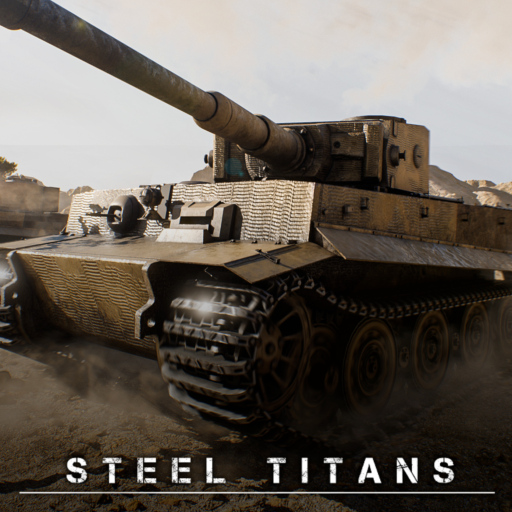
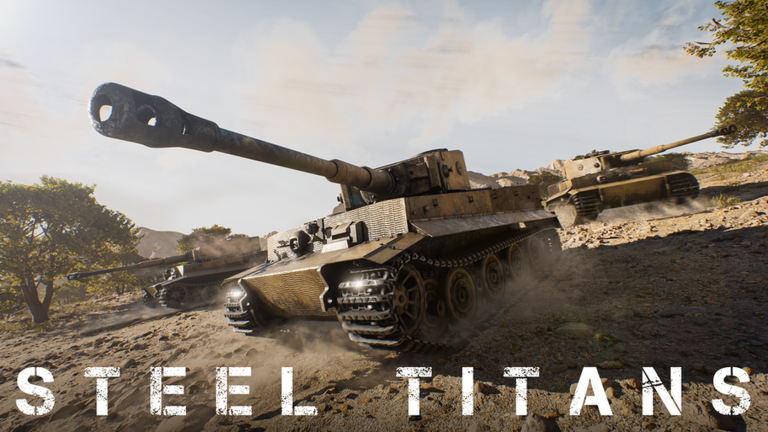
OverviewSteel Titans is a tank combat game on Roblox with over 160 historically accurate tanks, built around one-on-one PvP matches. This guide covers the controls you need to know, how to use your tank's tools effectively in a fight, and how the season system works so you can chase every badge.
What is on this page
Contents
Core controls for moving and firing
Step
Every tank shares the same control layout, so getting these down once means you are ready for any vehicle. Movement and shooting are handled separately, and so are your two guns.
- Move use WASD to drive forward, backward, and turn.
- Aim hold right-click to switch into scope view, which zooms in and makes distant targets easier to hit.
- Fire primary left-click shoots your main gun; use keys 1, 2, or 3 beforehand to pick which ammo type you want loaded.
- Fire secondary press Space to fire your secondary gun; keys 4, 5, or 6 change its ammo type.
- Change view tap V to cycle through camera perspectives.
Situational tools that swing a match
Tips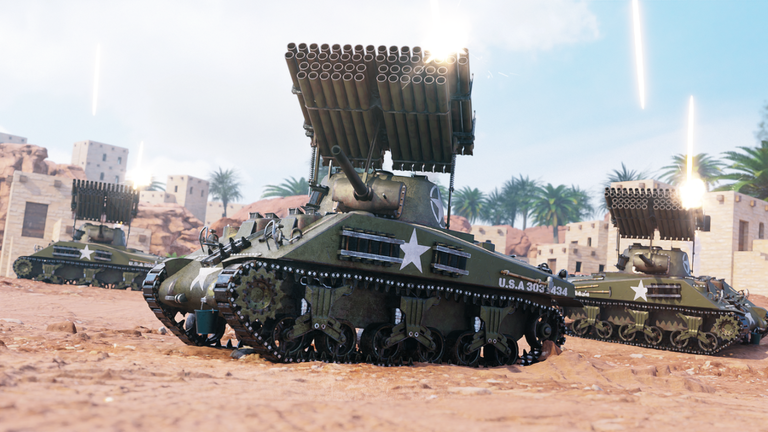
Beyond basic shooting, Steel Titans gives every player several support tools on the keyboard.
- Press Q to pull up binoculars and scan the battlefield.
- Press E to spot an enemy, which marks their position for your team.
- Press Tab to open the score menu and read how the match is going at any moment.
- Press C to lock your turret in place.
- Press X to switch to an X-ray view of your own tank's internal modules.
- Press T to toggle your tank's special action.
How the season system works
Summary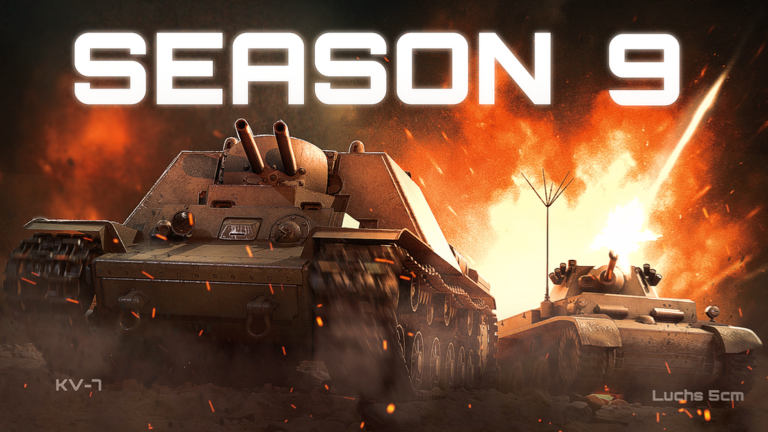
Steel Titans has run nine seasons since launch. Each season ends eventually. Two seasons have a distinct theme — Season 8 is the winter season and Season 9 is the spring season.
- Season 1 the original season, now gone
- Seasons 2 through 7 completed in sequence, each with its own badge
- Season 8 the winter season, now badged
- Season 9 the current spring season, badge available on completion
Glossary
Glossary- Scope view
- A zoomed-in aiming mode activated by right-clicking, which makes long-range shots easier to land.
- Primary gun
- Your tank's main weapon, fired with left-click; ammo type is selected with keys 1, 2, or 3.
- Secondary gun
- A second weapon fired with Space; its ammo type is set with keys 4, 5, or 6.
- Spot
- Pressing E marks an enemy's position so teammates can see where the threat is.
- Turret lock
- Pressing C fixes your turret in its current direction.
- Module
- An internal component of your tank; pressing X shows all modules in X-ray.
- Special action
- A tank-specific ability toggled with T.
- Season badge
- An achievement awarded only for fully completing a season.
Common questions
FAQHow do I earn a season badge?
You have to fully complete the current season before it ends.
What is the difference between my primary and secondary gun?
Your primary fires with left-click and loads ammo with keys 1, 2, or 3. Your secondary fires with Space and loads ammo with keys 4, 5, or 6.
How many players are in a match?
Matches are one-on-one, so each room holds two players.
Why should I bother with binoculars if I have a scope?
Binoculars with Q let you observe enemies, while scope view with right-click is for actively aiming your gun.
Game updates can change what is on this page. If you spot something, get in touch and let us know.
