
Waterpark Oceanic — First steps when you join
About
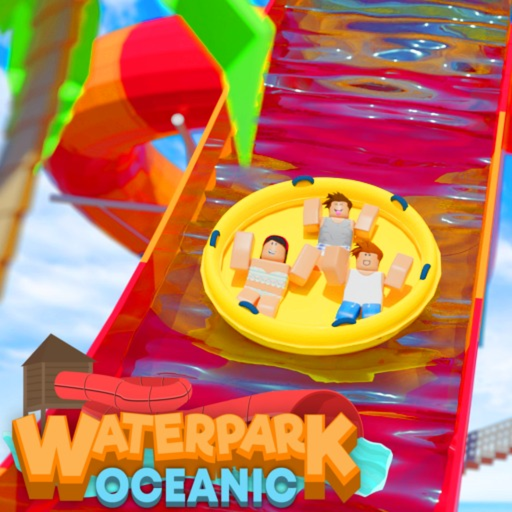
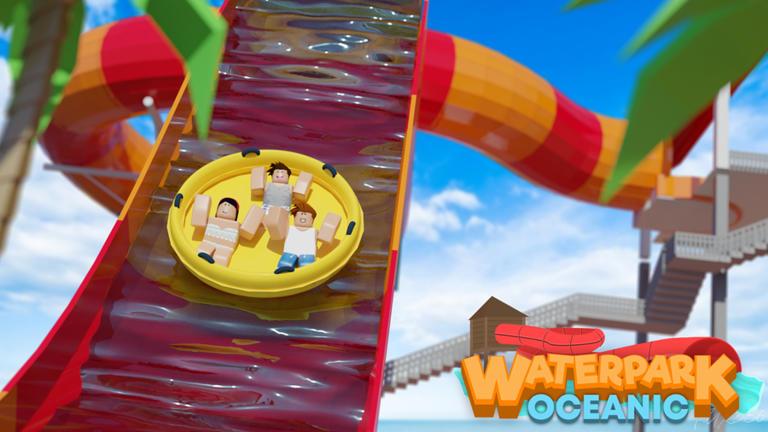
OverviewWaterpark Oceanic is a relaxed simulation game where you ride a variety of water slides across a large park.
What is on this page
Contents
First steps when you join
Step
When you spawn in, take a few minutes to walk around and get your bearings — the park is large enough that you can miss things if you rush.
- Check your spawn area look at the facilities visible from where you start so you have a rough mental map.
- Walk the edges of the park hidden slides can sit in corners away from the main paths.
- Approach a slide and interact get close to a slide and follow the on-screen prompt to board it.
- Try the simplest-looking slide first starting with a gentler course lets you get comfortable with how the controls feel.
What makes each slide different
TipsThe slides are not all the same — some drop you fast and straight, others wind and curve on the way down, and some build speed gradually.
- Look at the full slide from the outside before you board it so you know roughly what to expect.
- Notice whether the course curves tightly or runs in long straight sections — that changes how the ride feels completely.
- Ride the same slide more than once, because knowing the layout lets you appreciate the speed and drops more the second time.
- Riding at the same time as another player creates a natural race even without any formal competition system.
Keeping the game fresh
CheckOnce you have ridden every slide at least once, the next layer of fun comes from varying your approach.
- Have you tried chaining two or more slides back to back as a personal route through the park?
- Have you raced another player down the same course at the same time?
- Have you slowed down and just looked at the park's scenery and decorations rather than rushing to the next slide?
Playing on a phone or tablet
TipsThe game works on touchscreen devices, but the controls take a little more getting used to than on a computer.
- Open Roblox's settings and turn camera sensitivity down — this stops the view from swinging wildly when you swipe.
- Use both thumbs at the same time, one for moving and one for adjusting the camera, rather than switching between the two.
- A larger screen, such as a tablet, gives your thumbs more room and makes the on-screen buttons easier to hit accurately.
What you can do without spending anything
SummaryAll the slides are accessible without any purchase. Optional items exist but do not change what you can ride or where you can go.
- All slides free to ride with no purchase needed
- Cosmetic items optional and not required to access any part of the park
- Developer group free to join for news and updates
- Core gameplay fully available to every player regardless of spending
Online safety basics
WarnKeeping yourself safe online is important.
Glossary
Glossary- Slide
- A water-filled chute you ride from top to bottom; the main attraction in the park and the centrepiece of the game.
- Attraction
- A general term for any rideable feature in the park, including all the different slides.
- Developer group
- A free Roblox community run by the game's creators where you can find news and updates about the game.
Common questions
FAQWhat should I do when I first join the game?
Walk around the whole park before committing to any one slide so you get a sense of what is available. Once you have a rough picture, pick the most approachable-looking slide and ride it.
How do I play with friends or other players?
Board the same slide at the same time as another player and you automatically get a race-like experience. You can also just explore the park together and move between attractions as a group. If you use the Roblox chat to coordinate, keep your personal information to yourself.
The controls feel awkward on my phone. What can I do?
Go into Roblox's settings and reduce camera sensitivity first. After that, practise using both thumbs simultaneously so you are not switching back and forth between moving and looking. A larger screen helps too, so a tablet is more comfortable than a small phone.
I have ridden all the slides and I am getting bored. What now?
Try designing a personal route that links two or more slides into one continuous run. Racing another player down the same course at the same time gives a completely different feel to a solo ride. You can also slow down and spend time just looking at the park itself.
Game updates can change what is on this page. If you spot something, get in touch and let us know.
