
Ragdoll Simulator — Controls for every platform
About
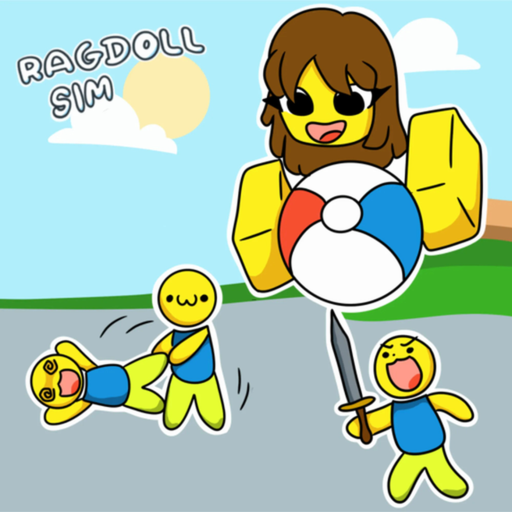
OverviewRagdoll Simulator drops your character into a realistic physics engine where you can ragdoll, float with anti-gravity, and survive zombie waves with friends. This guide covers controls for every platform, how to get the most out of the physics, and how to trigger the Halloween event.
What is on this page
Contents
Controls for every platform
Table
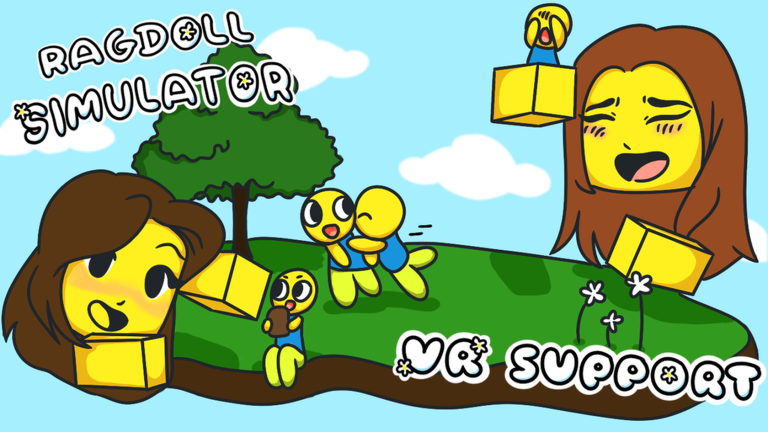
The game works on desktop PC, Xbox, and VR, and each platform has its own set of controls. All three share the same three actions — ragdoll, first-person view, and anti-gravity — just mapped to different inputs.
| Ragdoll | F on desktop, X on Xbox |
| First-person view | T on desktop, Y on Xbox |
| Anti-gravity | R on desktop, B on Xbox |
| VR movement | use your right joystick and right hand to aim the direction you want to go |
| Safe Mode | tap the shield icon on the left side of your screen |
What ragdoll and anti-gravity actually do
Tips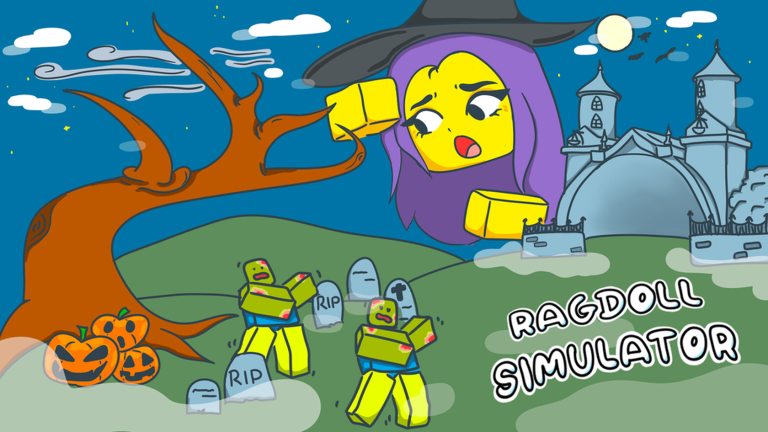
Ragdoll hands control of your character entirely to the physics engine, so you tumble, slide, and bounce off everything around you. Anti-gravity lifts you off the ground so you can drift through the air. First-person view works on top of either state, giving you a completely different perspective on the chaos.
- Anti-gravity can carry you to spots on the map you cannot reach by walking normally.
- Switching to first-person while ragdolling makes the whole experience feel much wilder.
- Both ragdoll and anti-gravity are free to use as many times as you want.
Triggering the Zombie Apocalypse event
Step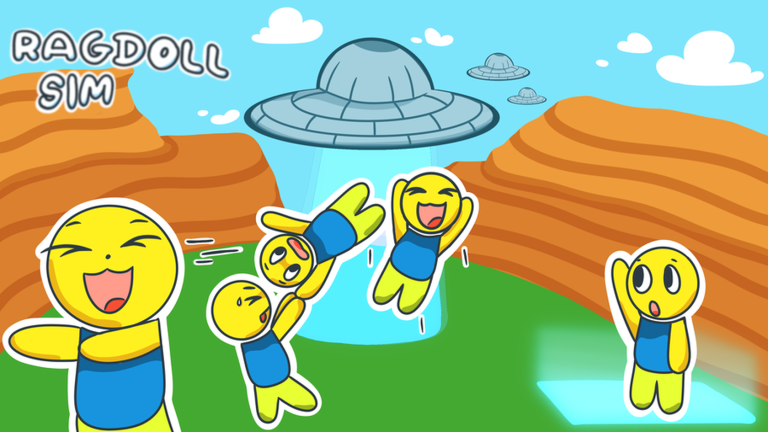
The Halloween update added a co-op survival event that kicks off near the rocketship. You need a full group of four players — yourself and three friends — before anything happens.
- Recruit friends invite three other players so your group totals four people.
- Head to the rocketship all four of you need to gather near it for the event to trigger.
- Survive the waves zombie attacks begin automatically once the trigger condition is met.
Exploring the map for badges
Tips
Five official badges are in the game. One rewards you for hitting a bullseye somewhere on the map, and another for launching yourself all the way into space. A third is earned simply by playing.
- Walk around the full map — the bullseye badge requires you to find and hit a specific target, so explore rather than staying in one spot.
- To reach space, use anti-gravity and keep going up — the SKY HIGH badge confirms you made it.
- The Thanks for Playing badge unlocks just from loading in, so you get it on your first session.
- Meeting one of the game's creators in a live session earns its own badge, so check who else is in your server.
Glossary
Glossary- Ragdoll state
- A mode where the physics engine takes full control of your character, causing it to tumble and bounce off anything it hits.
- Anti-gravity
- A feature that removes gravity from your character, letting you float and drift freely through the air.
- First-person view
- A camera mode that puts you behind your character's eyes instead of watching from behind them.
- Safe Mode
- A setting turned on by tapping the shield icon on the left of the screen.
- Zombie Apocalypse event
- A Halloween update event triggered near the rocketship when four players gather there, sending waves of zombies at the group.
Common questions
FAQHow do I stop my character from being stuck in ragdoll?
Press the same button you used to start it — F on desktop or X on Xbox.
Can I play the zombie event with fewer than four people?
The event requires you and three friends — four players total — gathered near the rocketship before it triggers. You need the full group.
Is VR harder to control than desktop or Xbox?
The basics are straightforward: aim your right joystick and right hand toward where you want to go.
Game updates can change what is on this page. If you spot something, get in touch and let us know.
