
Field Trip Z Guide: First steps when you load in
About
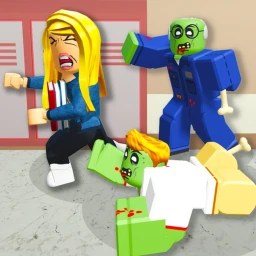
OverviewField Trip Z is a PvE horror survival game on Roblox where unexpected events throw you into an apocalyptic world. You never fight other players — the challenge comes from the environment itself. This guide covers how to get started, manage your inventory, push through puzzles when you're stuck, and play well with others.
What is on this page
Contents
Player notes and tips
Found a useful trick? Share it with everyone! Notes with screenshots are welcome!
Write a guide note
Field Trip Z
First steps when you load in
Step
The game drops you into a world full of items to find and puzzles to unlock. Take a full look around before you move on, and pick up anything you can reach. If you hit a wall and can't progress, look for clues in the space you're already in.
- Scan your surroundings
rotate the camera a full 360 degrees and check for anything you can pick up before moving on.
- Pick a direction
commit to one path so you learn how the game is structured and what kinds of events to expect.
- Read everything
signs and in-game text are there to hint at what you should do next, so don't skip them.
- Check for teammates
if other players are nearby, moving together makes scary moments easier to handle.
- Return when stuck
if you can't move forward, treat your current location as unsolved and search it again from scratch.
MetaNew Player Survey

The next survey is being prepared.
Light sources and early exploration
CheckA lot of the game takes place in dark environments where you cannot proceed without a way to see. A flashlight or similar item is important to find when you first start exploring. Beyond that, the early game is about building up a small toolkit of items you'll need for puzzles — grab things that look useful and hold on to them until you know what they're for.
- Light source secured before heading into dark areas
- Puzzle-related items kept in inventory rather than discarded
- Each room searched carefully before moving to the next
- Inventory checked for unused items whenever you feel stuck
- In-game text read in each new area for directional hints
Inventory management across the whole game
Tips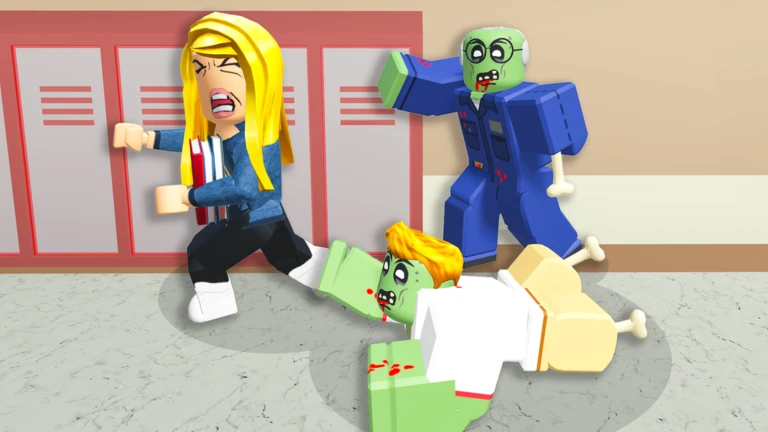
The world is filled with items, but your inventory has a limit. Get into the habit of tidying up before you push into unexplored space. When you're playing with others, you can lean on teammates to hold items temporarily if you run out of room.
- Clear out low-priority items before entering a new area so you have space to pick up anything important.
- Stack items where the game allows it to free up extra slots.
- If you're lost in a large space, place an item as a landmark to mark where you've already been.
- When playing with others, ask a teammate to hold something if your inventory is full rather than dropping it in an unknown spot.
Getting unstuck on a puzzle
Table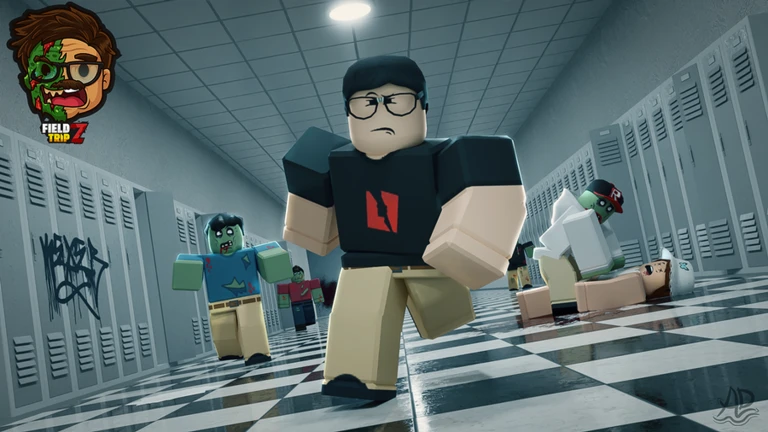
Puzzles are the core of Field Trip Z, so hitting a wall is a normal part of playing. Most blockages come down to a missing item, a missed path, or an unused item already sitting in your inventory.
| Missing item | open your inventory and count what you have; if something feels absent, go back and re-explore earlier rooms. |
| Unseen path | walk along walls slowly, because hidden corridors and overlooked ledges are common. |
| Unused inventory item | scroll through everything you're carrying and think about whether any of it fits the current situation. |
| Unread clue | check whether there is any in-game text or signage in the area you haven't absorbed yet. |
Playing with a group
Tips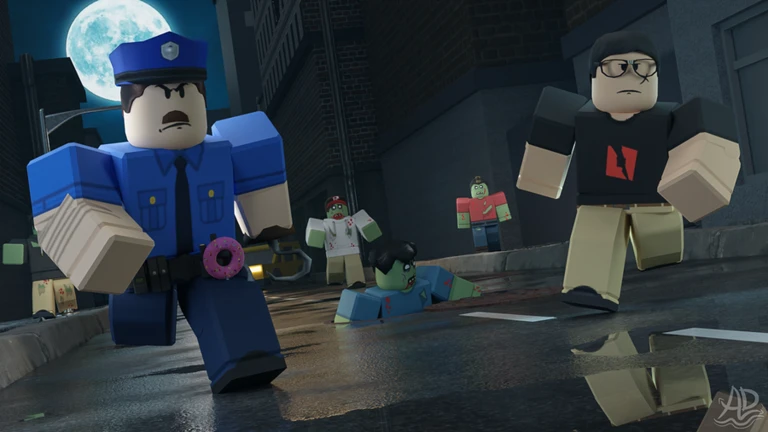
The game works perfectly well solo, but a group makes puzzle-solving faster and the horror elements less stressful. Keep each other informed constantly.
- Tell your teammates immediately when you find an item or a clue.
- Ask a teammate to hold something for you rather than dropping it when your inventory is full.
- Before one person acts on a puzzle, make sure the whole group has seen it.
- If you're playing with someone who speaks a different language, pointing at items and reacting to events still gets the message across.
The horror level and what to expect
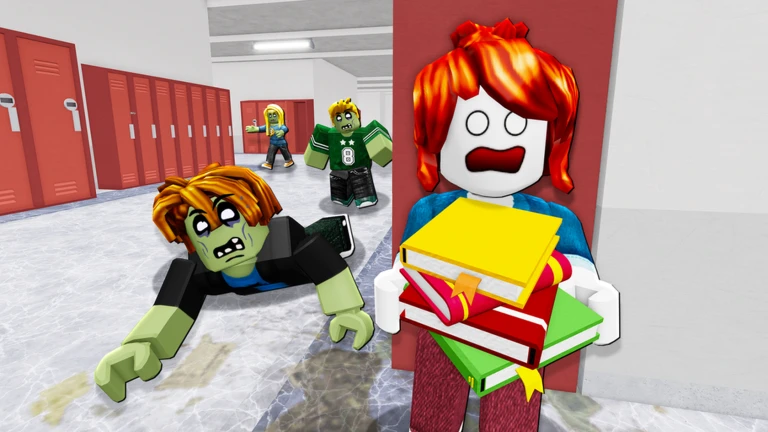
WarnField Trip Z leans into atmosphere — dark spaces, strange sounds, and sudden events. The content rating on Roblox notes blood and violence. The audio is part of how the game tells its story, so find a volume that feels comfortable before you start.
Glossary
Glossary- PvE
- Short for Player vs Environment — you only ever face computer-controlled threats, never other players.
- Inventory
- The screen where you manage everything your character is carrying, which has a limited number of slots.
- Light source
- An item such as a flashlight that lets you see in the game's dark environments.
- Interactive element
- An object in the world, like a switch or button, that you can activate to trigger a change somewhere in the level.
- Area
- A distinct section of the game world; new areas open up as you solve puzzles and push further into the story.
Common questions
FAQIs this game too scary for younger players?
The game is built around atmosphere rather than relentless scares, and it carries a minimal content rating on Roblox, though the platform does note blood and violence. Players who are sensitive to dark environments and sudden audio events should be aware of those elements before starting.
Can I play solo?
Yes — the game is fully designed to be completed alone. Playing with others is also completely free.
Game updates can change what is on this page. If you spot something, get in touch and let us know.
