
Zombie Uprising — Getting started in your first game
About
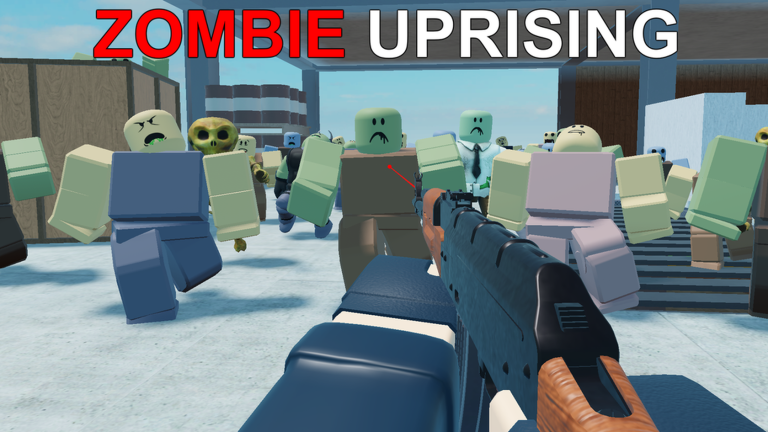
OverviewZombie Uprising is a co-op survival shooter where you and your friends fight through waves of zombies using more than 150 customizable weapons across a variety of maps. This guide covers how to get started, how to grow stronger, and what to do when the later rounds start to feel impossible.
What is on this page
Contents
Getting started in your first game
Step
When you first load in, you choose a starting weapon. Playing with friends makes even early rounds more manageable, since you can cover each other.
- Choose a weapon pick something straightforward until you know how the game feels.
- Play with friends team up so you have backup.
How points and cash work
Table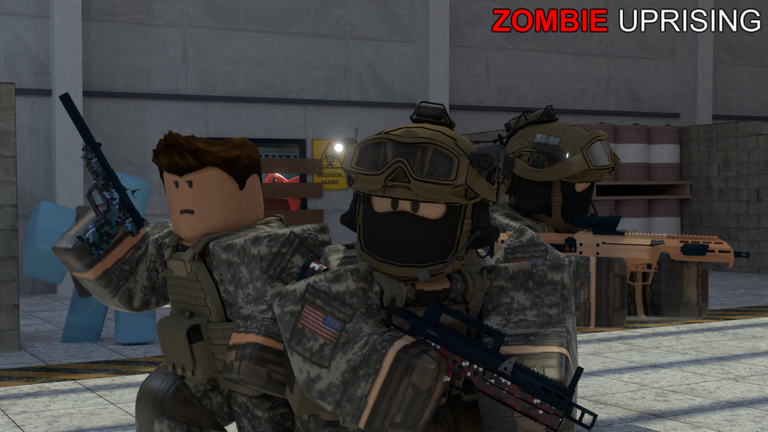
The game runs on two currencies. Points come from killing zombies and go toward upgrading weapons and buying new gear. Cash is tied more to paid content. If you join the in-game USSF group or have Roblox Premium, you get a ten percent boost to both currencies plus 1,500 extra points at the start of each game. Beta testers also receive a permanent ten percent boost to money and points earned.
| Points | earned by killing zombies; used for weapon upgrades and equipment. |
| Cash | used for the Battle Pass and item shop purchases. |
| Starting bonus | 1,500 extra points per game for Roblox Premium members and USSF group members. |
| Currency boost | +10% to cash and points for Roblox Premium members, USSF members, and beta testers. |
| Free play | all core weapons and maps are available without spending anything. |
Upgrading weapons with the Model 115
Step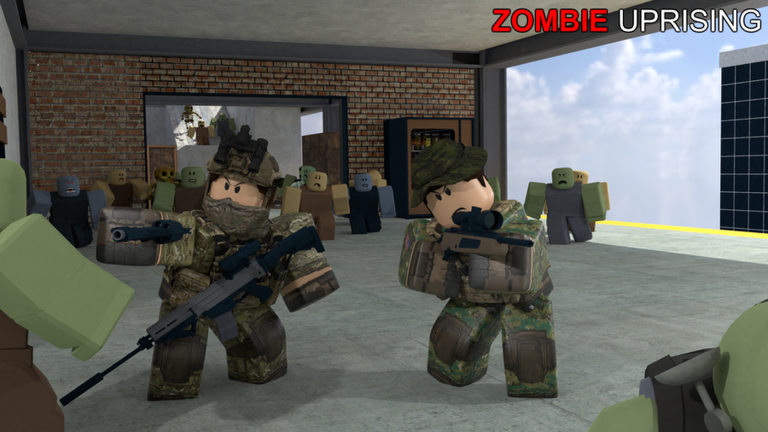
There is a machine called the Model 115 Upgrader that can strengthen your weapons. It does not become available automatically — you have to unlock it first by filling all four soul spheres.
- Find the soul spheres there are four of them spread across the map.
- Kill near each sphere slay 100 zombies in the vicinity of each one to fill it up.
- Fill all four the Model 115 Upgrader only unlocks once every sphere is completely filled.
- Use the machine walk up to the Model 115 Upgrader and upgrade a weapon of your choice.
Perks and turrets
CheckThere are six perk slots available to your character. Running all six at once gives you the strongest possible setup. Turrets are a separate tool — you activate them rather than carry them — and they add automatic firepower to your position.
- Work toward filling all six perk slots.
- Locate turrets on the map and activate them to add extra damage output.
Progression milestones worth knowing
SummaryThe game tracks both rounds survived and total kills across your whole career.
 AUGUST2021
This code credits your account with 5,000 Cash .
shotgun
$5,000
MELEE
SUMMER 2020
AUGUST2021
This code credits your account with 5,000 Cash .
shotgun
$5,000
MELEE
SUMMER 2020
Glossary
Glossary- Soul Sphere
- One of four objects on the map that you fill by killing 100 zombies nearby; all four must be filled to unlock the Model 115 Upgrader.
- Model 115 Upgrader
- A machine that becomes available once all four soul spheres are filled, used to upgrade your weapons beyond their base stats.
- Perk
- A passive bonus you equip to your character, with six slots available to fill.
- Turret
- An automatic weapon you activate in the map to add extra firepower to your position.
- Points
- The main in-game currency earned by killing zombies, used to upgrade weapons and buy equipment.
- Cash
- A second currency used primarily for the Battle Pass and the item shop.
- USSF
- The in-game Roblox group that gives members free skins, 1,500 starting points, and a ten percent boost to cash and points earned.
- Battle Pass
- A paid item that rewards cases, income boosts, weapons, and skins as you progress through it.
Common questions
FAQCan you play Zombie Uprising without spending Robux?
Yes. All core weapons and maps are available for free, and points earned from killing zombies are enough to upgrade your gear. The Battle Pass and cosmetic items are optional.
How do I unlock the Model 115 Upgrader?
Find each of the four soul spheres on the map and kill 100 zombies near each one to fill it. Once all four are filled, the Model 115 Upgrader becomes available for use.
Does it matter what platform I play on?
The game runs on computer, mobile, tablet, and console, and the content is the same across all of them.
Do weapon skins affect how strong a weapon is?
No. Skins only change the appearance of a weapon and have no effect on damage, fire rate, or any other stat.
Game updates can change what is on this page. If you spot something, get in touch and let us know.
