
Space Sailors — Getting to the rocket and launching
About
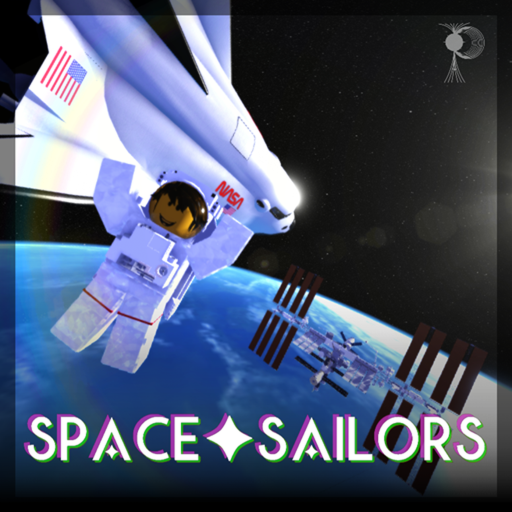
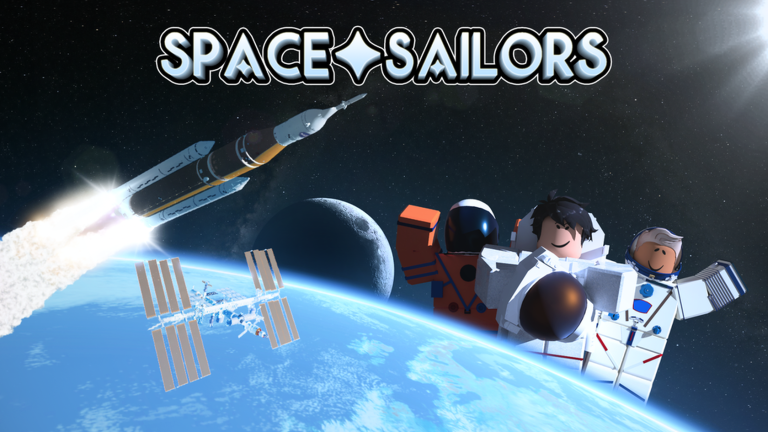
OverviewSpace Sailors is a Roblox spaceflight game where you ride rockets, visit the International Space Station, land on the Moon, and push further out to Mars and Ceres. This guide walks you through getting off the ground, earning money, collecting distance badges, and tackling the hardest challenge the game offers.
What is on this page
Contents
Getting to the rocket and launching
Step
You spawn at the Spaceport Resort on Pistol Island. The SLS rocket sits on Artemis Island, and the quickest way there is one of the four speedboats at the docks — press a button and they drive themselves. Avoid the elevators inside the launch tower since they bug out regularly; the access ladders are slower but dependable. The launch creates a very loud shockwave, so turn your volume down before you press anything, especially with headphones on.
- Board a speedboat press the button at the dock and it will carry you to the launch site automatically.
- Climb the access ladder skip the buggy elevators and use the ladder to reach the Orion spacecraft at the top.
- Take the pilot seat sit in the left front seat; only that seat can start the launch.
- Press LAUNCH the countdown begins at T-minus 27 seconds and the rocket lifts off automatically.
- Watch for a malfunction there is a 1% chance the rocket fails; if it does, you can fire the Launch Abort System to escape safely and earn the Escaped! badge.
- Reach orbit the rocket needs to hit 25,500 studs per second to enter orbit, which takes roughly 8 to 15 minutes.
Where to go from orbit
Summary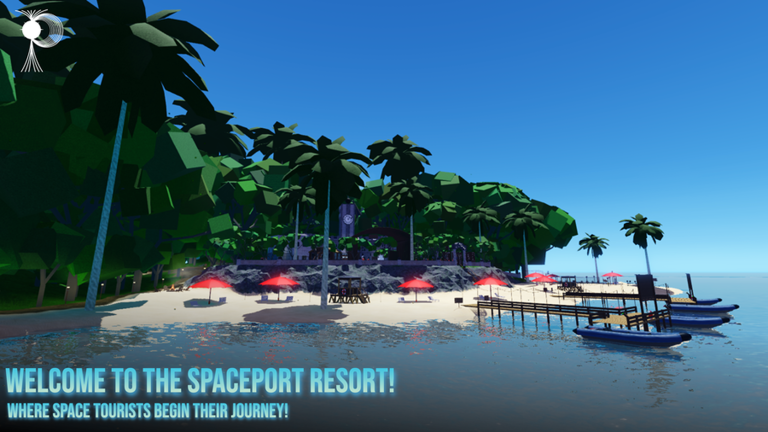
After the SLS reaches orbit, the pilot picks from several destinations. Solo and private servers let you fast-forward the long transit times, which makes planetary trips far more practical. The Soyuz at the Cosmodrome cannot fly directly to the Moon — to reach it in that rocket you must first rendezvous with the ISS and switch to an available Orion.
- Stay in orbit earns the One Full Orbit! badge after 90 minutes and Sixteen Sunrises! after a full day.
- Re-enter Earth splashdown in the ocean for the Splashdown & Recovery badge.
- International Space Station dock here for spacewalk repair jobs and steady income.
- Lunar Gateway Space Station the transfer hub to the Moon, Mars, and Ceres.
- Moon land for the Moon Landing badge and access to LLAMA supply runs.
- Mars and Ceres further destinations with their own samples, minerals, and badges.
Earning money on each destination
Tips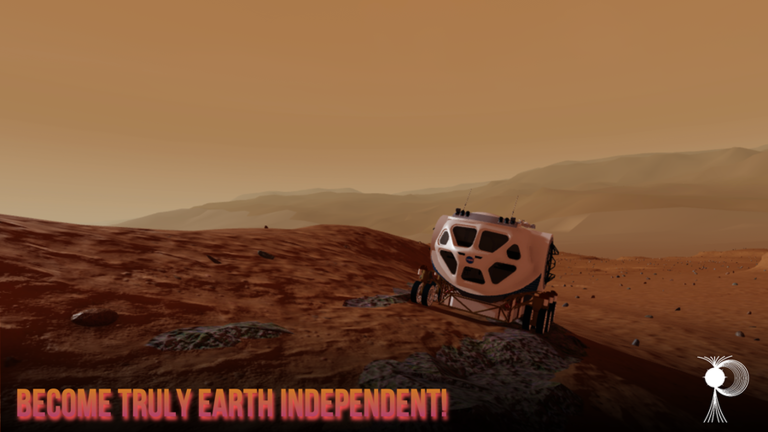
Money buys vehicles and items, but the current money system can lose progress due to bugs, so be aware of that risk. Solo servers cut all earnings by half, so avoid them when your goal is making cash.
- Bring samples back to Earth from the Moon, Mars, or Ceres to trigger a 2x multiplier on all resources.
- Land the HL-20 cleanly on the KSC runway for a reward of 8,500 in-game dollars or more.
- On the ISS, go on spacewalks to replace dead batteries, fix SGANT antennas, repair CMGs, patch solar panel holes, and dock supply spacecraft.
- On the Moon, carry supply boxes and cargo containers from the unmanned LLAMA station to one of the three dorms — more dangerous cargo pays more.
- On Mars, hunt for the Gem of Mars inside the pyramid; it pays around 60,000 dollars or more with a 1x multiplier.
- On Ceres, fly the ISSEV into orbit and service the Dawn Satellite for roughly 8,000 dollars or more.
- Every 50,000 units of distance traveled adds 0.1x to your money multiplier.
ISS manual docking in the Dream Chaser
StepManual docking is only available in a solo or private server. Launch the Dream Chaser from Launch Complex 41 in Florida, reach a parking orbit, and you will be teleported to the ISS with the docking sequence already started. Your ship spawns roughly 175 meters from the docking port, so consistent maneuvering is necessary throughout the approach.
- Switch to docking view press X to get the alignment camera; it makes the whole process much easier.
- Turn on SAS press T so the Dream Chaser stops drifting and rolling on its own.
- Move forward with N the backward key actually moves you toward the port because the ship faces at a 90-degree angle.
- Extend soft capture press Y before you make contact; docking will not work without it.
- Retract soft capture then hard capture press Y to retract, then B for hard capture to grip the port firmly.
- Pressurize the vestibule press P to complete docking, then climb through the hatch into the ISS.
Distance badges and AFK strategy
CheckBadges run from 10,000 km all the way to 1 AU — that is 150,000,000 km total. You do not have to earn all of that in one sitting; the game tracks cumulative distance. The ISS accrues distance faster than the Lunar Gateway, so it is the better AFK spot.
- Confirm you are on the ISS rather than the Lunar Gateway for faster distance gain.
- Remember the 1 AU badge (150,000,000 km) counts total lifetime distance, not distance in one session.
The Shooting Star badge
Step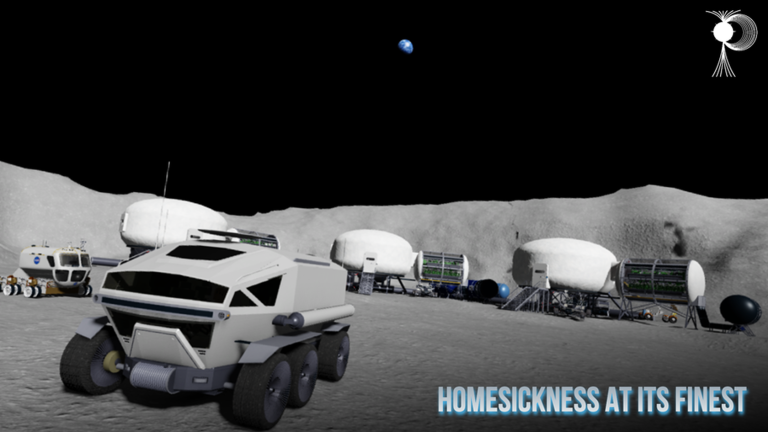
Standing on a specific yellow X mark at the base of the launch tower while the SLS ignites flings you out of the atmosphere and awards the badge. If no one else is around to launch the rocket, you can launch it yourself, jump out quickly, fall to the platform, and get into position before ignition.
- Travel to Artemis Island this is where the SLS launch tower stands.
- Find the yellow X it is on the platform you reach after taking the small access ladder or elevator near the base of the supports.
- Equip a parachute hold it before the rocket fires.
- Wait for launch or launch the rocket yourself, jump out, fall to the X, and equip the parachute before ignition.
- Get flung when the engines ignite you will be thrown clear of the atmosphere and the badge is awarded.
The 3 Day Challenge
Warn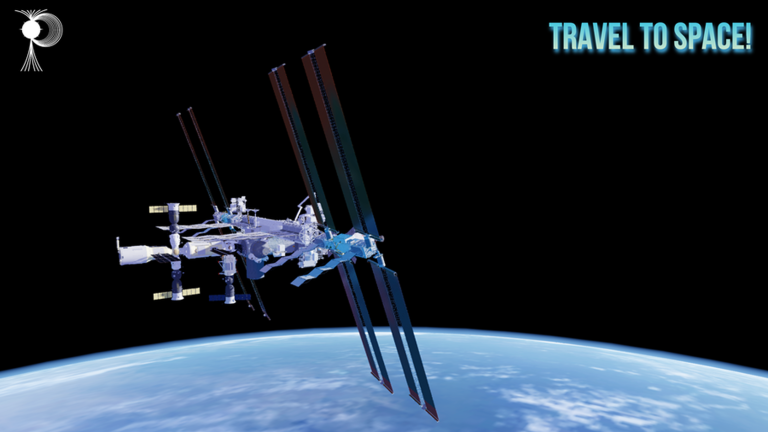
The challenge requires you to sit in the pilot seat of the Orion for a real-time journey of three days toward the Moon without fast-forwarding. Completing it gives you a 10x money multiplier that stacks with any multiplier you already have, all gamepasses unlocked for free, and the Golden Moon item with special movement powers including a walking speed of 160 studs per second, a jump height of 175 studs, a flame trail, and sparkles. A private server is strongly recommended to avoid unexpected shutdowns.
Tips for first-time players
TipsSpace Sailors is best experienced on a PC with graphics set to 9 or higher, as the developer recommends this for the full experience. Some features do not work properly on phones.
- Set graphics to 9 or above before you do anything else.
- Play on PC if you can — certain controls and features are limited or broken on mobile.
- The SLS has a 4-minute timer on the pilot seat, so sit down only when you are ready to launch.
- To reach Florida's KSC or the Cosmodrome, use the planes on the runway behind the Pistol Island forest — they are the primary way to reach those distant areas.
- Ground vehicles at Florida and KSC help you get around the large maps; the Charis at KSC is free, while the Ippos costs 32,000 and the Oppidan costs 18,000 in-game dollars.
- The orange SLS core stage has a 1 in 100 chance of spawning — it is a rare cosmetic variant.
Glossary
Glossary- SLS
- The Space Launch System, the main rocket in the game, capable of carrying up to four players to orbit, the ISS, and the Lunar Gateway.
- LAS
- The Launch Abort System at the top of the SLS that fires the Orion capsule away from a failing rocket, earning you the Escaped! badge.
- ISS
- The International Space Station in low Earth orbit, where you can dock, do spacewalks, and earn money from repairs.
- LGSS
- The Lunar Gateway Space Station orbiting the Moon, which serves as the jumping-off point for the Moon, Mars, and Ceres.
- LLAMA
- An unmanned blue fuel-tank facility on the Moon where you pick up cargo and deliver it to dorms for money.
- Dream Chaser
- A spaceplane launched from Florida's Launch Complex 41 that is used for manual docking to the ISS.
- Fast Forward
- A feature available in solo and private servers that skips the multi-day transit times between planets.
- SAS
- The stability assist system on spacecraft that prevents unwanted rolling and drifting, toggled with the T key.
- SEV
- A space exploration vehicle that costs 65,000 in-game dollars and can be used in orbit, including to service the Dawn Satellite at Ceres.
Common questions
FAQCan I play on a phone?
The developer states that some features will not work properly on phones and strongly recommends using a PC.
How do I get to Florida or the Cosmodrome?
Take one of the planes on the runway behind the Pistol Island forest — there are signs pointing to Florida, KSC, and the Cosmodrome. These planes are essentially the only way to reach those areas, aside from dropping there from a returning rocket.
Does the 1 AU distance badge require a single session?
No. The 150,000,000 km needed for the 1 AU badge counts your total cumulative distance across all sessions. You can chip away at it over many play sessions.
What do I get for completing the 3 Day Challenge?
You receive a 10x money multiplier that stacks with any existing multiplier, all gamepasses unlocked for free, and the Golden Moon item, which grants 160 studs-per-second walking speed, a 175-stud jump height, a flame trail, and sparkles. These movement powers cannot be turned off once activated.
Why did I lose my money progress?
The current money system is known to bug out and lose saved progress, so be aware that it can happen.
How does the Shooting Star badge work?
Stand on the yellow X mark near the base of the SLS launch tower while holding a parachute, and the engine blast at ignition will fling you out of the atmosphere, triggering the badge. It originated as a glitch but was kept in the game as an intentional challenge.
Game updates can change what is on this page. If you spot something, get in touch and let us know.
