
Transformers Simulator Guide: Controls you need to know before you start
About
OverviewTransformers Simulator lets you switch between a robot form and a vehicle form while fighting other players. This guide covers the controls, how each mode works, and how to hold your own in matches with up to seventeen players.
What is on this page
Contents
Controls you need to know before you start
Table
The table below maps every action to its PC key and its console button.
| Action | PC key | Console button |
|---|---|---|
| Open settings / choose character | Y | Y button |
| First Transformation | T | B button |
| Second Transformation | E | X button |
| Toggle flight (vehicle mode) | Mouse left click | L1 |
| Dodge Roll | Q (robot) / double-jump (air) | L2 or double-jump in air |
| Activate Drill | Y (robot mode) | — |
| Block Attack (toggle) | F | — |
| Attack | Caps Lock | — |
| Toggle Run / Walk | Shift | Left Stick |
| Move Camera (vehicle mode) | Mouse right click | — |
MetaNew Player Survey
The next survey is being prepared.
How robot mode works in a fight
Tips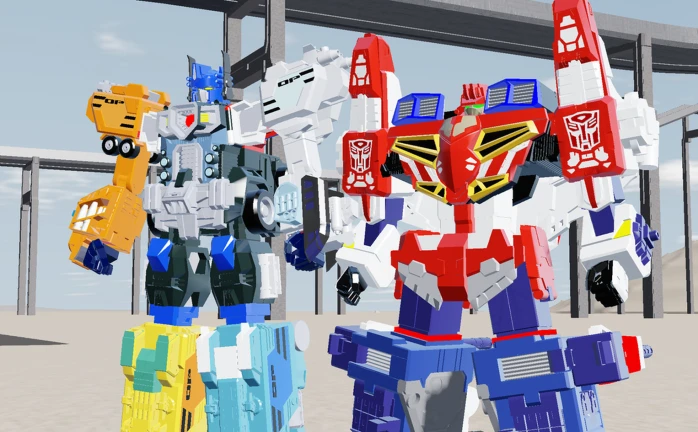
Once you transform with your First Transformation key, you are in robot mode and fighting on the ground. Regular attacks come out on Caps Lock, and you can pair them with your character's built-in weapon. Block is a toggle, so you can hold the guard up through a full enemy combo before dropping it to counter-attack.
- Block Attack is a toggle, so you can hold it across several incoming hits before you drop it and strike back.
- Shift toggles your speed between walking and running.
- Your character's built-in weapon has its own reach.
Picking your character and understanding weapons
Summary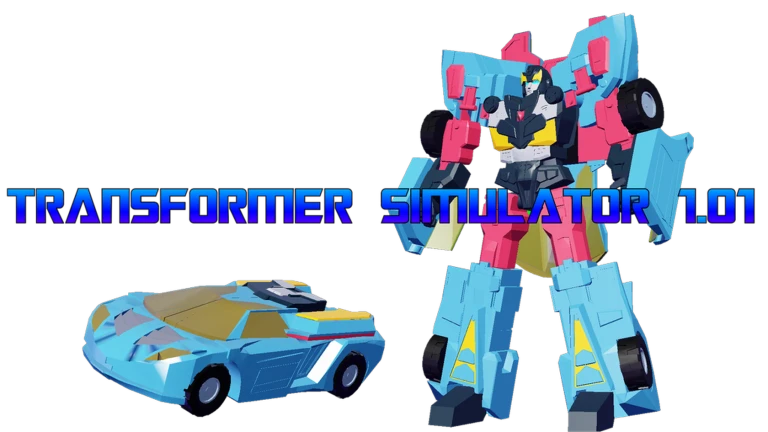
Open the settings screen with Y on PC or Y button on console to choose who you play as. A recent update gave characters built-in weapons, meaning the weapon you get is determined by the character you select.
- Settings screen open with Y on PC or Y button on console.
- Built-in weapons each character carries a specific weapon.
Glossary
Glossary- First Transformation
- Switching into your robot form using T on PC or B on console.
- Second Transformation
- Switching into your vehicle form using E on PC or X on console.
- Dodge Roll
- A quick evasive move triggered by Q in robot mode on PC, L2 on console, or by jumping twice in the air.
- Block Attack
- A toggled guard that absorbs incoming hits; press F on PC to turn it on or off.
- Drill
- A high-damage special attack available in robot mode, activated with Y on PC.
- Built-in weapon
- A weapon tied to a specific character that you receive automatically when you select that character.
Common questions
FAQDoes it matter which platform I use?
The game works on both PC and console. PC uses keyboard controls and console uses controller controls.
How do I report a bug or request a character?
The game's community hub on Roblox handles bug reports, suggestions, and character requests. You can find the link on the game's page.
What did the August 7, 2026 update change?
It overhauled the networking code to remove lag, and it introduced the built-in weapon system so characters can now use their own specific weapons in combat.
Game updates can change what is on this page. If you spot something, get in touch and let us know.
