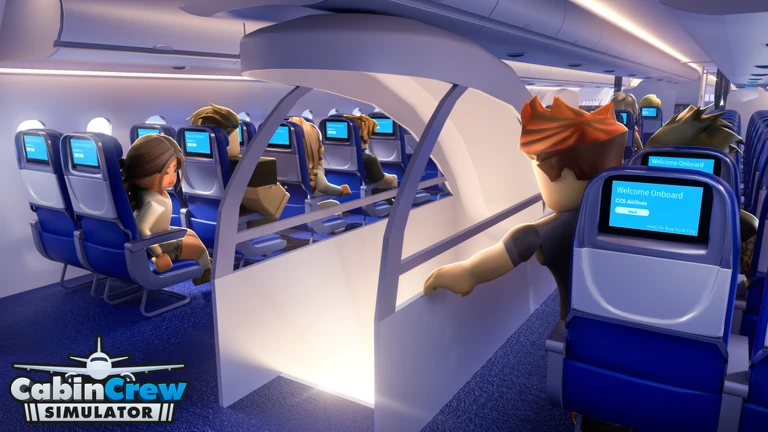
Cabin Crew Simulator puts you in charge of your own airline, where you design aircraft, choose meals, and look after passengers as a flight attendant. This guide covers everything from setting up your airline on day one to handling in-flight emergencies, spending Skybux wisely, and working toward long-term goals like crew upgrades and flight milestones.
In shortGetting your airline name, character, aircraft look, and meal choices sorted before your first flight sets you up for a smooth start.
When you first load the game, you work through a short setup before any flying happens. You pick a name for your airline, shape how your flight attendant looks, then design the outside and inside of your aircraft. After that, you choose which meals and drinks you will serve. Once all of that is done, your first flight is ready to launch.
Create your airlinechoose a name and appearance you are happy with, since this identity carries through the whole game.
Customize your attendantadjust your character's look before stepping into the cabin.
Design the aircraftuse paint colors and a logo to give your airline a look that stands out.
Pick meals and drinksglancing at your menu choices before takeoff makes it easier to find the right item quickly when passengers order.
Start your first flightaim to see one full flight through from boarding to landing before moving on.
In shortPassengers, overhead compartments, and the safety briefing are three separate tasks — missing any one of them will stop the flight from advancing.
Once passengers have boarded, there are several distinct steps to complete before you can depart. Checking passengers and closing overhead compartments are separate actions, so finishing one does not finish the other. The safety briefing must also be completed before the game lets you move to the next stage. If something is blocking progress, open your task list rather than tapping the same spot repeatedly.
Attend to each passengerapproach interactable passengers and follow the on-screen prompt for each one.
Close the overhead compartmentsthis is a separate action from passenger checks, so do it on its own pass.
Deliver the safety briefingskipping it prevents the flight from moving forward.
Open the task list if you are stuckit shows exactly what is still outstanding so you are not guessing.
03Live and upcoming eventsEvents
Events running now or coming soon. They have fixed dates, so check them first.
Live now –
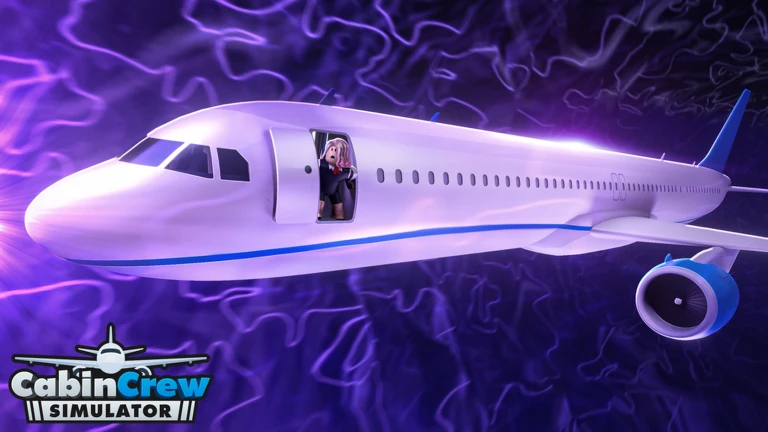
🎃 Halloween Update
✈️ What's New?
- New aircraft variant: A321XLR!
- Limited-time Halloween event with a 15,000 Skybux reward!
- 3 new ec…
In shortSwitching into service mode and working through passengers one at a time is the fastest way to get everyone served correctly.
Once the flight is in the air and the service stage begins, you need to switch into service mode before you can hand anything out. On a computer, press F to toggle it. On a phone or tablet, look for the service button on screen. Then work through passengers one at a time, checking what each person has ordered before selecting the matching item.
Switch to service modepress F on a computer or tap the on-screen button on mobile; nothing can be served until this is active.
Check the order displayconfirm whether the passenger wants a meal or a drink before reaching for anything.
Select the matching itempicking the wrong category wastes time, so take a moment to be sure.
Confirm the handoffwait for the delivery confirmation before moving to the next seat.
Work seat by seatone passenger at a time.
05
Rubbish collection and landing preparation
Tips
In shortThe flight is not over when the meals are distributed — rubbish collection and a final cabin check still stand between you and your Skybux.
After service wraps up, the job continues. Watch for the rubbish collection prompt, then walk the entire cabin to clear trays and wrappers. Before landing, run through the task list one more time to make sure nothing is left unfinished. Stay with the flight until passengers have fully disembarked before checking your Skybux reward.
Tips worth knowing
Walk to the back of the cabin during rubbish collection — rear seats are easy to skip and easy to forget.
Check the task list before landing — a quick look catches any remaining service that slipped through.
Do not stop at the landing animation — wait until passengers have disembarked before considering the flight done.
Review your Skybux payout after each flight.
06
Handling in-flight emergencies
Warn
In shortEach type of emergency calls for a different response, so read the on-screen instructions before acting rather than repeating whatever you did last time.
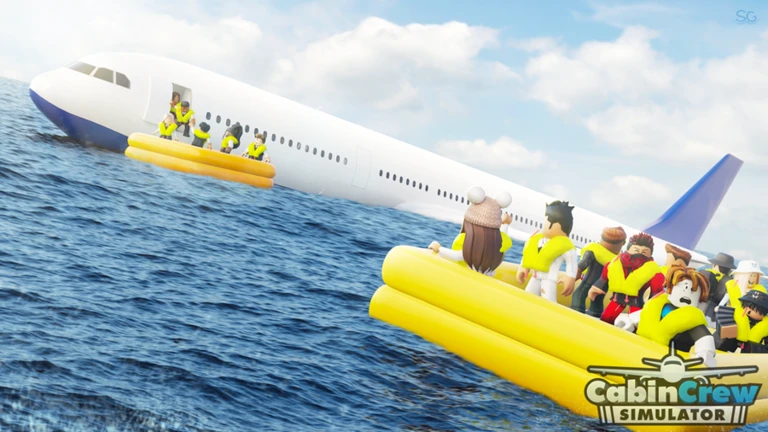
At any point during a flight an emergency can appear without warning — fires, severe turbulence, water landings, crash situations, a medical crisis, or unconscious pilots are all possible. Stop whatever service you are doing the moment an emergency is announced and identify what kind it is before touching anything.
Worth watching out for
Read the announcement before actingthe type of emergency determines everything that follows.
Cabin firestop service immediately and use the fire extinguisher located in the galley.
Medical emergencyuse the PA system and select the medical emergency option, then follow the screen prompts.
Unconscious pilotsfollow the on-screen guidance to take over the controls; scoring at least 75 in this scenario earns an additional badge.
Turbulence and emergency landingsfollow the captain's instructions and operate doors or assist passengers only when the prompts tell you to.
Do not wait for a crew member to handle itcheck the current instructions yourself and act on them.
In shortRoutine service builds a steady income, but missions are where your balance can jump quickly.
Skybux is the currency behind everything in the game. Pick one goal at a time — check the in-game price of what you want next before you start grinding for it.
Routine flights
steady Skybux with every completed flight, plus progress toward milestone badges at 10, 50, 100, 500, 1,000, 2,000, and 4,000 flights.
Mission completion
exciting and dangerous missions pay out more than standard service runs.
New aircraft
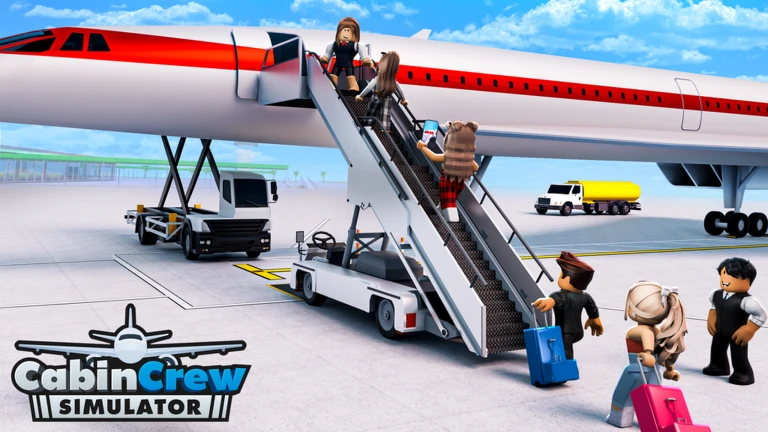
spend Skybux to add planes, including models with business class seating.
Cabin menu expansion
broadening your meal and drink selection improves what you can offer passengers.
Crew development
leveling a pilot crew to five stars in skill and safety, or a flight attendant to level 100, are long-term goals with badge rewards.
09
Extra things to do beyond regular flights
Tips
In shortThere are goals spread across co-op, daily logins, baggage handling, and crew development that give you something to aim for between flights.
Flying passengers is the core loop, but several other activities add variety and extra rewards. Joining the Cruising Studios group on Roblox unlocks its own badge. Daily rewards stack up if you log in on consecutive days, with milestones at two days and twelve days in a row. Some flights are multi-leg routes that return to their starting airport, and those count toward a separate badge.
Tips worth knowing
Fly with another player to unlock the co-op badge — it counts as long as you complete the flight together.
Log in on consecutive days to build your daily reward streak; two days and twelve days each trigger a badge.
Place a suitcase on the baggage scanner and collect it to earn the baggage handling badge.
Restrain a disruptive passenger or hand a pacifier to a crying baby when those situations appear — both have their own badges.
Complete ten missions to earn the Mission Accomplished badge, separate from your flight count total.
Join the Cruising Studios group on Roblox for an additional badge.
10
When progress feels stuck
Step
In shortMost slowdowns trace back to a missed task on the list, a mode that was not switched, or an emergency that needed a different response than last time.
If the flight will not move forward, the task list is always the first place to look. Do not tap or click the same spot repeatedly — check what is actually outstanding. If crew members are helping but things still are not finishing, treat the remaining tasks as yours to complete rather than waiting.
Open the task listlook at what is still showing as incomplete before doing anything else.
Confirm service mode is activeif you cannot hand out food or drinks during the service stage, F on a computer or the on-screen button on mobile toggles it.
Re-read the emergency instructionsif an emergency keeps ending in failure, the problem is almost always using the same response for a different type of crisis.
Community strategy ideas
Community
These ideas and tips come from people playing the game. Share your discoveries too!
No strategy ideas yet. Share a tip you discovered.
Share a strategy idea
✈️ Cabin Crew Simulator
Glossary
Glossary
Skybux
The in-game currency you earn by completing flights and missions, then spend on new aircraft, crew, and upgrades.
Sky Lounge
An area of the game that premium players can access immediately, containing exclusive content.
Service mode
The state your character needs to be in to hand out meals and drinks — toggled with F on a computer or a button on mobile.
Galley
The area on the aircraft where food and drinks are prepared and where equipment such as the fire extinguisher is stored.
Emergency event
A random in-flight crisis — such as a fire, medical situation, unconscious pilots, turbulence, or crash landing — that requires a specific response.
PA system
The in-cabin announcement equipment used during certain emergencies, including medical crises, to trigger the correct response.
Cabin meal selection
The food and drink you choose before takeoff, which determines what you can serve passengers during the flight.
Common questions
FAQ
What kind of aircraft do you start with?
You begin with a small passenger plane. As you earn Skybux through flights and missions, you can buy larger aircraft, including ones with business class seating.
Can I enjoy the game without spending real money?
Yes — the full core experience is free to play. You can earn Skybux, buy upgrades, and handle all mission types without a purchase. The only content behind a paywall is Sky Lounge, and the rest of the game remains fully open.
I keep failing emergencies. How do I improve?
Each type of emergency requires a different response — a fire needs the galley fire extinguisher, a medical situation uses the PA system, and unconscious pilots require you to take over the controls. Read the on-screen instructions every time rather than repeating what you did in a previous emergency.
Where do I enter redeem codes?
The entry point is inside the game. Codes expire and each one can only be redeemed once, so use them as soon as you get them. Current working codes are listed in the codes section of this page.
Updated Oct 23, 2026
Game updates can change what is on this page. If you spot something, get in touch and let us know.
 Live now
–


 airbus
$3,000