
Cart + Car Ride into Giganoob Guide: Choosing your ride at the start
About
OverviewCart + Car Ride into Giganoob! is a Roblox game where you pick a cart or a car and drive through a giant stage called Giganoob, dealing with obstacles, jumps, and the risk of blowing up your vehicle. This guide covers how to choose your ride, manage your speed, reach the checkpoints, and avoid the mistakes that send you back to the start.
What is on this page
Contents
Choosing your ride at the start
Table
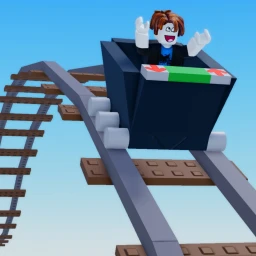
When you load in, you choose between a cart and a car before the stage begins. Each handles differently, so knowing the trade-offs before you commit saves you time later.
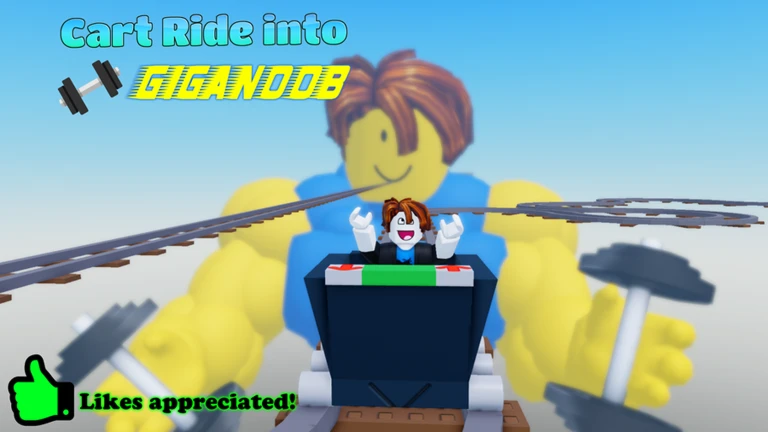
| Cart | lightweight and nimble, good for courses with lots of turns and short segments |
| Cart drawback | disappears two seconds after you leave it, so you have to keep climbing back on |
| Car | suits longer, wider sections of track |
| Car drawback | higher top speed makes it easier to cross the explosion threshold, so control matters more |
MetaNew Player Survey
The next survey is being prepared.
Getting through the stage from start to finish
Step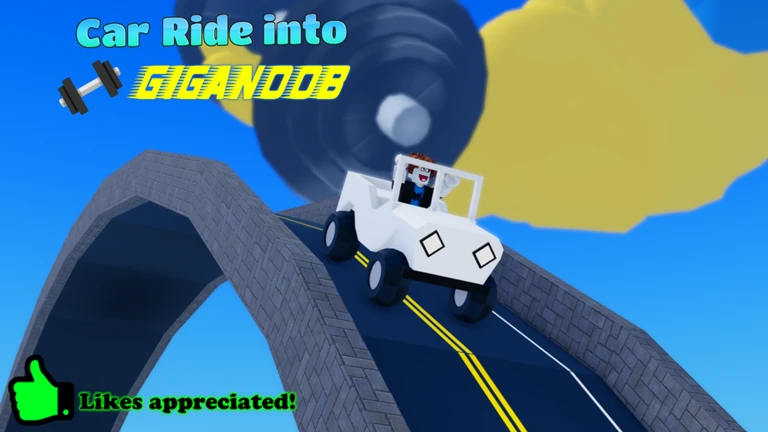
The stage has at least two major milestones: a halfway cart checkpoint and the winners area at the end. Reaching both earns you badges, so use them as clear targets to aim for.
- Push through to the halfway checkpoint the game recognises this with a badge, so it marks real progress
- Keep driving past the checkpoint to reach the winners area that is the end goal of the whole run
The explosion threshold and hit damage
Warn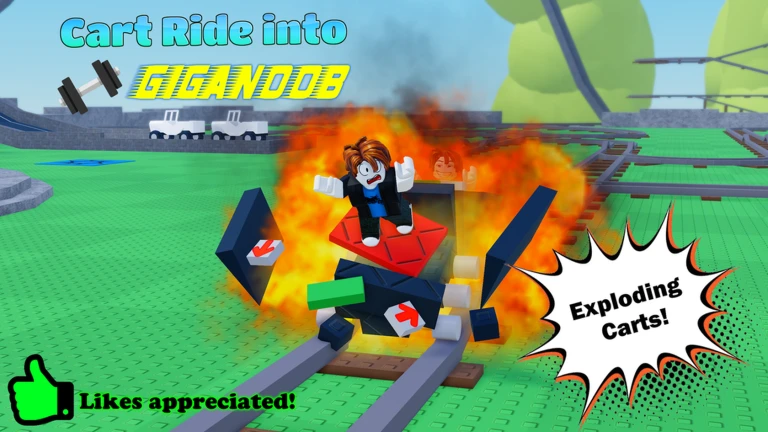
Hitting a part or obstacle at 100 speed or above causes your vehicle to explode. Each hit deals 10 damage and sends you flying with knockback, which can end your run in one moment.
Troubleshooting a section you keep failing
CheckWhen one part of the stage blocks you repeatedly, run through this list before trying again rather than repeating the same approach and expecting a different result.
- Are you going too fast? Even crawling through a difficult obstacle is better than exploding at speed
- Is your jump timing off? Focus on where you want to land, not just when you leave the ground
- Have you checked for an alternate route? Some sections have side paths or upper and lower lanes
- Is the cart disappearing at the wrong moment? Work out whether swapping to the car removes the problem entirely
- Are you misjudging the gap to the obstacle? Stop just before it once, measure the distance, then try again
Badges and what they tell you about the stage
Table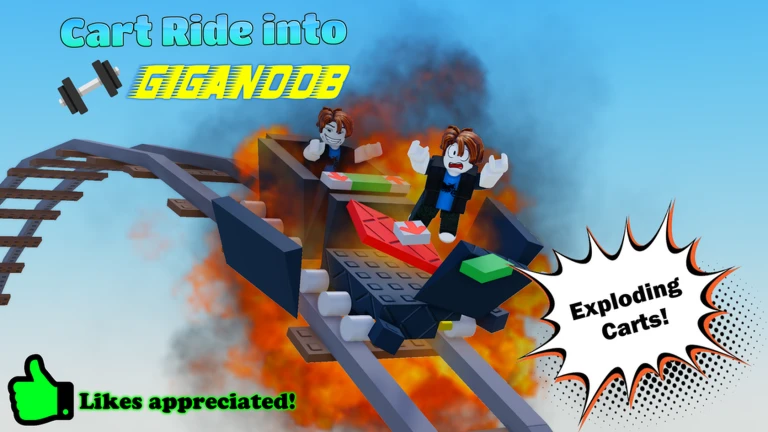
Each badge marks a distinct point in your progress. Use them as a checklist to know how far you have actually gone.
| Badge | How you earn it | What it signals |
|---|---|---|
| Welcome! | Join and play the game | You are in and the run has started |
| Half Way! | Reach the halfway cart checkpoint | You are past the midpoint of the stage |
| Winners! | Reach the winners area | You have completed the full stage |
| Drop of Doom | Survive the Drop of Doom | You cleared one of the stage's named hazards |
| You met the owner! | Share a server with Cr1mmer | A rare event — no action required on your part |
Community strategy ideas
CommunityThese ideas and tips come from people playing the game. Share your discoveries too!
No strategy ideas yet. Share a tip you discovered.
Share a strategy idea
Cart + Car Ride into Giganoob!
Glossary
Glossary- Knockback
- The force that throws your character away from an obstacle after a collision.
- Explosion threshold
- The point at 100 speed where hitting a part or obstacle causes your vehicle to explode and deal damage.
- Halfway checkpoint
- A specific point roughly in the middle of the stage that, when reached, awards the Half Way! badge.
- Winners area
- The end destination of the stage, reached after passing the halfway checkpoint and completing the rest of the track.
- Track section
- A distinct portion of the Giganoob stage, with new sections planned for future updates once vehicle balance has been tested.
Common questions
FAQMy cart disappeared while I was jumping. What do I do?
The cart vanishes two seconds after you leave it, so if you did not land back on it in time it is gone. You can switch to the car and keep going from where you are.
Why did my car suddenly explode?
Hitting a part or obstacle at 100 speed or above triggers an explosion. Slowing down before obstacles and taking corners carefully keeps you under that threshold.
Can I play this with friends?
Yes — the game supports multiplayer. Sharing a server also gives you the small chance of running into the developer Cr1mmer, which is its own badge.
Are there more track sections coming?
New track sections are planned, but they will not be added until the cart and car updates have been properly tested. You can leave feedback about what you want to see on the group forums.
Game updates can change what is on this page. If you spot something, get in touch and let us know.
