
GFX Photoshoot Rooms! <3 Guide: Trying on catalogue items
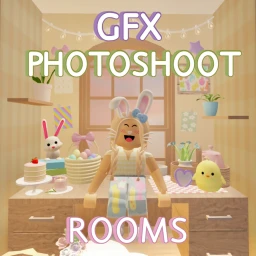
About
OverviewGFX Photoshoot Rooms is a Roblox game built around trying on items from the full Roblox catalogue and taking high-quality screenshots in themed studio spaces. This guide covers how to pick a studio, dress your avatar, get the best shots, and understand what costs nothing versus what requires a purchase.
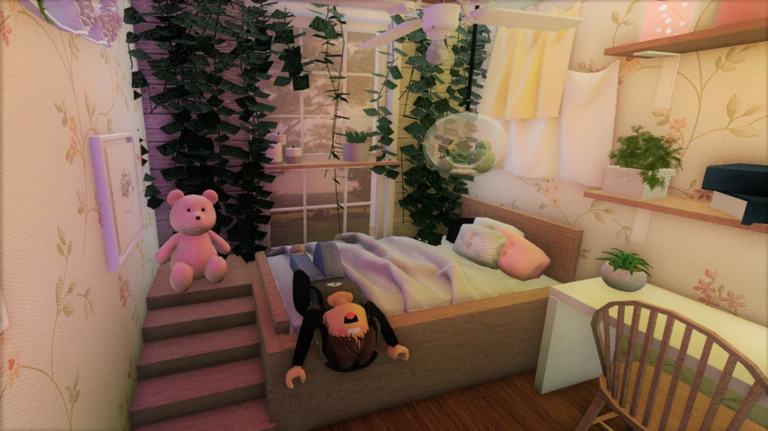
What is on this page
Contents
Trying on catalogue items
Step
The game gives you access to the entire Roblox catalogue without leaving the studio. You can swap outfits as many times as you like at no cost.
- Open the catalogue click the button in the top right corner of your screen.
- Try the item on select it to wear it instantly inside the game.
- If you like how it looks, you can purchase it through the catalogue; if not, just try something else at no charge.
MetaNew Player Survey
The next survey is being prepared.
Getting a better photo
Check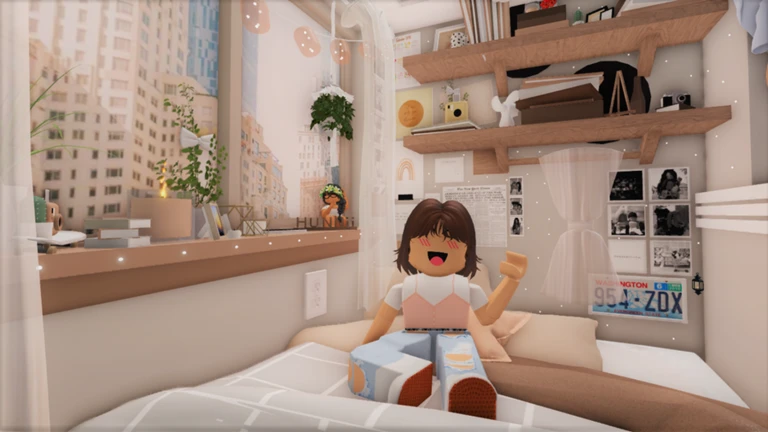
The game recommends playing on PC for the best photo quality.
- Play on PC if you can the game specifically recommends it over mobile for better results.
- Use the seat animations to add a pose or expression to your avatar.
What is free and what costs Robux
Table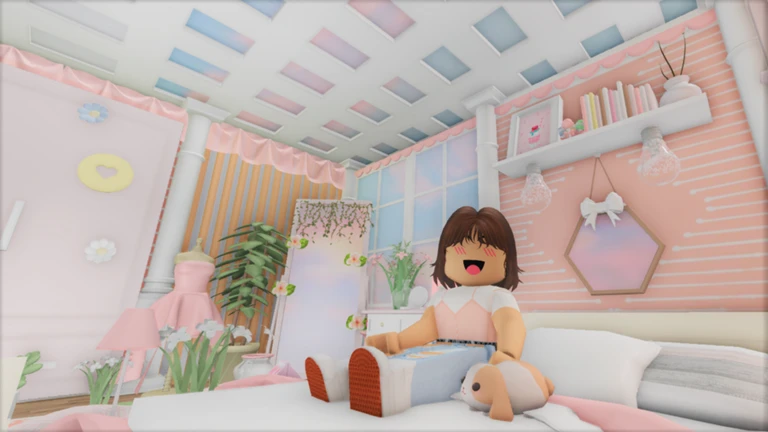
You do not need to spend anything to shoot photos or try on items. Purchases are entirely optional and happen through the standard Roblox catalogue.
| Studio access | free. |
| Trying on catalogue items | free, try as many as you like. |
| Buying a catalogue item | costs Robux, only if you decide you want to own it. |
| Seat animations | free, created by the game's developer and included for everyone. |
Community strategy ideas
CommunityThese ideas and tips come from people playing the game. Share your discoveries too!
No strategy ideas yet. Share a tip you discovered.
Share a strategy idea
[FULL CATALOGUE] GFX Photoshoot Rooms! <3
Glossary
Glossary- Catalogue
- The official Roblox item shop, accessible from inside this game via the top-right button, where you can try on or buy clothing and accessories.
- Avatar
- Your character in Roblox, which you can dress with catalogue items to see how they look before purchasing.
- Seat animation
- A pose or expression that plays when your avatar sits in one of the studio's special seats, adding life to your photo.
- Photo studio room
- One of the themed spaces in the game, each with its own background and lighting set up specifically for taking screenshots.
Common questions
FAQDo I have to buy anything to use the studios?
No. All studio rooms and the ability to try on catalogue items are completely free. You only spend Robux if you choose to purchase an item from the catalogue after trying it on.
Can I play on a phone or tablet?
Yes, the game works on mobile, but the game itself recommends PC for the best photo quality.
What is the Easter room?
It is a seasonal studio room added to the game for Easter-themed photoshoots.
Game updates can change what is on this page. If you spot something, get in touch and let us know.
