
Farm Life Tycoon Guide: Your first few minutes on the farm
About
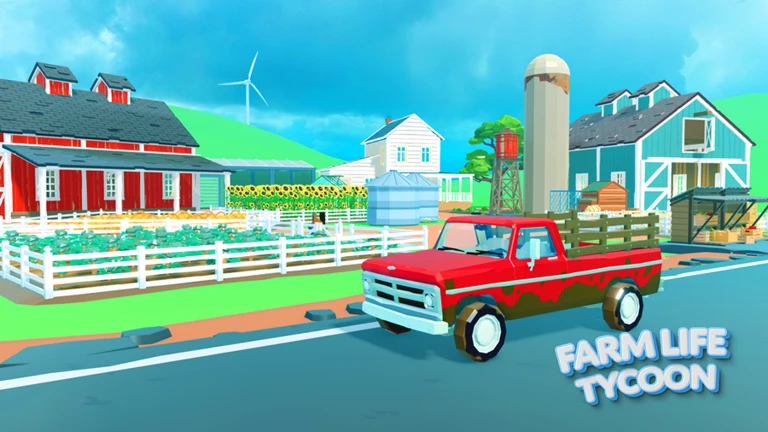
OverviewFarm Life Tycoon is a relaxed farming game where you grow vegetables, raise animals, craft products, and drive around to visit other players' farms.
What is on this page
Contents
Player notes and tips
Found a useful trick? Share it with everyone! Notes with screenshots are welcome!
Write a guide note
Farm Life Tycoon 🥕
Your first few minutes on the farm
Step
When you load in, your farm already has some vegetables planted and animals in the animal pen. Tapping those two things gives you everything you need to start earning. Sell what you collect to fund your next purchase.
- Tap the vegetables
tap any crop on your farm to harvest it and collect coins.
- Visit the animal pen
tap each animal to care for it and receive products like eggs and milk.
- Sell your goods
sell harvested crops and animal products to turn them into cash.
- Reinvest
spend that cash on new crops or animals so your farm keeps producing.
MetaNew Player Survey

The next survey is being prepared.
Growing your farm in the early game
Tips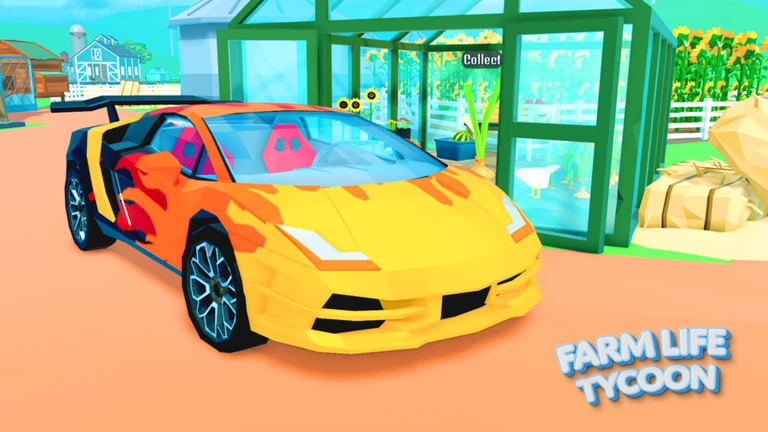
Early vegetables have short grow times and modest payouts. Once you have enough saved, buying new plots lets you run more crops and animals at the same time.
- Harvest the same crop repeatedly until you have enough to buy a new plot.
- Buy new plots as soon as you can afford them
more space means more simultaneous income.
- Add animals alongside crops so you have two income streams running at once.
- Use the crafting system to turn raw goods into processed products, which sell for more than the raw materials.
Choosing crops and animals at each stage
Table
Every crop and animal you unlock falls into one of two broad groups.
| Early crops | short grow time, small payout |
| Late-game crops | long grow time, large payout |
| Early animals | need frequent attention, low yield per visit |
| Late-game animals | more efficient yield |
Farm layout and expansion
CheckEvery object on your farm can be placed, moved, or removed as many times as you like. Thinking about which crops and animals you interact with most will help you decide where to put them.
- Rearrange whenever your crop or animal lineup changes.
- Use decorative objects to personalise your farm.
- Visit friends' farms for layout ideas.
Visiting other players and driving around
Tips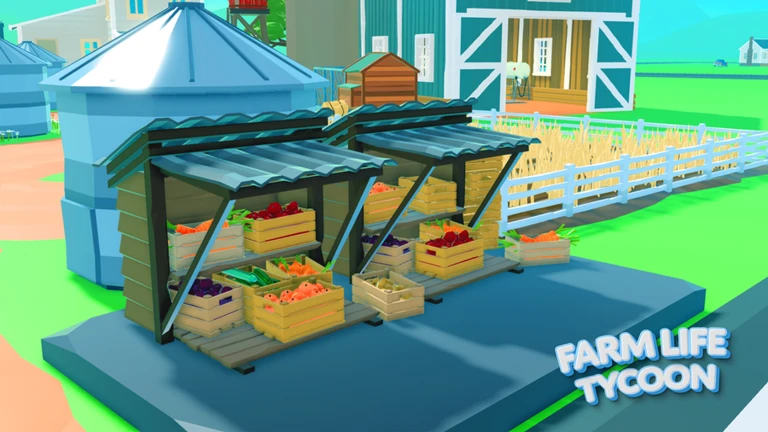
The game lets you get in a car and drive to other players' farms.
- Hop in a car to travel to another player's farm and look around.
- Pay attention to how other players arrange their crops and animals.
- Make your own farm visually appealing so visitors enjoy the trip.
Glossary
Glossary- Plot
- A section of your farm that you purchase with coins; each one gives you space to grow more crops or house more animals.
- Animal pen
- The area on your farm where animals like chickens and cows live; tapping each animal cares for it and produces goods such as eggs or milk.
- Crafting
- Combining harvested crops or animal products to create processed goods that sell for more than the raw materials.
- Auto-save
- The game saves your progress automatically, so you can quit at any time and pick up exactly where you left off.
- Tycoon
- A game genre where you start small and gradually expand a business or property — here, a farm — by reinvesting your earnings.
Common questions
FAQCan I rearrange my farm after I have built it?
Yes — every object can be removed and replaced as many times as you want.
How do I find out about updates?
Favourite the game and click Follow on its Roblox page so you are notified as soon as updates arrive.
The game is lagging — what should I do?
Too many decorative objects on your farm can slow things down. Try removing some decorations, and if that does not help, restart the game entirely.
Game updates can change what is on this page. If you spot something, get in touch and let us know.
