Games listed 42,616
Game guide

Visual Pianos Guide: Getting started with your piano

Visual Pianos 🎹
Visual Piano Studios, Playing 172, Rating 89.6%
Creator Visual Piano Studios
Playing 172
Rating 89.6%
Is this game fun?
No votes yet. Cast the first one.

About

Overview

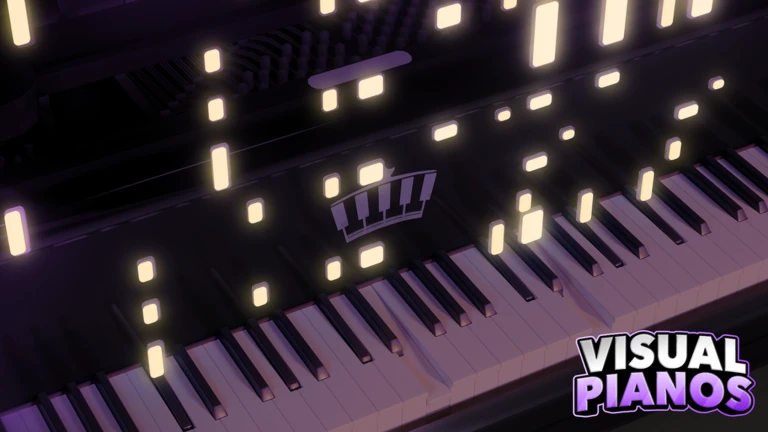
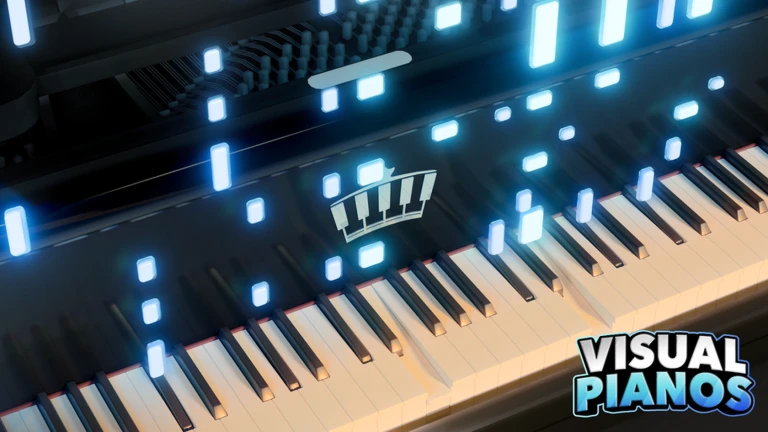
Visual Pianos is a multiplayer music game on Roblox where you play piano solo, duet with a friend, or perform for a room of up to 25 people. This guide walks you through setting up your instrument, learning the commands, finding secrets, and collecting every badge.

What is on this page

Contents
01

Getting started with your piano

Step
In short Pick your piano, choose a soundfont, and sort out your controls before you start playing.

When you first join, three things need your attention: how your piano looks, how it sounds, and how you control it.

  1. Pick a piano choose the instrument whose look you want to play with.
  2. Choose a soundfont browse more than 200 options to find the tone that fits the music you have in mind.
  3. Set your colors and trail customize the piano's appearance and the visual effects that show while you play.
  4. Choose your control method keyboard (QWERTY), a MIDI device, mobile, or tablet all work.
Ask on the board
02

Key commands every player needs

Check
In short Two short commands unlock multi-instrument mixing and free autoplay.

Visual Pianos runs on a handful of chat commands. These two come up constantly, so it is worth knowing them before anything else.

  • Type sf+ in chat to switch into multi-instrument mode, where you can mix up to four different soundfonts at once.
  • Type >auto in chat to autoplay a music sheet for free.
  • Both commands are free and available to every player from the moment they join.
03 Live and upcoming events Events

Events running now or coming soon. They have fixed dates, so check them first.

Live now –

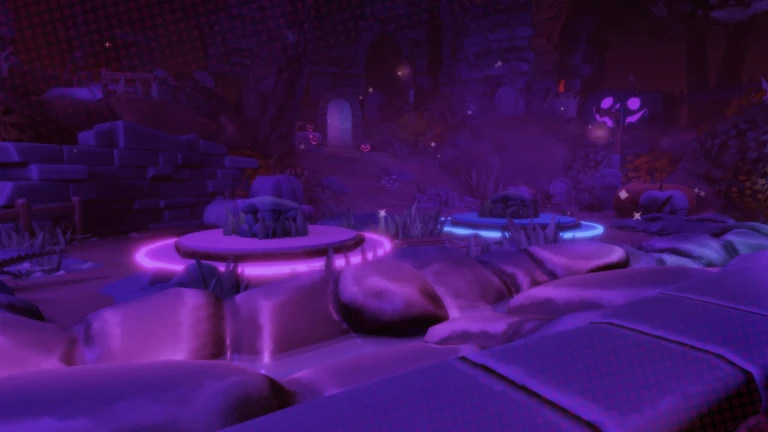
Festival of Fright

Halloween Specials will be available until Nov 7 Halloween 2026 Specials - New Limited Badge: Candy Custodian - Candy …

See the whole schedule
04

Secrets, exploration, and badge hunting

Summary
In short Several badges reward you for exploring the world rather than playing the piano.

Beyond the music, the game hides a whole layer of exploration challenges. Each badge below points to a real activity in the world.

  • Fishing find water and try fishing to unlock the Piscine Pioneer badge.
  • Hidden loot search for a gilded root to earn 24 Karat Carrot.
  • Space reach the space area for the Space Sailor badge.
  • Underground locate the hidden passage below ground to get Vestigial Vines.
  • Plants investigate the flora around the map for the Floral Forager badge.
  • Koi interact gently with a koi fish to earn the Koi Keeper badge.

Glossary

Glossary
Soundfont
The instrument voice your piano uses — Visual Pianos offers more than 200, covering everything from acoustic piano to synthesizer tones.
Trail
A visual effect that appears on screen while you play, making your performance look more dramatic.
MIDI
A standard that lets you connect a physical electronic keyboard to Roblox so you can play Visual Pianos with real keys.
sf+
A chat command that enables multi-instrument mode, letting you layer up to four soundfonts simultaneously.
>auto
A chat command that triggers free autoplay, so the game performs a music sheet on your behalf.

Common questions

FAQ

Can I play on mobile?

Yes — Visual Pianos supports QWERTY keyboard, MIDI devices, mobile, and tablet controls.

How do I mix more than one instrument?

Type sf+ in the chat box to enter multi-instrument mode. From there you can combine up to four different soundfonts and play them all at once.

How many players can share a room?

Up to 25 players can be in the same room at once. You can perform for all of them, duet with one, or simply listen to what others are playing.

Updated Oct 4, 2026
Game updates can change what is on this page. If you spot something, get in touch and let us know.
Visual Pianos 🎹 Visual Piano Studios, Playing 172, Rating 89.6%
See the game pageAsk on the board
Add it to your home screen and it works like an app. One tap to open, and it loads faster after that.