
Iron Man Battlegrounds — First steps when you load in

About
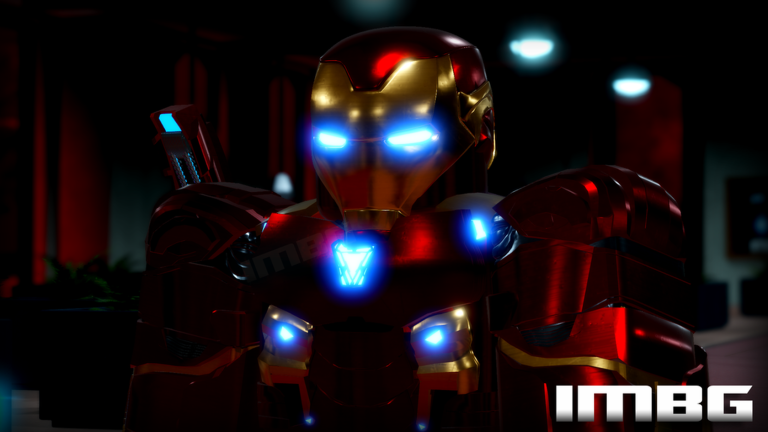
OverviewIron Man Battlegrounds is a Marvel-themed action game on Roblox where you suit up as Iron Man and fight other players. This guide covers how to get started, pick a suit, fight effectively, and use the JARVIS OS voice command system.
What is on this page
Contents
First steps when you load in
Step
When the game loads, head into the in-game menu to find the character controls section.
- Open the menu find the character controls listed in the in-game menu section.
- Equip your suit call your suit before stepping into the fight.
Suits you can use
Tips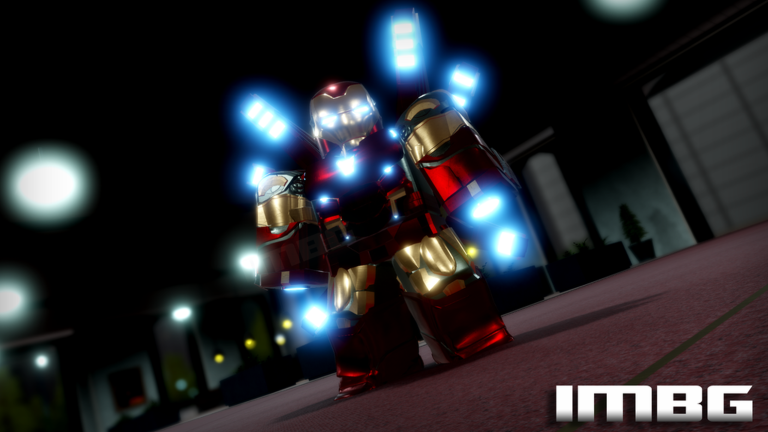
The game gives you suits to use right away, so you can jump into battles without spending anything. If you want more options, joining the official group through the game's page unlocks an exclusive suit for free.
- The group exclusive suit is free — just join through the link on the game's Roblox page.
- Seasonal suits like the Halloween, Christmas, and Easter suits can only be claimed during those events by joining the game in that window.
JARVIS OS voice commands
Step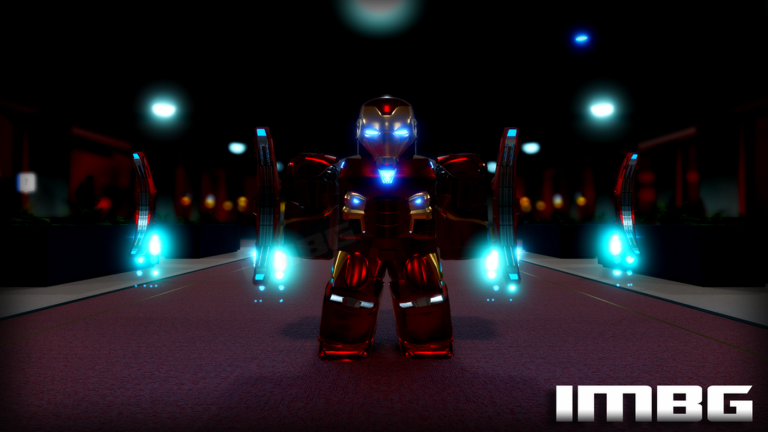
JARVIS OS lets you control your suit using your microphone. The system requires precise English phrasing, so checking the documentation first is essential. You can find it inside the game under Events, then JARVIS OS.
- Open the Events tab navigate to Events, then select JARVIS OS to find the full command list.
- Read before you speak the system needs exact phrasing, so review the commands before trying them.
- Speak clearly in English additional language support is coming, but right now only English commands are recognized.
Special badges and what earns them
Tips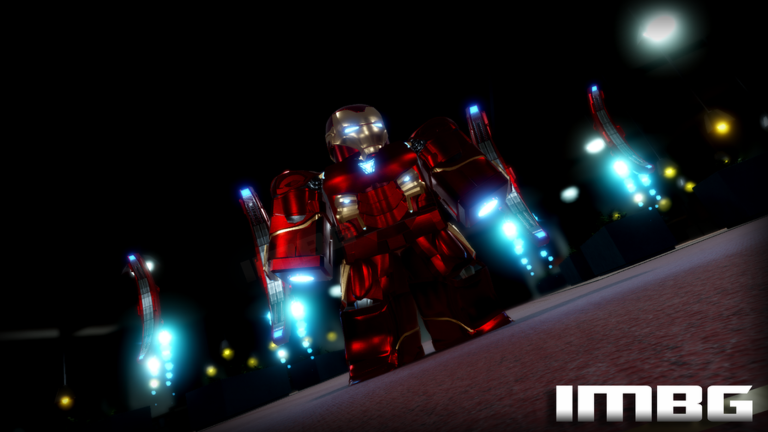
The game has seven official badges. Some reward seasonal timing, one comes from a past live event, and one depends entirely on luck.
- Log in during Halloween to claim the Halloween Suit badge.
- Log in during Christmas to claim the Christmas Armor badge.
- Log in during Easter to claim the Easter Suit badge.
- The Hammer Drones Invasion badge was awarded for surviving a live event that included four drone types: Airforce, Marine, Army, and Navy — the Army drone activates a shoulder gun with G.
- The Out of This World badge comes from finding someone unexpected far from Earth during a session.
- The You've Met a Creator badge is earned by running into one of the game's developers in-game.
- The Wolverine badge is no longer obtainable.
Glossary
Glossary- JARVIS OS
- The in-game voice command system that lets you control your suit using a microphone.
- Group suit
- An exclusive suit unlocked for free by joining the game's official Roblox group.
Common questions
FAQHow do I get the exclusive suit?
Join the official group linked on the game's Roblox page — it costs nothing.
Can I play on mobile or console?
Yes, the game runs on PC, mobile, and console.
Does JARVIS OS work in languages other than English?
Right now it only recognizes English, and precise phrasing is required. Additional language support is listed as coming soon.
Game updates can change what is on this page. If you spot something, get in touch and let us know.
