
Admin Ragdoll Engine Guide: Basic controls on every device

About
OverviewAdmin Ragdoll Engine is a free sandbox game built around realistic ragdoll physics — there are no quests or goals, just room to mess around, customize your avatar, and hang out with others. This guide covers the controls, the secrets worth finding, how to get group perks, and how to fix the most common issues new players run into.

What is on this page
Contents
Player notes and tips
Found a useful trick? Share it with everyone! Notes with screenshots are welcome!
Write a guide note
✨[UPDATE] Admin Ragdoll Engine
Basic controls on every device
Table
Ragdolling your character — making it go limp like a puppet — is the core mechanic of the game, so getting the input right for your device matters immediately. Syncing emotes with another player is just as simple: tap or click directly on them.
| PC and Chromebook | press F to ragdoll or unragdoll |
| Console | press X to ragdoll or unragdoll |
| Mobile | tap the Doll button on screen to ragdoll or unragdoll |
| Emote sync | tap or click on another player to match their emote |
MetaNew Player Survey

The next survey is being prepared.
Things to do and find in the world
Check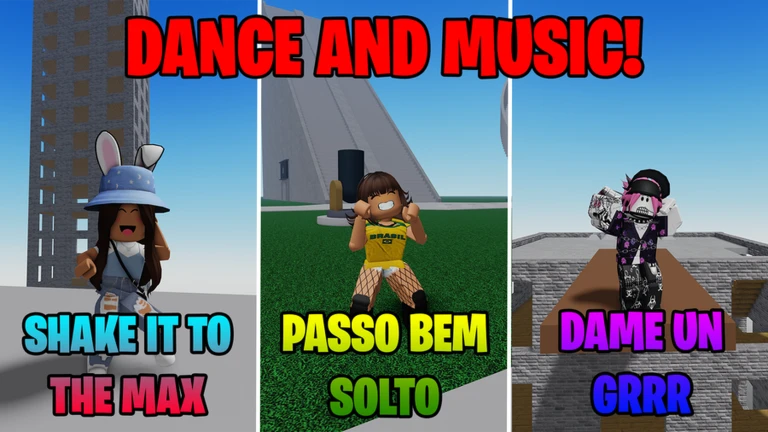
The game rewards curiosity. Several areas and hidden characters are tucked around the world, and visiting or finding them earns you badges. The No Gravity Chamber changes how your ragdoll moves, which is worth experiencing on its own.
- Find and use a teleporter it gets you around the map and earns a badge
- Locate the No Gravity Chamber and step inside to see how ragdoll physics change in low gravity
- Hunt for El Gato, a hidden cat somewhere in the world
- Look for a hidden gift and see what is inside
- Keep an eye out for the developers Build2Inspire and iM1GHTB3DANI in-game meeting either one unlocks a badge
Avatar editor and emotes
Step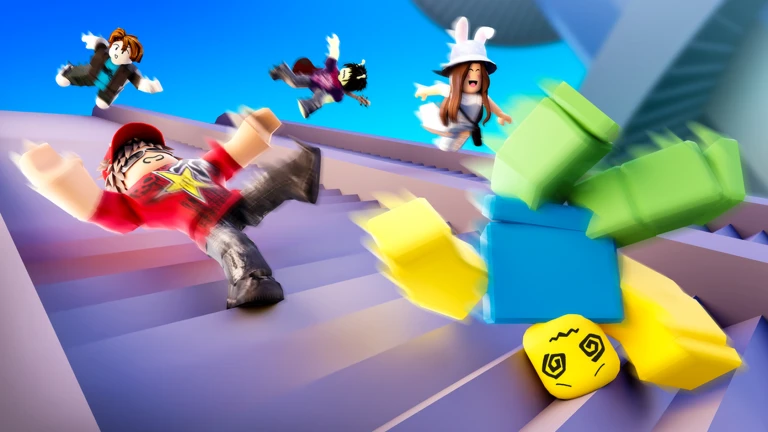
A new avatar editor and additional emotes were added in a recent update. Every emote in the game is free to use, and syncing them with friends is the main social activity.
- Try out emotes
all of them are free, so run through the list and find ones you like
- Sync with a friend
click or tap on another player to perform the same emote together
Badges and how to earn them
TableEach badge below has a clear action tied to it. Work through the list during a single session and you can collect most of them quickly.
| Badge | How to earn it |
|---|---|
| Welcome | Play the game for the first time |
| Joined The Group | Join the Byteonix group following the in-game instructions |
| Used A Teleporter | Find and use one of the teleporters on the map |
| Visited The No Gravity Chamber | Enter the No Gravity Chamber |
| You Found El Gato | Find the hidden cat somewhere in the world |
| You Found A Gift | Discover the hidden gift |
| Met Build2Inspire | Encounter the developer Build2Inspire in-game |
| Met iM1GHTB3DANI | Encounter the developer iM1GHTB3DANI in-game |
Glossary
Glossary- Ragdoll
- A state where your character goes limp and is controlled by the game's physics engine rather than normal animations.
- Emote
- A dance or action animation your character performs, all of which are free to use in this game.
- Emote sync
- When you click or tap on another player, both characters perform the same emote at the same time.
- Sandbox
- A game format with no set goals or win conditions, leaving players free to do whatever they like.
- Byteonix
- The developer group behind the game; joining it on Roblox gives you in-game perks.
- Push
- An exclusive feature unlocked for players who are members of the Byteonix group.
Common questions
FAQDo I need to spend Robux to enjoy this game?
No. Every core feature — ragdoll physics, the avatar editor, all emotes, and multiplayer — is free. The game has no mandatory purchases.
What does the No Gravity Chamber actually do?
Visiting it earns you a badge.
Can multiple people sync an emote at once?
Yes. You can click or tap on more than one player in the same session, and everyone who is synced will perform the emote together.
Game updates can change what is on this page. If you spot something, get in touch and let us know.
