
Liberty Airport Flight Simulator RP — Getting started at Liberty Airport

About
OverviewLiberty Airport Flight Simulator RP puts you inside a working airport where you can fly planes, work as ground crew, or ride as a passenger alongside other players. This guide covers how to get started, how to handle each role, where the destinations are, and what to do when things go wrong.
What is on this page
Contents
Getting started at Liberty Airport
Step
When you first join, the game walks you through character creation before letting you loose in the airport. Take a moment here — your appearance and chosen role shape how you interact with everyone else on the server. Free-to-play players have full access to the core roles, so you do not need to spend anything to get going.
- Customize your look choose a hairstyle and outfit to build your character.
- Pick a role pilot, ground staff, cabin crew, and other positions are all available from the start.
- Join the group group members unlock a free plane, so it is worth doing before your first flight.
Flying as a pilot
Step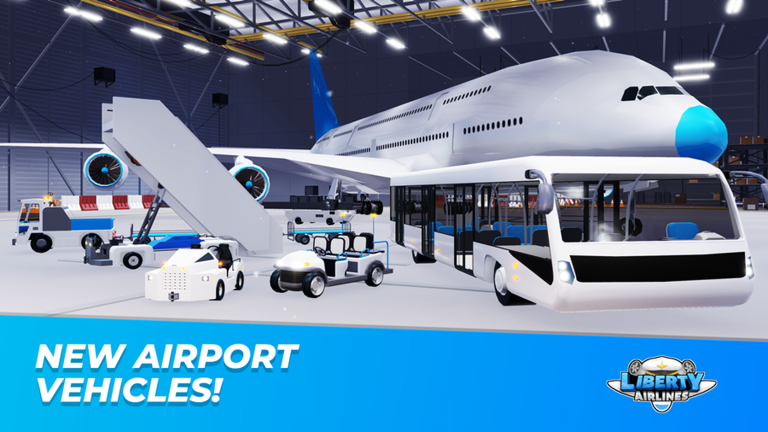
The pilot role is the centerpiece of the game. You select an aircraft from the hangar, then work through the full flight cycle. The game has confirmed destinations including Dubai, Toronto, and New York City, each of which earns you a badge on arrival.
- Choose your aircraft head to the hangar and board the plane you want to fly.
- Reach the destinations Dubai, Toronto, and New York City each award a badge when you arrive.
Staff and passenger roles
Tips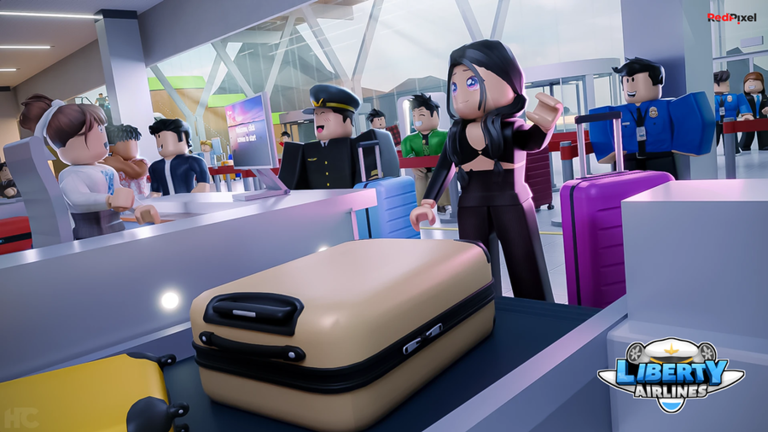
If flying is not your thing, the airport still has plenty for you. Ground staff handle aircraft guidance and maintenance on the tarmac, while cabin crew focus on serving passengers inside the plane. These roles lean heavily on roleplay and teamwork.
- Ground staff can guide planes and carry out maintenance tasks on the tarmac.
- Cabin crew take care of passengers during the flight, making the roleplay feel more realistic.
- Try the monorail — riding it all the way to the end earns its own badge.
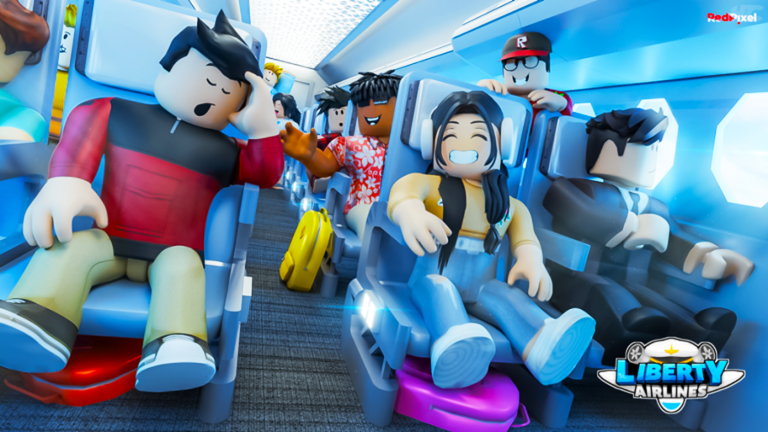
- Passengers can simply board a flight piloted by another player and enjoy the ride.
When things go wrong
WarnThe developers have flagged that errors and bugs can occur during play. If you confirm it is a genuine bug, report it to a developer with as much detail as you can — what you were doing when it happened makes the report far more useful.
Glossary
Glossary- Pilot
- The role responsible for flying the aircraft, managing takeoff, cruise, and landing.
- Ground staff
- An airport worker who guides planes on the tarmac and performs maintenance tasks.
- Cabin crew
- A staff role focused on serving and interacting with passengers inside the plane.
- Roleplay (RP)
- Playing as your character's job rather than just using game mechanics — the core style of this game.
- Monorail
- An in-game transit system; riding it all the way to its final stop earns a badge.
- Hangar
- The area where pilots select and board their aircraft before a flight.
Common questions
FAQHow do I unlock a free plane?
Join the game's official Roblox group and the free plane becomes available to you as a staff member benefit. It costs nothing beyond joining the group.
How do I play with friends?
Join the same server and then choose different roles — for example, one person flies while the other rides as a passenger or works the cabin.
Can I enjoy the game without flying a plane?
Yes. Ground staff and cabin crew roles involve their own tasks and are built around cooperation with other players rather than flying skill. The monorail is also there to explore if you want a break from airport operations.
What should I do if my plane will not respond to my inputs?
First check that your control settings are correct and have not been changed by accident. Resetting them to default resolves most input problems, and a full game restart clears many temporary bugs.
Game updates can change what is on this page. If you spot something, get in touch and let us know.
