
My Supermarket Guide: Claiming land and opening your store
About
OverviewMy Supermarket is a Roblox simulation game where you claim land, build a store, hire employees, and serve customers to grow your own supermarket empire. This guide walks you through getting started, growing your store, and keeping customers happy.
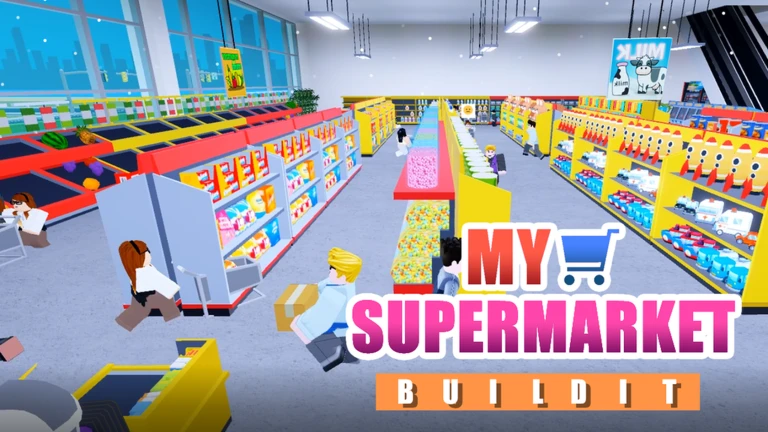
What is on this page
Contents
みんなの攻略ノートとコツ
見つけたコツや、とっておきの攻略をみんなに教えよう!画像付きのノートも大歓迎!
Write a player note
[Update12!]My Supermarket
Claiming land and opening your store
Step
When you load into the game, your job is to grab a plot of land before you can place anything. Once the land is yours, you can start shaping your supermarket. Take a moment to read any in-game instructions before you start spending.
- Claim your land find an unclaimed plot and secure it to unlock building on that spot.
- Look around your store get a feel for the space before you rearrange anything.
- Read the tutorial the in-game prompts explain controls you will use constantly.
- Hire at least one employee even one staff member helps you serve customers.
MetaNew Player Survey

The next survey is being prepared.
Growing your cash and serving customers
Check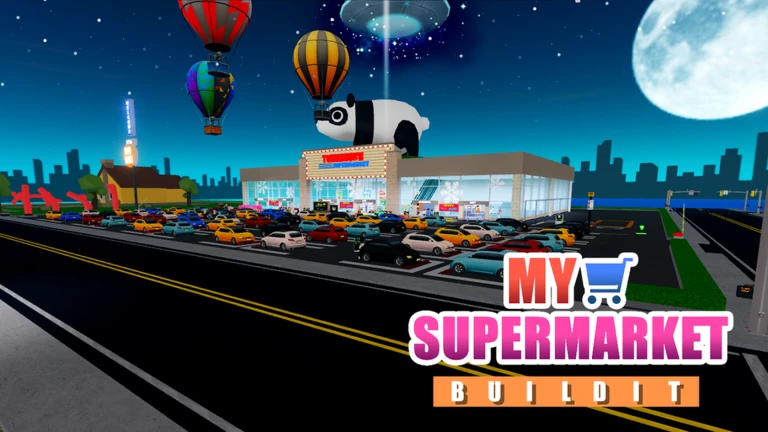
In-game cash is earned by serving customers, and the badges make the scale clear: you are aiming to serve 10, then 1,000, then 10,000, then 100,000 customers over time. Your cash goals follow a similar ladder, from 1,000 all the way to 1 trillion. Treat each badge tier as a checkpoint that tells you whether your store is keeping up.
- Add more product variety as your cash grows a wider range keeps different customers satisfied.
- Hire extra employees when customer traffic picks up, so no one is left waiting.
- Join the Rock Panda Games group to earn the Join Group badge and stay current on rewards and announcements.
Redeem codes and free rewards
StepThe developers release codes to thank players for milestones like likes and continued support. Each code can only be redeemed once per account, so copy and paste rather than typing by hand to avoid mistakes.
- Find the code entry menu look inside the game's interface for a redemption or codes button.
- Copy the code exactly paste it in rather than typing to prevent typos.
- Join the Rock Panda Games group new codes are announced there, and group members get additional rewards.
- Check the group description the developers post likes-milestone codes and other bonuses there regularly.
 LIKEPANDAGH2
LIKEPANDADE2
LIKEPANDAYK2
LIKEPANDAXT2
Floors and special locations worth reaching
Tips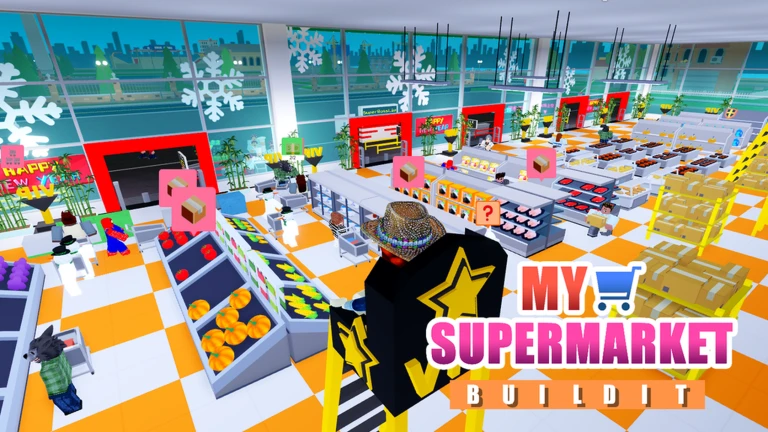
Beyond the everyday grind of cash and customers, the game has larger goals tied to specific locations and floors.
- Finishing Floor 1 of your supermarket earns the Taken Shape badge — treat it as your first major construction goal.
- City in the Clouds is a distinct location you can reach, rewarded with its own badge when you arrive.
- Christmas Palace is another special area with a badge for visiting it.
- The Halloween and Christmas star badges both require passing a specific point in the center store area — watch for the track as you explore.
Glossary
Glossary- Claim
- The act of securing an unclaimed plot of land so you can build your supermarket on it.
- Employee
- A staff character you hire to help run your store and serve customers.
- In-game cash
- The currency you earn by serving customers, used to expand your store and hire more staff.
- Redeem code
- A short string of characters released by the developers that you enter in-game for a one-time free reward.
- Floor
- A level or stage of your supermarket building; completing Floor 1 is one of the game's first major construction milestones.
- Rock Panda Games group
- The developer's official Roblox group, which you can join for bonus rewards and early access to new codes.
Common questions
FAQWhat should I do first when I start the game?
Claim a plot of land right away — you cannot build anything until you have secured your spot. After that, read the in-game tutorial and hire at least one employee to start serving customers.
Do I need to spend Robux to enjoy the game?
No. Claiming land, customizing your store, hiring employees, and serving customers are all free. You can also pick up free in-game rewards by redeeming codes, which the developers release regularly.
Where do I find new codes?
The developers announce codes in the Rock Panda Games group and in the game's own page description.
Game updates can change what is on this page. If you spot something, get in touch and let us know.
