
Ragdoll Engine but it's underwater Guide: Controls you need to know
About
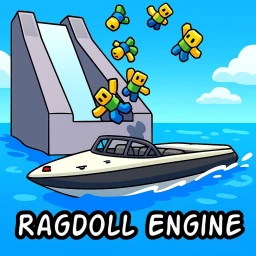
OverviewRagdoll Engine but it's underwater drops the classic ragdoll physics formula into a submerged world full of boats, water slides, wall-walking, and low-gravity chaos. There is no goal to chase — you just mess around, find hidden spots, and laugh with friends.
What is on this page
Contents
Player notes and tips
Found a useful trick? Share it with everyone! Notes with screenshots are welcome!
Write a guide note
Ragdoll Engine but it's underwater
Controls you need to know
Step
Every interesting thing in this game is tied to a toggle, so knowing which key does what saves you a lot of fumbling. Xbox players have their own button layout, noted below.
- Toggle ragdoll press F on keyboard or X on Xbox to switch your character into floppy, physics-driven mode and back.
- Toggle perspective press T on keyboard or B on Xbox to change how the camera sees your character.
- Low-gravity mode press R to cut gravity so your character drifts and floats instead of falling normally.
- Walk on walls press K to step onto surfaces you cannot normally stand on.
- Sprint hold Shift to move faster across the map.
- Custom emote menu open the Roblox emotes screen to pull up a custom emote menu where you can set your own moves.
MetaNew Player Survey

The next survey is being prepared.
Private servers and the free Head Admin perk
Summary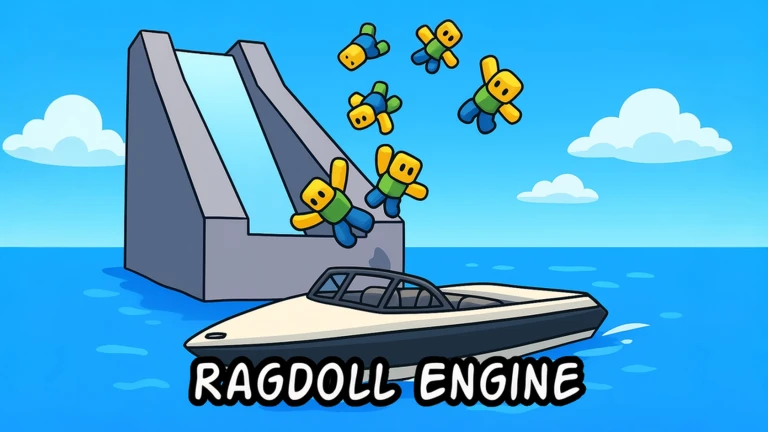
If you want a calmer session or just want to goof around with specific friends, a private server is the way to go. The game gives every private server host Head Admin at no cost.
- Cost private servers are free to create.
- Perk Head Admin is granted automatically in every private server.
Avatar editor and customisation
SummaryAn avatar editor was added on January 25, 2025, and a floatie menu followed two days later.
- Avatar editor change your character's appearance directly inside the game.
- Custom emotes set personal moves through the emote menu and trigger them during play.
- Floatie menu added January 23, 2025, giving you another item to use in the water.
Glossary
Glossary- Ragdoll
- A mode where your character's body is controlled entirely by the physics engine, making it flop and tumble naturally.
- Low-gravity mode
- A toggle that reduces gravity so your character floats and drifts rather than falling at normal speed.
- Walk on walls
- A toggle that lets your character stand and move on vertical surfaces that are normally impassable.
- Head Admin
- A permission level granted automatically to whoever hosts a private server in this game, unlocking extra controls for that session.
- Avatar editor
- An in-game tool, added January 25, 2025, that lets you change how your character looks without leaving the game.
- Floatie menu
- A menu added January 23, 2025 that lets you equip floaties to use in the water.
Common questions
FAQIs there a goal or a way to win?
There is no goal and no win condition. The game is built around free-form messing around — riding boats, sliding down water slides, playing with physics, and exploring.
Can I play on Xbox?
Yes. The game has dedicated Xbox controls: X replaces F for ragdoll toggle, and B replaces T for perspective toggle.
Are private servers really free?
Yes, private servers cost nothing to create in this game. You also get Head Admin automatically when you host one.
Game updates can change what is on this page. If you spot something, get in touch and let us know.
