
WaterPark Splash World Guide: Your first steps in the park
About
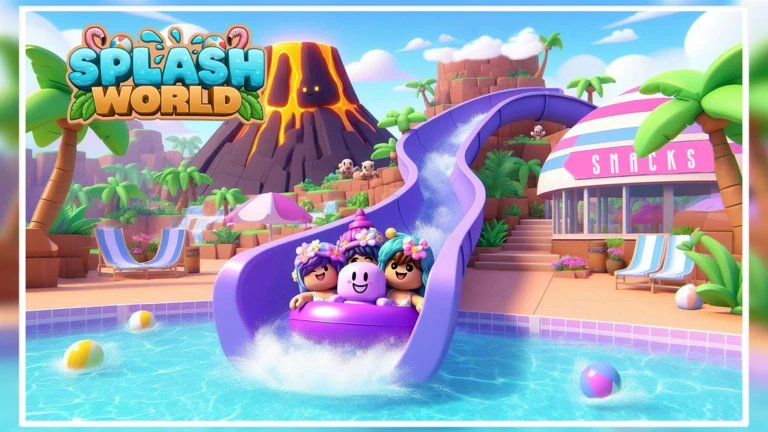
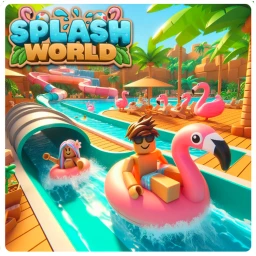
OverviewSplash World is a tropical water park where you ride slides, explore by boat, work as park staff, and hang out with friends. This guide walks you through earning every badge, getting the most out of the park, and keeping your account safe.
What is on this page
Contents
Your first steps in the park
Step
Splash World holds up to 30 players per server, so you will almost always have company. As soon as you arrive, the game awards you the first-visit badge without you having to do anything. From there, the natural goal is to ride every slide and see the rest of the park.
- Enter the game the welcome badge drops the instant you load in.
- Check your badge count open your Roblox profile and look at the badge tab to see which slides you still need.
MetaNew Player Survey
The next survey is being prepared.
The seven slides and their badges
Table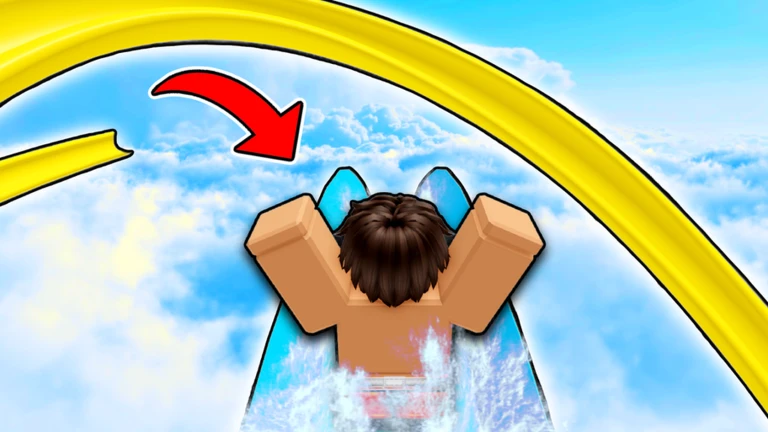
There are seven water slides in Splash World, and each one awards its own badge the first time you ride it. Check your Roblox profile badge tab after each ride to confirm it registered.
| Slide name | How to earn the badge |
|---|---|
| Dolphin Drop | Ride it once |
| Lobster Lunge | Ride it once |
| Seahorse Spill | Ride it once |
| Tropical Twister | Ride it once |
| Lightning Loop | Ride it once |
| Beluga Bounce | Ride it once |
| Pirate's Plank | Ride it once |
Other things to do beyond the slides
Tips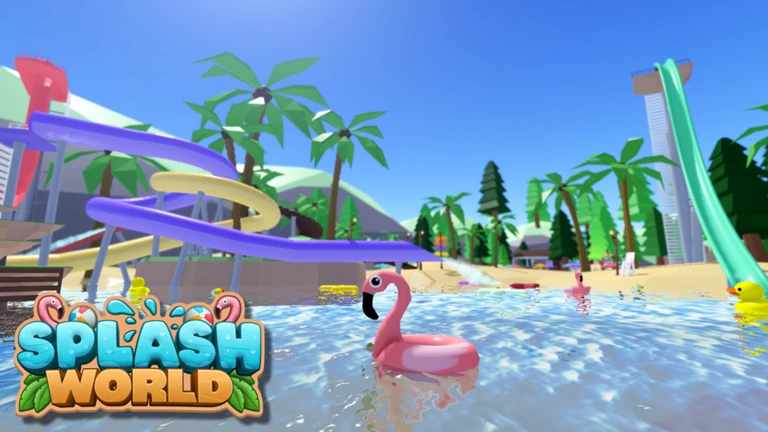
Once you have ridden the slides, there is still a lot of park to enjoy. Splash World is built around doing whatever feels fun, alone or with friends.
- Borrow a boat and cruise the park to find spots you walked past on foot.
- Head to the Water Playground for a different kind of splash-around.
- Try working as park staff — the game supports this as a full play style.
- Join any activities you spot around the park beyond the main slides.
Premium perks and group rewards
Table
Two optional memberships give you extras on top of the base game.
| Roblox Premium | grants access to the exclusive Premium Beach House area. |
| Official group membership | unlocks special perks and rewards for members. |
Redeem codes
StepSplash World has at least one active code as of October 26, 2026. The live codes are listed at the top of this page. Enter them in the game's code input box before they expire.
- Open the game look for the code entry field in the in-game interface.
- Each code can only be used once.
 10KLIKES
FREE shells
10KLIKES
FREE shells
Glossary
Glossary- Roleplay
- Playing as a character with a role in the park — such as a staff member — rather than just riding slides.
- Badge
- An achievement awarded for completing a specific action, saved permanently to your Roblox profile.
- Premium Beach House
- An exclusive area of the park that only players with an active Roblox Premium membership can enter.
- Redeem code
- A short string of characters you type into the in-game input box to claim a one-time reward.
Common questions
FAQHow do I check which slides I have already ridden?
Open your Roblox profile and go to the badge tab. Every slide you have ridden shows up there as its own badge, so you can see at a glance which ones are still missing.
Can I play alone or do I need friends?
You can ride all seven slides, explore by boat, and earn every badge. The park supports up to 30 players at once, and hanging out with friends is listed as a core part of the experience.
How do I get the group perks?
Find the official Splash World group through the game's Roblox page and click Join. Once you are a member, the special perks and rewards apply.
Game updates can change what is on this page. If you spot something, get in touch and let us know.
