
Classic Retro Craftwars Guide: Your first minutes in the game
About
OverviewClassic Retro Craftwars is a fan-made Roblox game that recreates the 2017 version of Craftwars, with extra content added on top. You progress by mining ores, crafting gear tier by tier, and taking on bosses that appear during random biome events.
What is on this page
Contents
Player notes and tips
Found a useful trick? Share it with everyone! Notes with screenshots are welcome!
Write a guide note
[⚫CHAOS] Classic Retro Craftwars
Your first minutes in the game
Step
When you join for the first time, a 12-slide tutorial appears and you cannot skip it — you have to read through all of it before the game lets you play. Once it finishes, you spawn in front of your house with everything you need to get started.
- Read the tutorial all 12 slides must be completed before you can enter the game.
- Check your loadout you start with a House Building Tools set, a Pistol, a Sword, and a Scrap Pickaxe already equipped.
- Check your inventory two pieces of Scrap Metal are waiting for you, and you have 10,000 cash at rank 1.
- Save before you leave press the save button on the left side of the screen every time before you quit.
MetaNew Player Survey

The next survey is being prepared.
Reading the screen
Check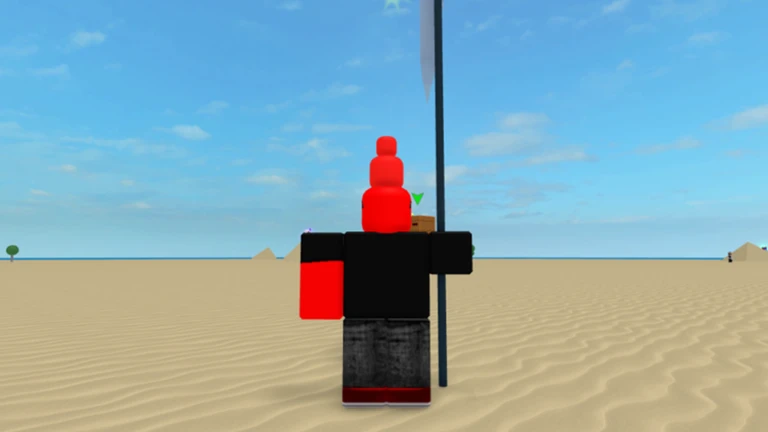
The UI keeps most of what classic Craftwars had, with a few extras. Your rank and cash sit at the top center of the screen. All the action buttons are on the left.
- Top center shows your current rank and cash at all times.
- Left side holds the crafting button, inventory button, and save button.
- Below those is the PVP toggle switching it on lets you hurt other players who also have it on.
- Next to PVP is the explosion-disable option, which you must turn back on every single time you respawn after dying.
- Your health bar sits at the bottom left of the screen.
- Three extra buttons appear for a Valentines event, a battle pass, and health display.
Mining, crafting, and progression
Step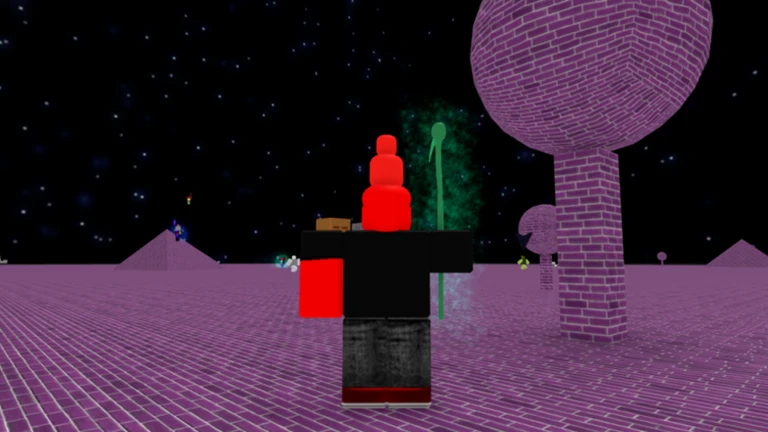
The entire game is built around a loop of mining ores and using them to craft better items. Crafting always costs both cash and materials. The mines reset every two minutes, giving you a steady supply of ores.
- Enter the mines go through your house portal; the basic mines portal costs 100,000 cash, the Advanced Mines costs 100 million, and the Void Mines costs 1 billion.
- Mine ores swing your pickaxe at ore nodes; they spawn at fixed spots and refresh every two minutes.
- Watch the chat yellow system messages tell you when a rare ore has spawned.
- Open the crafting menu use the button on the left to turn raw ores into items; every craft spends cash and resources.
- Work through every tier low-tier items become ingredients for stronger ones, so you cannot skip ahead.
Biomes and boss spawns
Summary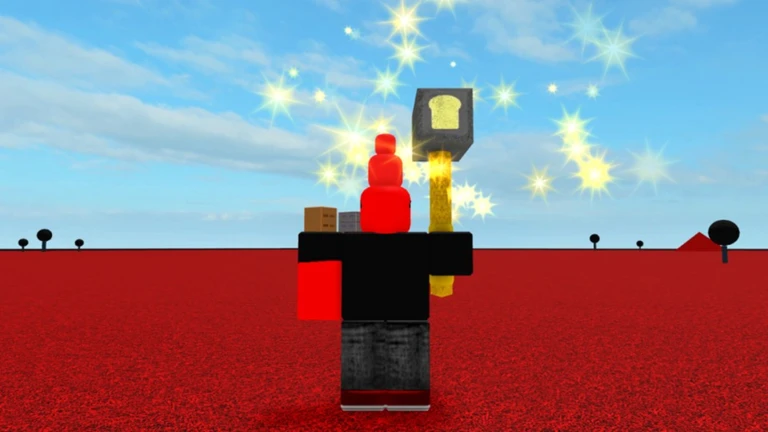
A server starts in the normal biome, but it switches quickly and keeps cycling at random — you have no control over which biome comes next. Each biome hosts around two boss spawns before returning to normal. Boss arrival is always announced in the chat.
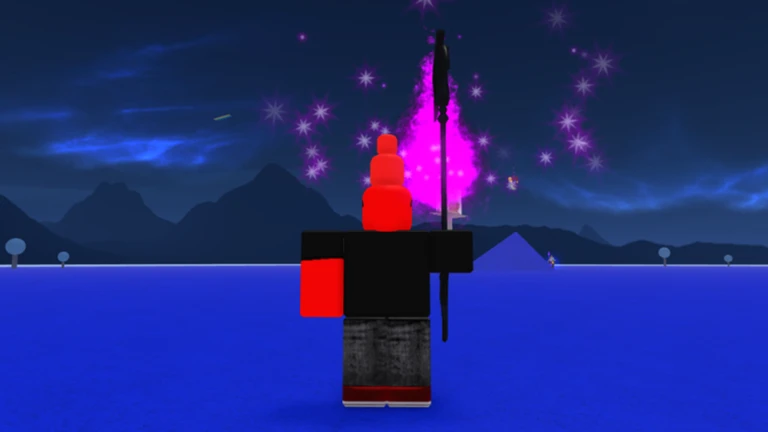
- Elemental War biome the overworld turns gray with a red ocean and night sky; five warrior types and five elemental bosses spawn.
- Chaos's Realm biome Chaos himself spawns here, fires a white laser across the whole map, and is accompanied by eye-type enemies and Rex's Minions.
- Biome duration each active biome lasts long enough for roughly two boss spawns, then resets to normal.
- Boss alert a yellow chat message names the boss the moment it spawns; Chaos sends seven gray poem lines before appearing.
Glossary
Glossary- Biome
- The current state of the island, which changes randomly and determines which enemies and bosses can spawn.
- PVP Mode
- An opt-in setting that lets you deal damage to other players who have also turned it on.
- Mine regeneration
- All ore nodes in the mines reset every two minutes, letting you mine them again.
- Demonite
- An ore that gives you the Demonic Blade when mined instead of a raw ore material.
- Ancient Guardian
- A powerful enemy that spawns alongside Pitcholamadamantinite and despawns once the ore is mined or gone.
- Paintbucket
- An item dropped by N00b that is used to craft the Greataxe of Chaos.
Common questions
FAQHow do I save my progress?
Press the save button on the left side of the screen before you leave. The game does not save automatically, so any progress since your last save will be lost if you quit without pressing it.
Game updates can change what is on this page. If you spot something, get in touch and let us know.
