
Project Flight | Alpha Guide: What to know before you start
About
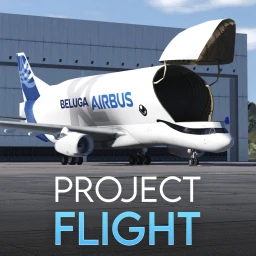
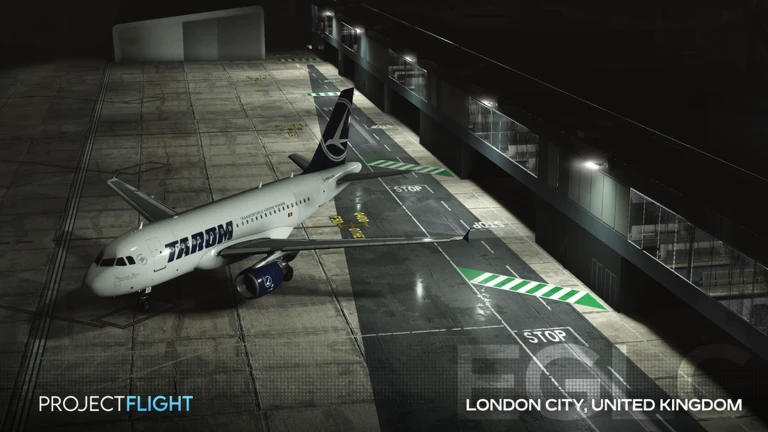
OverviewProject Flight is a Roblox flight simulator that pairs realistic airports and accurate flight dynamics with accessible controls. You can fly aircraft around the world, take on the role of an air traffic controller, or recreate routes with your favourite airline. This guide covers how to get started, how to fly, how to roleplay, and what to do when things go wrong.
What is on this page
Contents
What to know before you start
Warn
Project Flight is officially in an Alpha state, which means unfinished features and bugs are part of the experience right now. Your device may also struggle to run it smoothly, so it is worth checking performance before you commit.
First steps in the game
Step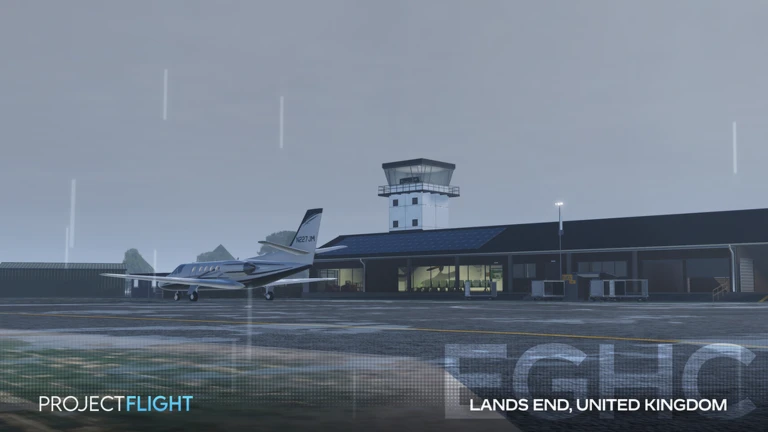
When you first load in, you will set your character's name and appearance. After that, the tutorial walks you through the core controls and how to read the instruments on screen. The airport itself is worth exploring on foot too — knowing where the runways and control tower sit saves confusion later.
- Character setup choose your name and appearance to get into the game proper.
- Tutorial follow it through to learn the basic controls and how to read the HUD.
- Airport exploration walk the airport to locate the runways and control tower.
Aircraft types and when to use them
Table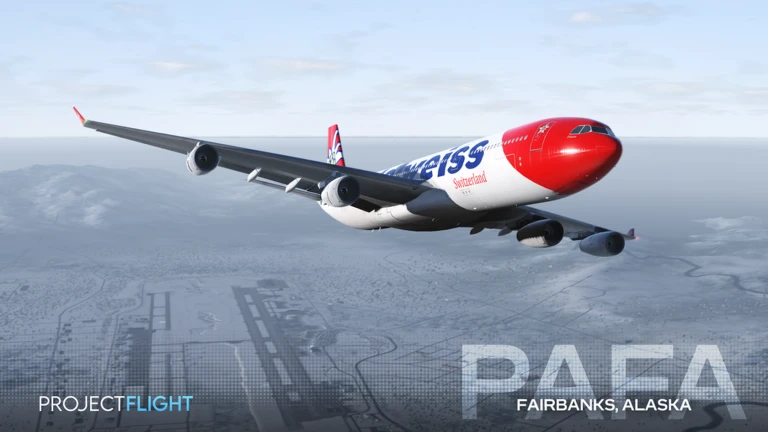
The game offers several aircraft, and each handles differently. Smaller planes respond quickly and forgive mistakes, making them the right choice while you are still learning. Larger jets are faster and cover more distance but demand much more precise inputs, especially during landing.
| Small aircraft | easiest to handle, best for practising take-off and landing. |
| Mid-size aircraft | balanced performance, suits medium-distance flights once you are confident. |
| Large jets | fastest and most complex, suited to long routes after you have mastered the basics. |
Flying basics
Tips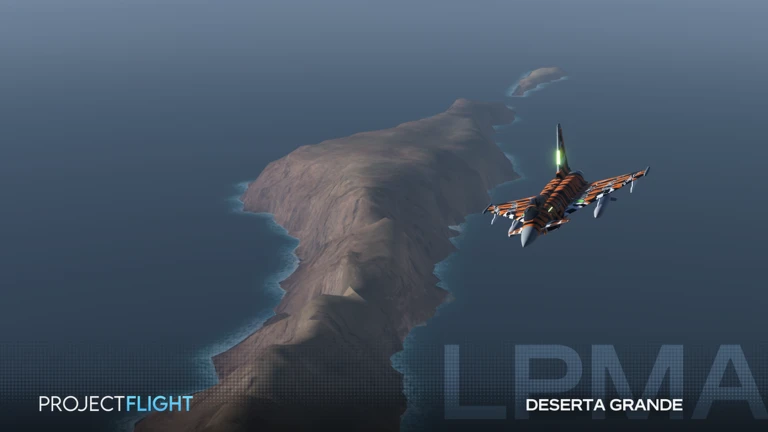
Project Flight leans toward realistic flight dynamics, so inputs have real consequences. The cockpit meters and any built-in assist options are your friends — use them rather than ignoring them.
- Turn on any available assist options while you are still learning the feel of the controls.
- Watch your throttle — engine output and lift need to stay in balance or the aircraft becomes hard to manage.
- Bleed off speed early on approach and descend gradually rather than diving at the last second.
Roleplay roles and how to run them
Check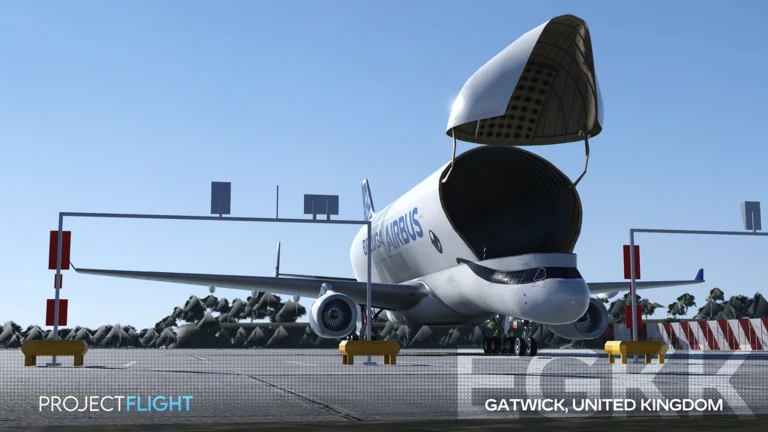
One of the main draws of Project Flight is recreating real aviation scenarios. You can fly a specific airline's route as a pilot or guide other players' landings as an air traffic controller. With friends, you can divide those roles so that the ATC and the pilot talk through each stage of the flight just as real crews do.
- Decide whether you are playing pilot or air traffic controller before the session starts.
- As a pilot, pick a real airline route to recreate.
- As ATC, use the chat to direct incoming aircraft through their approach and landing sequence.
- Invite a friend to take the opposite role so both sides of the radio are covered.
Troubleshooting common problems
StepWhen something goes wrong, it usually falls into one of three categories: a control or input mistake, a settings issue, or an Alpha bug. If nothing helps, switching to a different aircraft or airport can rule out a location-specific bug.
- Can't take off or land double-check throttle levels and make sure your approach speed is correct.
- Controls not responding verify your key bindings or check that a controller is properly connected.
- Game running slowly or freezing reduce the graphics settings, or restart the device if that does not help.
- Behaviour seems wrong despite correct inputs restart the game, then try a different aircraft or airport to see if the problem follows you.
Glossary
Glossary- Alpha
- The early development stage the game is currently in, meaning features are unfinished and bugs are expected.
- Throttle
- The control that sets how much power the engines produce, which directly affects your speed.
- Lift
- The upward force that keeps the aircraft airborne, generated by speed and the angle of the wings.
- Air Traffic Controller (ATC)
- A roleplay role in which a player directs other pilots through take-off, flight, and landing.
- Approach
- The final phase of a flight where the aircraft descends and slows down in preparation for landing.
Common questions
FAQWhere should a complete beginner start?
Go through the tutorial first so you understand the basic controls and what each instrument shows. After that, take a small aircraft on a short flight — just take-off and landing — until those two things feel comfortable.
How do friends play together effectively?
The most satisfying way is to split the pilot and air traffic controller roles between you. The ATC player guides the pilot through each stage of the flight using the in-game chat.
Do I need to spend Robux to enjoy the game?
Core flying and all the roleplay features are available without spending anything. The game's own page notes there is a purchase element, but the fundamental simulator experience works without it.
The game is running badly on my device — what can I do?
Lowering the graphics settings is the first thing to try, since the game flags that some devices may struggle to run it smoothly. If that does not help enough, a full restart of the device can clear up memory issues. Because the game is in Alpha, some performance problems come from the development stage rather than your hardware.
Game updates can change what is on this page. If you spot something, get in touch and let us know.
