
Custom PC Tycoon — The core loop every new player needs to understand
About
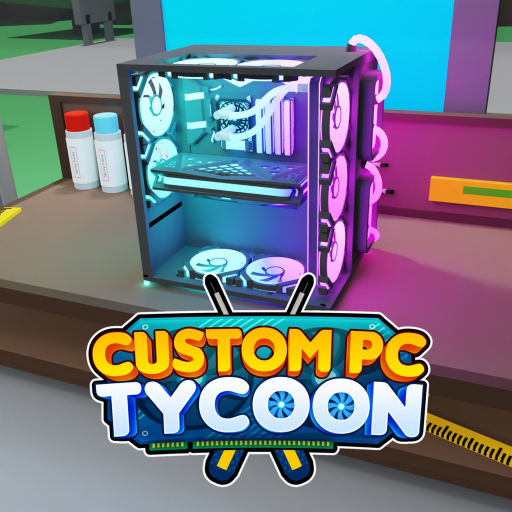
OverviewCustom PC Tycoon is a Roblox tycoon game where you buy PC components, desk peripherals, and server parts to generate passive income, then reinvest that income into better parts to earn even more. The game also lets you paint your builds with custom colors for bonus cash. This guide walks you through getting started, growing your income, unlocking new areas, and making the most of every system the game offers.
What is on this page
Contents
The core loop every new player needs to understand
Step
Custom PC Tycoon runs on a single repeating cycle: spend money on parts, let those parts generate passive income, then spend that income on better parts.
- Explore the shops first before spending anything, walk around and see what is available and at what price so you can plan your first purchase.
- Buy your first part start with whatever is within your starting budget.
- Upgrade to the next tier once you can afford a part with a noticeably higher income value, buy it and continue the cycle.
- Expand into new categories spread into desk peripherals and server components so you have multiple income streams running at once.
Your first steps after joining
Check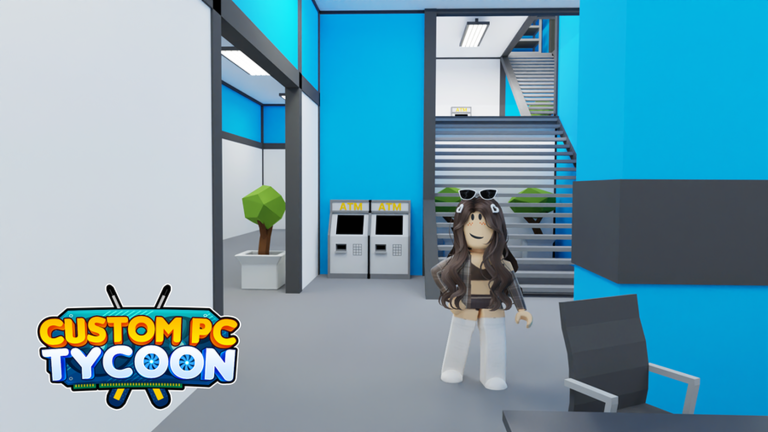
Take a moment to survey what is available before committing your starting cash.
- Have you bought at least one part so passive income has started?
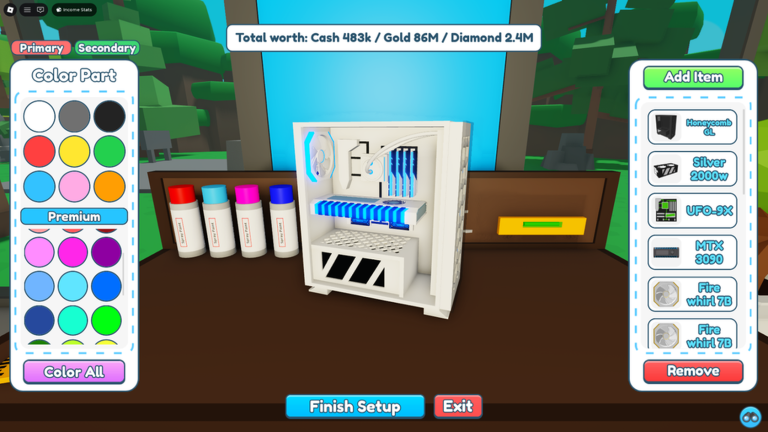
- Have you checked the workbench upgrading it to Tier 2 for 100 Cash unlocks the ability to color primary parts, and Tier 3 for 2,000 Cash unlocks secondary part coloring.
- Have you painted your build? Painting even with the same color the part already has — earns a paint difference bonus on top of normal income.
Components, currencies, and what you are actually buying
Summary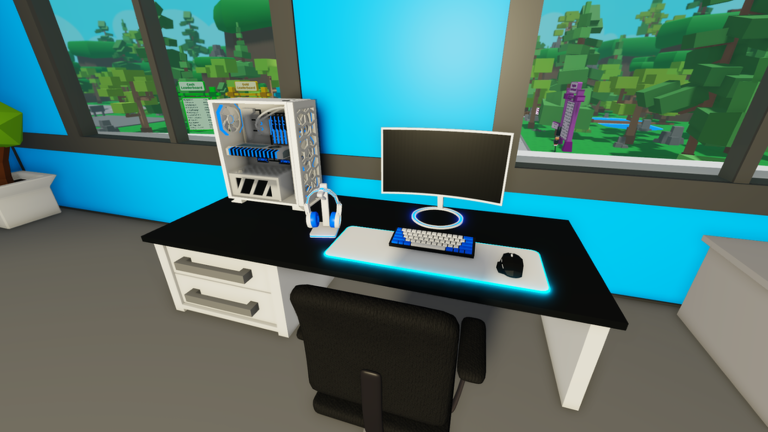
Items in the game are split into PC components, desk peripherals, and server components. PC components include cases, motherboards, PSUs, CPUs, RAM, memory, and GPUs. Rarity runs from Common through Uncommon, Rare, Premium, Epic, Legendary, and Mythical.
- Cash the starting currency; buys early Common and Rare parts.
- Gold the mid-game currency; unlocks Epic and Legendary parts.
- Diamonds the late-game currency; required for Mythical-tier parts and the Advanced Store.
- Sunstone the newest currency added in the January 27, 2024 update; accessed through the cave teleporter.
- Advanced Store certain high-end items, such as the XL Swift-3 case, are found only there and not in the standard shop.
Unlocking the second floor and the basement
Step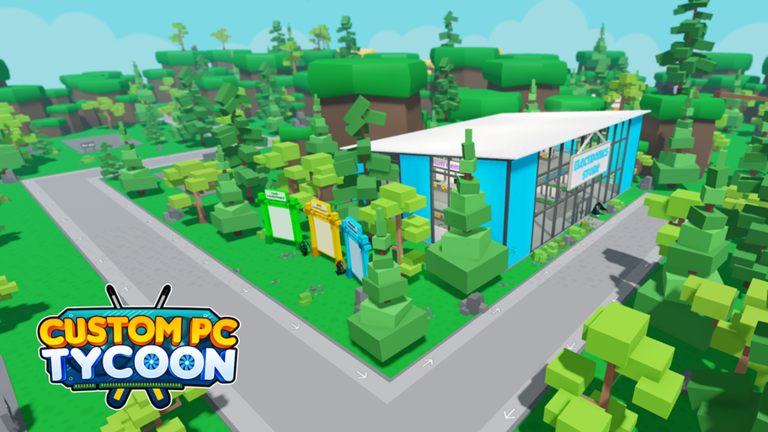
The game has three playable levels: the starting floor, a second floor, and a basement. Unlocking the second floor gives you access to desks, which generate passive income every 20 seconds when a PC is placed on them. The basement is where server setups go. Reaching higher shed levels also increases how much event currency you collect during seasonal events.
- Unlock the second floor this opens the desk system, which lets you build a full gaming setup including a PC, mousepad, mouse, keyboard, headphones, and up to two monitors, all generating income.
- Buy your first desk the first desk costs 15,000 Gold and spawns in the bottom-right corner of the second floor; there are five desks total, each more expensive than the last.
- Unlock the basement this is where server components go, giving you a third independent stream of passive income.
Painting your builds for bonus income
TipsThe Workbench has three tiers. The base tier lets you build. Tier 2 (100 Cash) unlocks primary part coloring. Tier 3 (2,000 Cash) adds secondary part coloring. Painting a part — any color, including its default — adds a paint difference bonus to its income value.
- Upgrade the workbench to Tier 2 for 100 Cash to unlock primary part coloring.
- Upgrade to Tier 3 for 2,000 Cash to unlock secondary coloring.
- If you want to keep your current color scheme, just repaint with the same colors — the bonus still applies.
- Paint bonuses do not apply to server racks.
- On the highest-tier builds the paint difference bonus is substantial — the material notes 13.16Qd Diamonds for primary and secondary painting combined on the best PC.
 Dr Gflu
GamingDan
60m visits
80mVisits
Dr Gflu
GamingDan
60m visits
80mVisits
Seasonal events and limited parts
WarnCustom PC Tycoon has run multiple seasonal events — Christmas 2021, Easter 2022, Summer 2022, Halloween 2022, Christmas 2022, Valentines 2023, Easter 2023, and Winter 2023. After each event ends, most of those parts become unobtainable. However, some past seasonal stores remain on the map with updated post-event prices.
Glossary
Glossary- Tycoon
- A game genre where you build a business by buying income-generating items and reinvesting the profits.
- Passive income
- Money your parts earn automatically over time.
- Workbench
- The table used to build PCs; upgrading it unlocks the ability to paint primary and then secondary parts for an income bonus.
- Paint difference
- A bonus added to a build's income when you color its parts, even if you use the same color they already have.
- Desk
- A second-floor station that generates income every 20 seconds when stocked with a PC and peripherals.
- Sunstone
- The newest currency in the game, accessed through the cave teleporter, used to buy parts added in the January 27, 2024 update.
- Advanced Store
- A separate shop that stocks high-end items not found in the standard Electronics Store.
- Water cooling
- An optional cooling method that only certain cases support; check a case's notes before planning a water-cooled build.
- Exclusive
- A rarity label for parts that were only available during a specific limited-time event and are no longer obtainable through normal play.
Common questions
FAQHow do I unlock the second floor and the basement?
The second floor opens up the desk system and is marked by the Second Floor badge. The basement is where server setups go and is marked by the Basement badge. Each adds a new income stream on top of your existing PC builds.
Why should I bother painting my PC?
Painting adds a paint difference bonus to your build's income value. You do not even need to change the color — painting a part its own existing color still triggers the bonus. This does not apply to server racks.
Do paint bonuses apply to server racks?
No. The paint difference bonus does not apply to racks.
Game updates can change what is on this page. If you spot something, get in touch and let us know.
