Games listed 42,823
Game guide

Twilight Daycare!RP Guide: Getting started as a baby or caretaker

Twilight Daycare!✨RP [Dreamland ☁️🌙😴]
Nighty Studio, Playing 4.2K, Rating 89.2%
Creator Nighty Studio
Playing 4.2K
Rating 89.2%
Is this game fun?1 votes
Fun 100%1Average 0%0Not fun 0%0

About

Overview

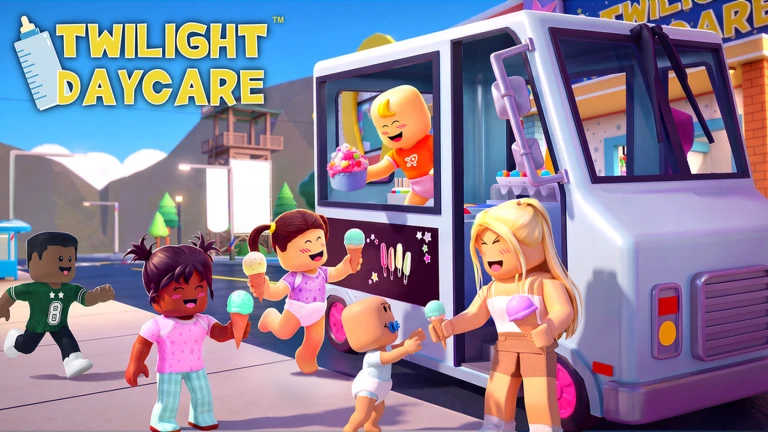
Twilight Daycare is a Roblox roleplay game where you choose to be a baby or a caretaker, join a family group, and hang out with friends in a daycare setting. The Sweet Dreams update added Dreamland, a cloud platformer stage hidden inside the game, and a Sticker Book for collecting pet stickers.

What is on this page

Contents
01

Getting started as a baby or caretaker

Step
In short The first three choices you make — role, family, and look — set up everything else.

When you load in, you pick either the baby role or the caretaker role. After that, join an existing family group or start your own so you have other players to share the daycare with. Then spend a minute dressing up your avatar before you start exploring.

  1. Pick a role choose baby or caretaker.
  2. Join or create a family joining an existing group gets you playing with others right away.
  3. Dress up your avatar sort out your clothes and hair before you head out.
  4. Explore the daycare walk the full map to learn where everything is.
  5. Chat with other players this is a social game, so talking to people is half the fun.
Ask on the board
02

Dreamland stage walkthrough

Step
In short Dreamland is a cloud platformer you reach by falling asleep in-game, and the Dream Fountain is the finish line.

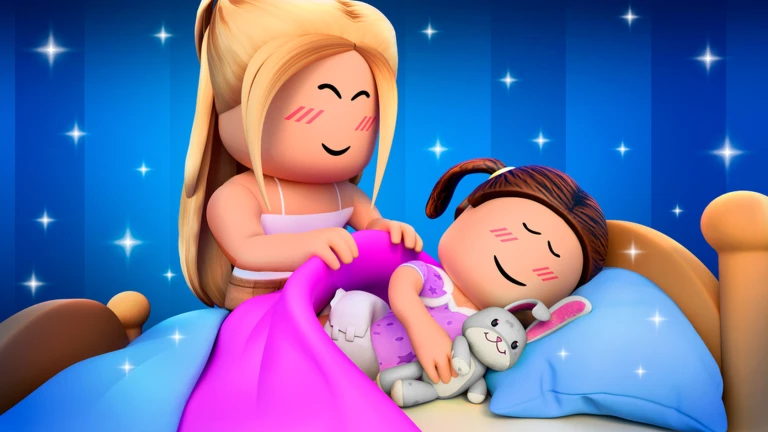
Dreamland was added in the Sweet Dreams update. To get there, fall asleep in the daycare and you will enter a magical stage built on cloud platforms. Your friends can watch you play from outside. The stage has you jumping across clouds, collecting glowing stars, and hunting for the hidden Golden Pacifier before you try to reach the Dream Fountain at the end.

  1. Fall asleep in the daycare that is how you enter Dreamland.
  2. Jump the cloud platforms across the stage.
  3. Collect glowing stars as you move through the stage.
  4. Find the hidden Golden Pacifier it is tucked somewhere in the stage.
  5. Reach the Dream Fountain that is the goal and finishing it is the whole challenge.
  6. Restart freely falling sends you back to the beginning at no cost, so keep trying.
03 Live and upcoming events Events

Events running now or coming soon. They have fixed dates, so check them first.

Live now –

Ice Cream Party🍦

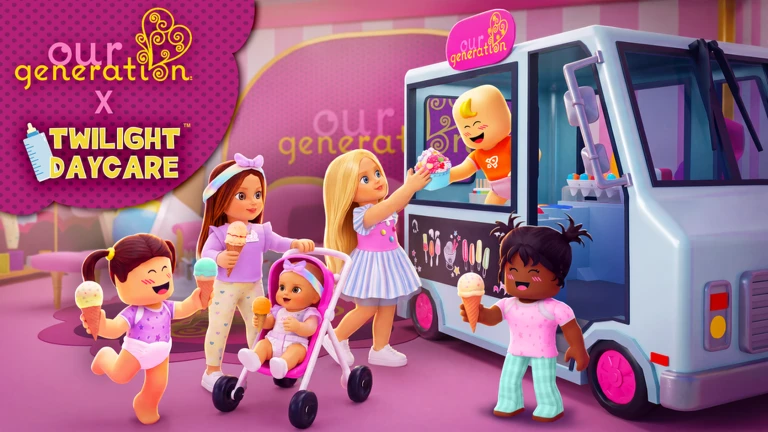
🍦 The Our Generation Sweet Stop Ice Cream Truck has rolled into Twilight Daycare! 🍦 Meet Sherry, Tory, and Riley. Th…

See the whole schedule
04

Sticker Book and what it takes to complete it

Check
In short Open the Sticker Book near the Nursery and keep exploring different areas each session to fill out your pet sticker collection.

The Sticker Book returned with the Sweet Dreams update, this time featuring brand-new pet stickers. You open it near the Nursery inside the daycare. Completing the full collection is the long-term goal for players who like having something to work toward.
  • Find the Nursery area and open the Sticker Book there.
  • Aim for a full collection as your ongoing goal between other activities.
05

The Soccer Event and limited-time rewards

Warn
In short Event rewards disappear when the event ends, so check the end date and chip away at the challenges regularly.

The Soccer Event is running alongside the Sweet Dreams update. It offers exclusive rewards that will not be available after the event closes. Check the in-game announcement board or any pop-up notices for the end date.

Worth watching out for
Check the end date on the announcement board so you know when the event closes.
06

Houses and family roleplay

Tips
In short A house gives your family a private base.

Buying a house with in-game currency gives your family group a dedicated space to roleplay in. You can own more than one house.

Tips worth knowing
  • Invite friends over once the house is set up — showing it off is part of the fun.
07 Working codes Codes
GAO33011413EA Gamer Baby Costume
Gamer Baby Costume
CROE0D05ED938 Cry Baby Costume
Cry Baby Costume
GAOF56764F563 Gamer Baby Costume
Gamer Baby Costume
LIOF98B710E26 Lil' Richard
Lil' Richard
Every code, and the votes on it, are on the codes page
08

Staying safe while you play

Warn
In short The game is free to play and safe for all ages, but you still need to protect your account and ignore anyone offering cheats.

Roleplay, Dreamland, and the Sticker Book are all fully playable without spending real money.

Worth watching out for
Never share your Roblox password with anyone.
Ignore any website or player offering free currency or cheats.
Basic avatar customisation, Dreamland, and sticker collecting cost nothing extra.

Glossary

Glossary
Dreamland
A cloud-platform obby stage added in the Sweet Dreams update, reached by falling asleep in the daycare.
Dream Fountain
The goal at the end of the Dreamland stage that you are trying to reach.
Golden Pacifier
A hidden collectible tucked somewhere inside the Dreamland stage.
Family
A group of players who join up to roleplay, share a house, and hang out together.
Sticker Book
A collection feature opened near the Nursery where you gather pet stickers.
Caretaker
One of the two starting roles; caretakers look after the babies in the daycare.

Common questions

FAQ

Can I play without spending real money?

Yes. Roleplay, Dreamland, and the Sticker Book are all free to play.

What happens if I fall in Dreamland?

You restart the stage from the beginning at no cost. There is no penalty, so you can try as many times as you like.

Does it matter which role I pick at the start?

Pick whichever fits the story you want to play out with your family group.

Where do I open the Sticker Book?

Head to the Nursery area inside the daycare and open it from there.

Updated Sep 10, 2026
Game updates can change what is on this page. If you spot something, get in touch and let us know.
Twilight Daycare!✨RP [Dreamland ☁️🌙😴] Nighty Studio, Playing 4.2K, Rating 89.2%
See the game pageSee working codesAsk on the board
Add it to your home screen and it works like an app. One tap to open, and it loads faster after that.