
MECH SMASHAnime Fighting Simulator Guide: How a match works
About
OverviewMech Smash is an anime-style fighting game on Roblox where you pilot a giant robot, battle monsters, and collect weapons and skins. This guide covers how to get started, how to build up your arsenal, and how to redeem codes so you do not miss free rewards.
What is on this page
Contents
Player notes and tips
Found a useful trick? Share it with everyone! Notes with screenshots are welcome!
Write a guide note
💥MECH SMASH💥Anime Fighting Simulator
How a match works
Step
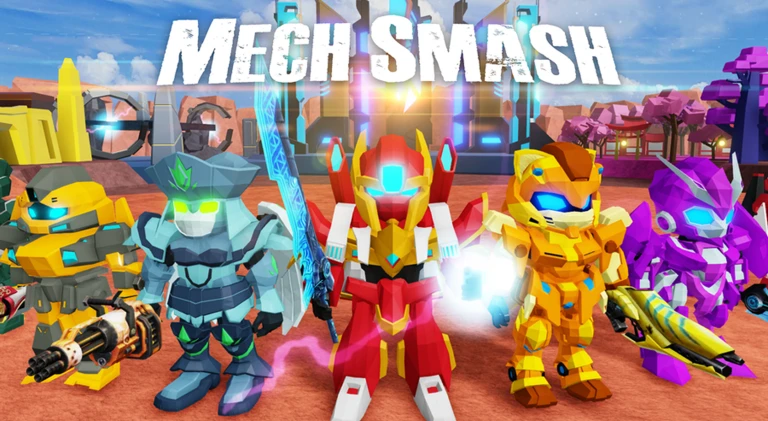
When you join a game, the first thing you do is choose your mech. That robot is what you use to fight the monsters that appear. Win the fight and you earn rewards — weapons, mech skins, and other items. Up to ten players can be in the same room at once.
- Pick your mech
choose the robot you want to control at the start of the session.
- Enter combat
take on the monsters that appear using your chosen mech.
- Win the fight
defeat your opponents to trigger the reward screen.
- Collect your rewards
weapons, skins, and other items are added to your account after victory.
MetaNew Player Survey

The next survey is being prepared.
Weapons and mech skins
Tips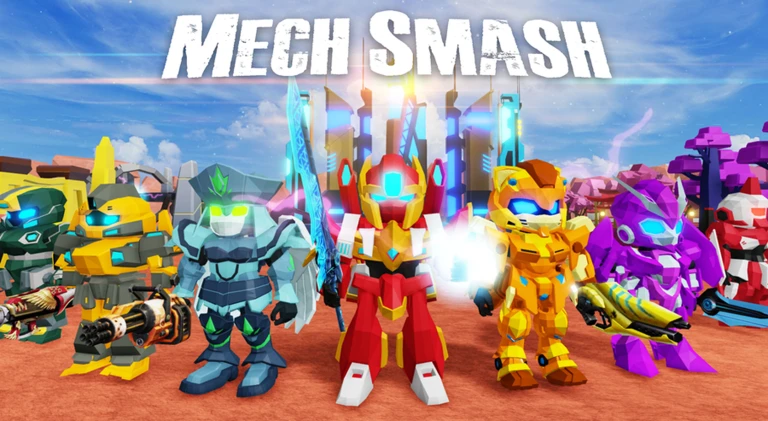
Both weapons and mech skins drop as rewards for winning fights, so the more you play, the more you accumulate. The game receives updates that add new guns, swords, and skins over time, so the pool keeps growing.
- Mech skins change only how your robot looks, not how it performs.
- Every victory adds to your collection.
- Check back after updates for newly added weapons and skins.
Redeeming codes
StepCodes are released periodically and give you free rewards when you redeem them. You enter them through the chat window, not a separate menu. Because each code expires and can only be used once per account, redeem any new code as soon as you find it.
- Open chat
bring up the chat window inside the game.
- Type your code
send the code as a message in chat.
- Collect your reward
the reward is applied to your account after you send it.
- Act fast
expired codes stop working, and you cannot reuse a code you have already claimed.
Where to find codes
TipsThe developers publish codes through several channels.
- The game's Roblox page description sometimes lists the latest active code directly.
- The developer group page is another place where new codes get announced.
- New codes are sometimes tied to like milestones
the game page has used 1,000-like targets as triggers.
Glossary
Glossary- Mech
- The robot you control — chosen at the start of each session.
- Mech skin
- A cosmetic item that changes the look of your mech without affecting its stats or abilities.
- Code
- A short string you type into the in-game chat to claim a free reward; each code expires after a set time and can only be used once.
Common questions
FAQHow many players can be in the same room?
A single room supports up to ten players at the same time.
Do mech skins make my robot stronger?
No — skins only change how your mech looks. Your combat performance stays exactly the same no matter which skin you have equipped.
Game updates can change what is on this page. If you spot something, get in touch and let us know.
