
Mermaid Lagoon Guide: First steps when you join
About
OverviewMermaid Lagoon is a relaxed ocean roleplay game where you explore coral reefs, discover hidden spots, and hang out with other players as a mermaid or in human form. This guide covers how to get started, how to make the most of both the island and the sea, and how to find the collectible shells hidden around the world.
What is on this page
Contents
First steps when you join
Step
There is no tutorial waiting for you, so ease in yourself. Start with your character, then explore one area at a time until the map feels familiar.
- Pick your look choose your colors and equipment for both your mermaid form and your human form before heading out.
- Walk the island stroll around the island first so you get a sense of what is on land.
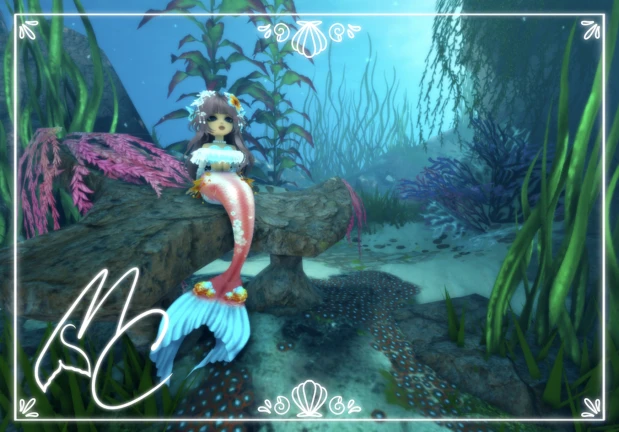
- Hit the water swim into the sea and practice the controls so moving around underwater feels natural.
Island and sea — balancing your time
Tips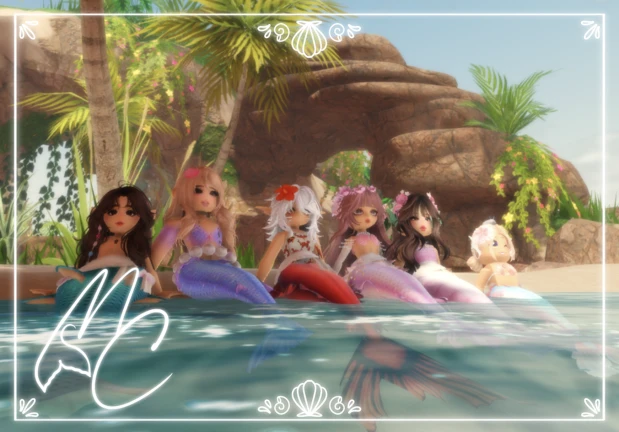
The game actively encourages you to split your time between land and water. The island has its own atmosphere and roleplay opportunities, while the sea is where swimming and exploration take center stage.
- Return to the island regularly even if the sea pulls you in — it is just as worth your time.
- Use your mermaid form in the water and switch to human form on land to get the full experience the game offers.
- You set your own goals here — there is no fixed mission list pushing you in one direction.
Finding the three hidden shells
CheckEach shell earns you a badge when you find it.
- Look for the Blue Shell the badge description notes it looks purple, so do not dismiss something just because the color seems off.
- Hunt down the Red Shell a red shell somewhere in the world.
- Track down the Green Shell the third shell to complete the set.
Roleplaying and meeting other players
Tips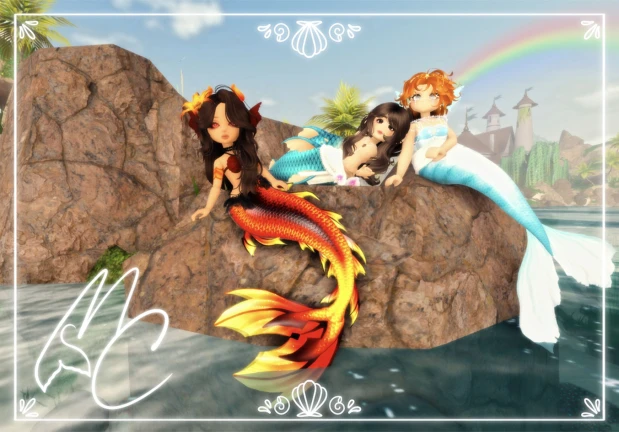
Mermaid Lagoon works fine solo, but the roleplay side opens up when you interact with others. The game is designed around meeting fellow merfolk and making friends.
- Walk up and talk to players you run into.
- Explore the reef together or just float around the island with someone new.
- If you meet the creator MermaiddKyra in the game, you earn a badge for it.
Glossary
Glossary- Mermaid form
- One of the two character states you can play in, used primarily while swimming in the sea.
- Human form
- The land-based character state you can switch to, giving you a different look and roleplay angle on the island.
- Reef
- An underwater coral area in the ocean where exploration is concentrated.
- Lagoon
- A shallow, sheltered body of water — the central setting of the game.
- Roleplay
- Playing as a character with a personality and story you invent, rather than following a fixed game script.
Common questions
FAQCan I switch between mermaid and human form whenever I want?
Yes, you can switch freely between the two forms.
Is there a tutorial when I first join?
There is no guided tutorial, so you learn by exploring.
What do I do if the game starts to feel repetitive?
Try switching to whichever area you have been ignoring — island or sea — and refresh your character's look.
Game updates can change what is on this page. If you spot something, get in touch and let us know.
