
Donate Game Guide: Getting your booth running
About
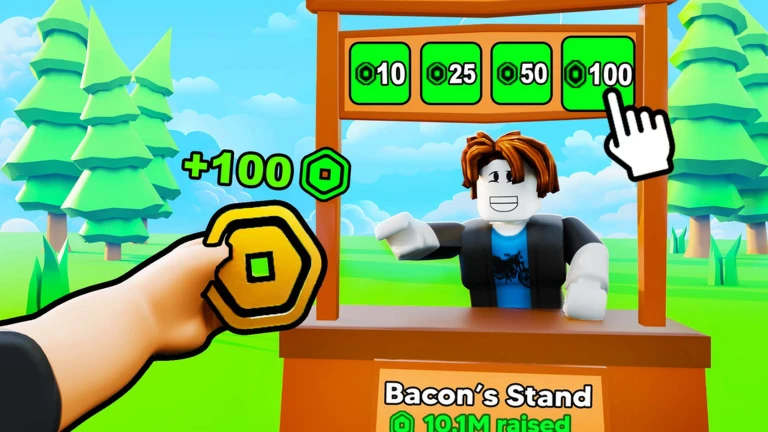
OverviewDonate Game lets you set up a booth, sell your Roblox gamepasses, and earn Robux while hanging out with other players. You can also donate Robux to others, earn gems just by playing, and spend those gems on cosmetics.
What is on this page
Contents
Player notes and tips
Found a useful trick? Share it with everyone! Notes with screenshots are welcome!
Write a guide note
Donate Game 💸
Getting your booth running
Step
When you join the game, you need to place your booth before anything else. Once it is placed, any gamepasses you have listed for sale on Roblox are automatically shown on it — you do not need to add them one by one. Other players can then walk up to your booth and buy a gamepass, which puts Robux into your pending balance.
- Place your booth find a spot and set it up so your gamepasses appear on display.
- Watch your pending Robux visit the Roblox transactions page at roblox.com/transactions to see your earnings, since this figure does not appear inside the game.
MetaNew Player Survey

The next survey is being prepared.
Two currencies, two paths
TableThe game runs on two separate economies.
| Robux | earned when another player buys one of your gamepasses, viewable on the official Roblox transactions page, and can be donated to other players. |
| Gems | earned by playing inside the game and spent on cosmetics like skins, emotes, and props. |
Cosmetics you can unlock
Tips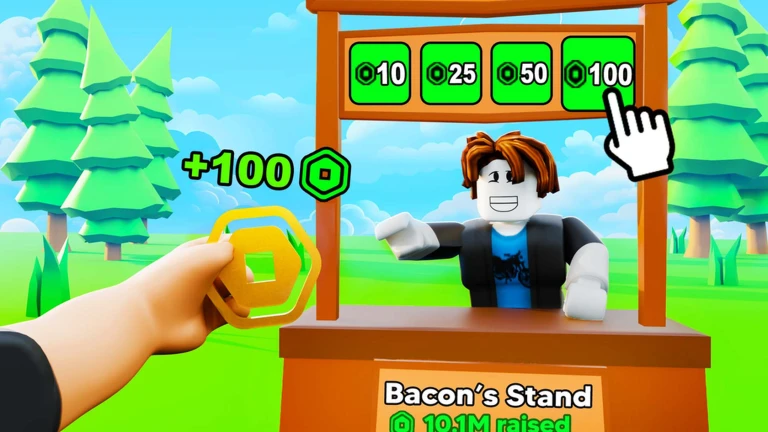
Spend the gems you collect on any of the three cosmetic categories.
- Skins change how your character looks.
- Emotes add special poses and animations you can perform.
- Props are decorative items your character holds or wears.
- Like and favourite the game to get notified when new cosmetics are added.
Staying safe while you play
WarnBecause real Robux changes hands in this game, it attracts people who try to trick others.
Glossary
Glossary- Booth
- A display stand you place in the game where your Roblox gamepasses are shown to other players.
- Gamepass
- An item Roblox players can create and sell; when another player buys yours, you receive Robux.
- Pending Robux
- The Robux you have earned from gamepass sales, which you check on the Roblox transactions page rather than inside the game.
- Gems
- The in-game currency you earn by playing, used to buy skins, emotes, and props.
- Donate
- A feature that lets you send your Robux directly to another player.
Common questions
FAQCan I play without spending any Robux?
Yes. You can join, play, collect gems, and buy cosmetics all without spending money.
Where do I see the Robux I have earned?
Your earnings do not show up inside the game. Go to roblox.com/transactions to see your pending Robux balance.
Game updates can change what is on this page. If you spot something, get in touch and let us know.
