
ZO SAMURAI SWORD FIGHTING — Controls to learn before your first fight
About
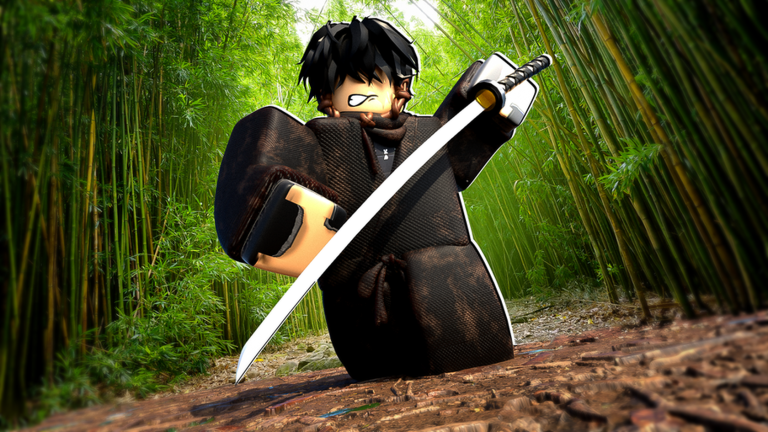
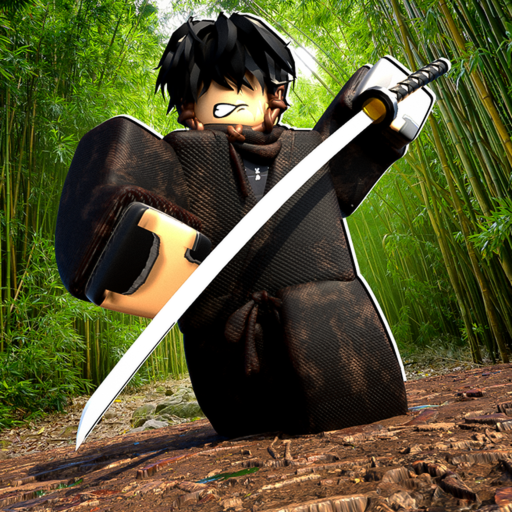
OverviewZO Samurai Sword Fighting drops you into the mountains of Japan for intense melee combat against other players. You'll pick up weapons, learn the control system, explore the map for secrets, and optionally join a clan to climb the leaderboard.
What is on this page
Contents
Controls to learn before your first fight
Check
The game is built around a small but layered control set. Attack and block are on your mouse buttons, while movement tools and special actions sit on specific keys.
- Left mouse button swings your weapon to attack
- Right mouse button raises your block to defend
- Shift sprints when you have no weapon equipped
- R dashes sideways to reposition quickly
- F kicks to break an opponent's guard
- Left mouse button then right mouse button performs a feint
- T taunts your opponent
- CTRL toggles shiftlock to change how you aim and move
Core combat tactics
Tips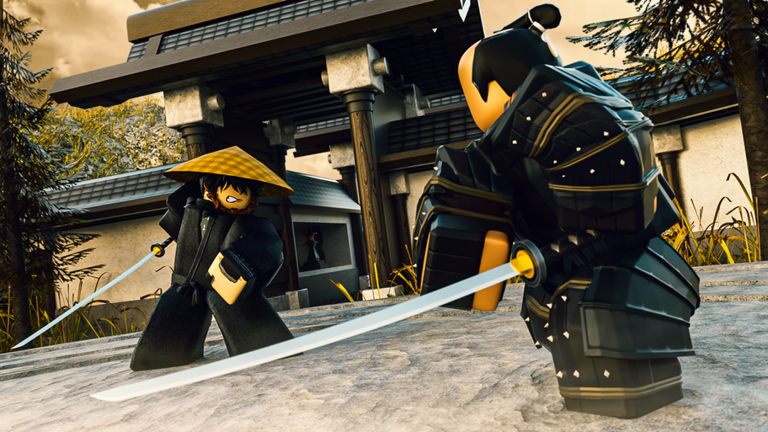
Raw aggression will only get you so far. Your opponents will block, so you need ways to crack their defense open. The tools for both offense and defense are all already mapped to your keyboard and mouse.
- Block incoming attacks with RMB
- Use your kick when an opponent has their block up — it is specifically designed to break guards
- Feint by attacking and immediately blocking to trick your opponent into dropping their defense
- Dash away with R when you need to escape an attack or reset the spacing between you
Map exploration and weapon hunting
Tips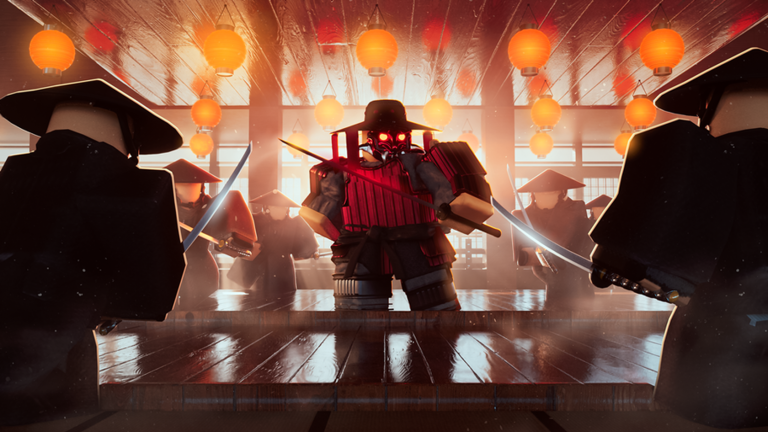
The world is set in the mountains of Japan and contains multiple combat arenas, hidden secrets, and weapon locations spread throughout. Weapons and limited skins are placed at specific spots rather than given to you at the start.
- Walk the full map — cover areas outside the main fighting arenas to find hidden spots
- Pick up weapons you find — swap between them to figure out which style suits you
- Check special or out-of-the-way locations for limited skins
Quests and long-term goals
Table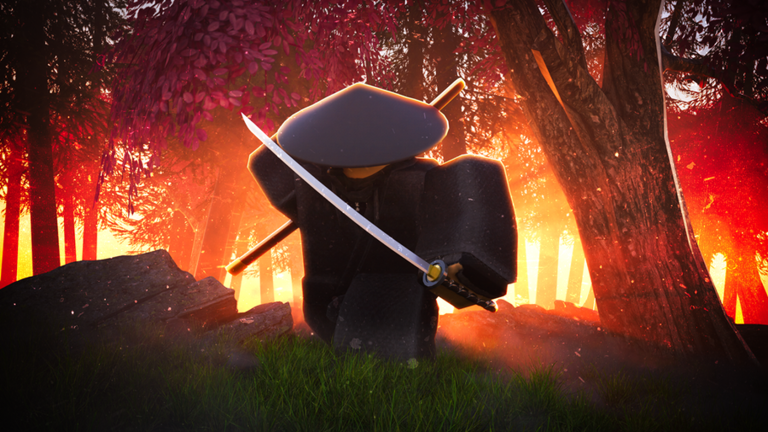
Several official questlines are built into the game, each tracked by a dedicated badge when you finish them. On top of that, accumulating Yen and putting serious hours into the game each produce their own rewards.
| Bell questline | completing the full Ringathon quest chain earns the Ringathon badge |
| Oni Nightmare questline | finishing it earns the Oni Nightmare Quest badge |
| Peeka questline | completing it earns the Peeka Quest badge |
| Oni Resurrection questline | finishing it earns the Oni Resurrection badge |
| Yen goal | collecting over 350,000 Yen earns the Money Maker badge |
| Playtime goal | staying in the game for over 10 consecutive hours earns the Dedication badge |
Staying current with updates and codes
WarnThe game receives updates that add new content — the most recent brought a Halloween map and a player title system. The developers also release codes tied to like milestones.
 650KLikes
450KLIKES
MAY4
ZOMEANSIMSORRY
650KLikes
450KLIKES
MAY4
ZOMEANSIMSORRY
Glossary
Glossary- Feint
- A move where you begin an attack and immediately block, making your opponent think the attack is real so they react and leave themselves open.
- Guard Break
- What the kick (F key) does — it forces through an opponent's block so you can land a hit.
- Dash
- A quick lateral movement triggered by the R key, used to dodge attacks or change your position mid-fight.
- Shiftlock
- A camera and movement mode toggled with CTRL that changes how precisely you can aim and move.
- Yen
- The in-game currency you collect, with 350,000 Yen being the threshold for the Money Maker badge.
- Clan
- A group of players who compete together on the multiplayer leaderboard.
- Skin
- A cosmetic item that changes the appearance of your weapon.
- Questline
- A series of tasks built around a specific theme, such as the Bell or Oni Nightmare chains, that reward a badge on completion.
Common questions
FAQHow do I get quest badges?
Each badge-backed questline — the Bell (Ringathon), Oni Nightmare, Peeka, and Oni Resurrection chains — must be completed in full. The badge is awarded automatically when you finish the final step of the relevant questline.
Game updates can change what is on this page. If you spot something, get in touch and let us know.
