
Musket Testing Guide: First steps when you join
About
OverviewMusket Testing is a historical sandbox game where you fight with muskets and cannons in open matches of up to 40 players. This guide walks you through the controls, cannon procedure, and hidden Backrooms locations so you can get into the action without fumbling your first volley.
What is on this page
Contents
First steps when you join
Step
When you first load in, take a moment to set up before heading into combat. Two quick actions cover everything you need to get oriented.
- Open Customize press the Customize button in the top left to change your outfit and rifle before anything else.
- Check your tools press the backtick key (`) to see every tool available to you, so you know what you are carrying.
MetaNew Player Survey

The next survey is being prepared.
Musket controls
Step
The musket does not fire the moment you click — it uses a two-step sequence. Bayonet fighting is a separate mode you switch into with its own keys.
- Make ready click once to bring the musket up.
- Present press F to move into the firing position.
- Fire click again to send the shot.
- Attach bayonet press B to fix a bayonet onto guns that support it.
- Enter bayonet mode press X to switch from shooting to close-quarters bayonet combat.
- Aim down sights press Q to look through the sights for a more precise shot.
Cannon procedure
Step
Cannon loading follows a strict five-step order. The swabbing steps are easy to forget under pressure, but both are required.
- First swab swab the cannon to clear the barrel before you do anything else.
- Choose your shot take a round shot, canister, or blank from the ammo box depending on what you want to do.
- Load click the barrel to push the ammunition in.
- Second swab swab the cannon again after loading.
- Man and fire click the knob to take control of the cannon, use W, A, S, D to aim, then press F to fire.
Kill badges and how to chase them
Tips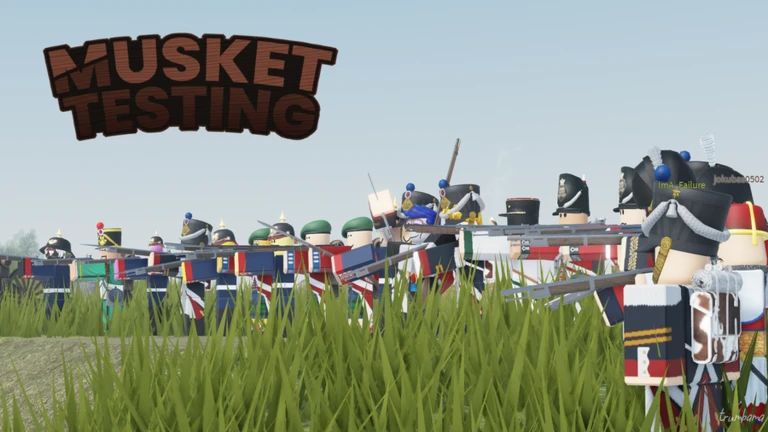
Three badges reward kill streaks within one continuous life.
- Warrior requires 25 kills without dying.
- Knight requires 50 kills in a single life.
- Emperor requires 100 kills in one life.
Backrooms locations
Tips
The map contains at least four Backrooms locations, each with its own badge. They reward exploration rather than combat skill.
- Backrooms A awards a badge when you touch the sign at that location.
- Backrooms B, C, and D are intentionally obscure; their badge descriptions are cryptic by design.
Things that will get you stuck
WarnA handful of mistakes come up constantly for new players.
Community strategy ideas
CommunityThese ideas and tips come from people playing the game. Share your discoveries too!
No strategy ideas yet. Share a tip you discovered.
Share a strategy idea
Musket Testing
Glossary
Glossary- Swab
- The cleaning action you perform on the cannon both before loading and after — skipping it stops the cannon from firing.
- Canister
- One of three cannon ammunition types available from the ammo box, alongside round shot and blank.
- Bayonet
- A blade attached to the musket with the B key, switched into combat mode with X for close-range fighting.
- Backrooms
- Hidden areas on the map, labelled A through D, each holding a badge that requires you to find and interact with something there.
- Present
- The second step of firing a musket, triggered by pressing F, which moves the weapon into the firing position before you click to shoot.
Common questions
FAQWhy won't my cannon fire?
The cannon requires two separate swab steps — one before you load the shot and one after. If you skipped either one, go through the full sequence from the beginning: swab, load, swab, then man the cannon and press F.
How do I go for the Emperor badge?
You need 100 kills in a single life without dying.
Where do I start looking for the Backrooms?
Backrooms A awards a badge when you touch the sign at that location. Locations B, C, and D are deliberately harder to pin down.
Game updates can change what is on this page. If you spot something, get in touch and let us know.