
Cars 2: Worldwide Spies — Controls on every platform
About
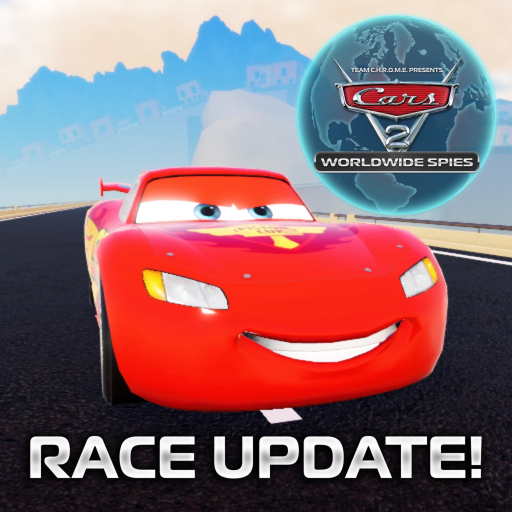
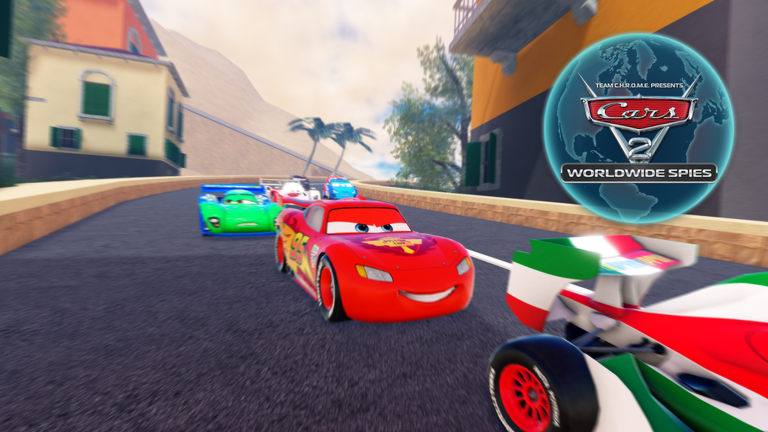
OverviewCars 2: Worldwide Spies is a fan-made Roblox game inspired by the Cars 2 film, where you pick from over 25 characters — including Lightning McQueen, Mater, Finn, and Francesco — and race, explore, or build your own missions across multiple maps. This guide covers controls for every platform, how to drift, and what to expect from the game in its current state.
What is on this page
Contents
Controls on every platform
Table
Every platform gives you turbo, a handbrake, a camera toggle, and headlights, but the inputs feel quite different from one device to the next.
| Move | PC: WASD | Console: left stick | Mobile: red handlebar (steering) plus accelerator/brake pedals |
| Turbo | PC: Shift | Console: X | Mobile: turbo can icon |
| Handbrake | PC: Spacebar | Console: B | Mobile: handbrake icon |
| Camera | PC: C | Console: L1 | Mobile: not listed separately |
| Lights | PC: L | Console: R1 | Mobile: not listed separately |
Ways to play the game
Tips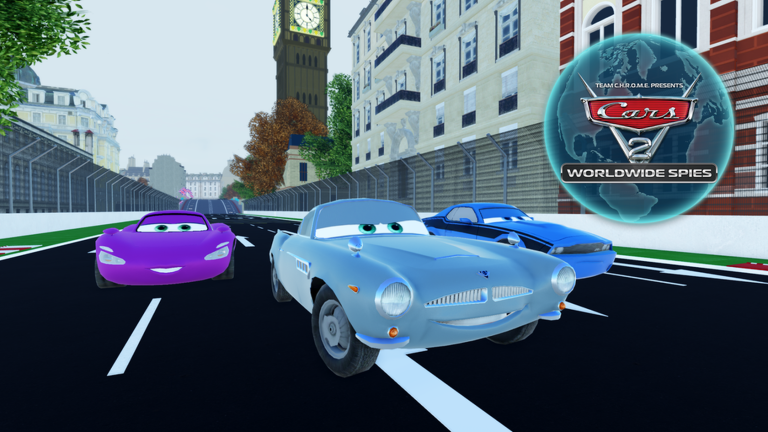
There is no single path through Cars 2: Worldwide Spies. You can hop straight into a quick race using the Quick Race button added in the September 27, 2026 update, wander around a map as your favorite character, or put together a high-stakes mission from scratch.
- Use the Quick Race button for fast access to a race
- Race Notifications let you know when a race is starting
- Roleplay by cruising a map freely as any of the 25-plus characters available
- Build your own high-stakes missions
- Check the Team Chrome Group for previews of what is coming in the next major update
Cost and character access
Summary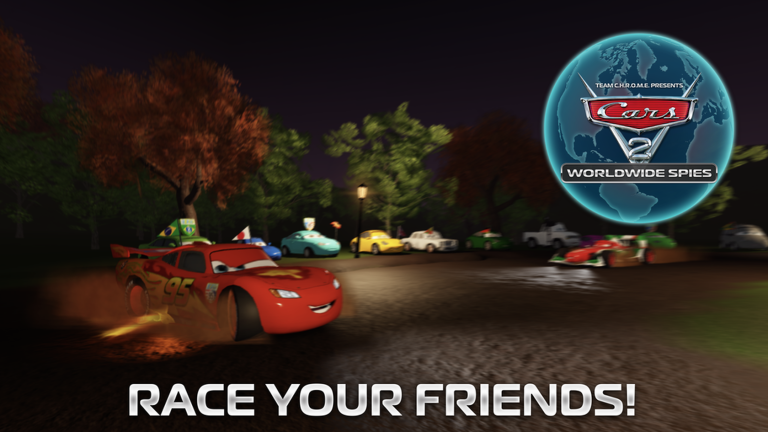
The game does not generate real revenue and is not affiliated with Disney or Pixar. A standard free Roblox account gets you full access to the character roster and all maps.
- Account needed a free Roblox account is all that is required
- Characters available over 25, including Lightning McQueen, Mater, Finn, and Francesco
- Cost to race and explore free
- Real-money revenue none; confirmed in the in-game credits
Glossary
Glossary- Alpha
- An early development stage where bugs, missing features, and sudden changes are normal and expected.
- Turbo
- An action that gives your car a short burst of high speed, activated by Shift on PC, X on console, or the turbo can icon on mobile.
- Handbrake
- A control that cuts your rear grip sharply so you can swing the car into a quick turn or start a drift.
- Drift
- A technique where you slide the car sideways through a corner by combining a turn with the handbrake.
- High-stakes mission
- A custom scenario you build and play yourself, separate from the standard races and freeplay exploration.
Common questions
FAQHow do I use turbo on mobile?
Tap the turbo can icon that appears on screen. It does the same thing as Shift on PC or X on a console controller.
Why does drifting feel broken?
The drift mechanic is still being developed and does not behave consistently yet. This is a known unfinished feature.
How many characters can I play as?
There are over 25 characters to choose from, including Lightning McQueen, Mater, Finn, and Francesco. All of them are available without any purchase.
What did the September 27, 2026 update add?
It added a Quick Race button so you can jump into a race immediately, Race Notifications to alert you when a race is about to start, and a redesigned console menu accessed by pressing DPad Down.
Game updates can change what is on this page. If you spot something, get in touch and let us know.
