
Offroading Land — Getting started on the map
About
OverviewOffroading Land is an open-world Roblox game where you drive more than 85 cars across a wide map full of rough terrain, mud, and ramps. This guide covers the basics of getting started, how to pick a vehicle, where to find the best off-road spots, and what you get for free versus paid.
What is on this page
Contents
Getting started on the map
Step
When you first load in, you can move with WASD and jump with the spacebar. Cars are placed around the map, and you can hop in and out of any of them freely. Because the map is large, spending your first few minutes just driving around helps you figure out where things are.
- Spawn in start moving as soon as you appear so you can orient yourself.
- Try the controls use WASD to drive and the spacebar to jump before you worry about anything else.
- Get in a car click any vehicle on the map to get inside it.
- Swap vehicles jump out and try a different one to compare how each feels.
- Find rough ground look for muddy or uneven areas once you are comfortable with the basics.
Terrain worth exploring
Summary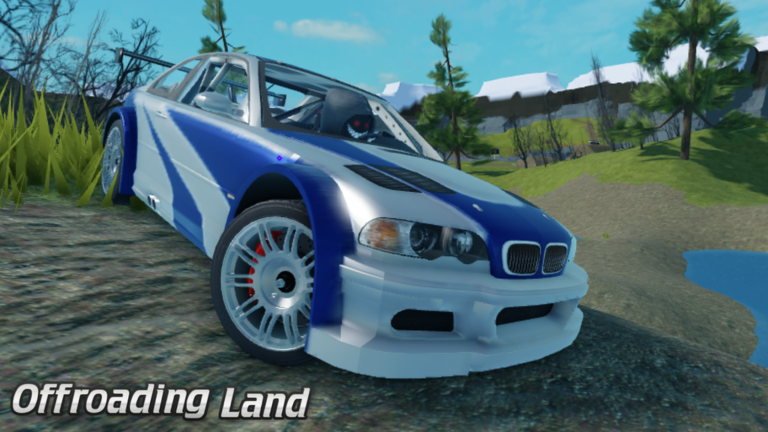
The map goes well beyond paved road. A recent update added Swamp Mud, a new section designed specifically for tough off-road driving. Other areas test your car's suspension on bumpy tracks or give you and your friends room to race side by side.
- Swamp Mud a newly added zone built for difficult off-road conditions.
- Bumpy tracks uneven ground that pushes a car's suspension to its limits.
- Open areas flat, wide stretches suited for driving with friends or informal races.
- Ramps spots designed to test how your vehicle handles big jumps.
Picking the right vehicle
Tips
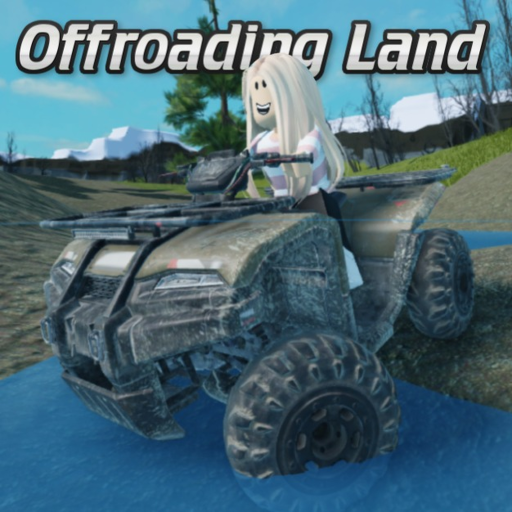
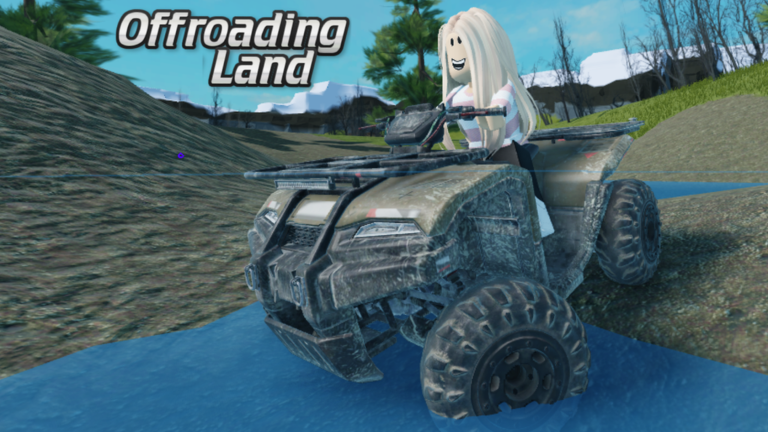
Every vehicle on the map is free to use — there is no unlock system to work through. The update added a Dump Truck, a Mud Quad, and a Video Ads Vehicle alongside the existing lineup. Each car handles differently, so the best approach is simply to try several.
- The Mud Quad is built for muddy terrain.
- The Dump Truck is large and stable.
What you get without spending Robux
Check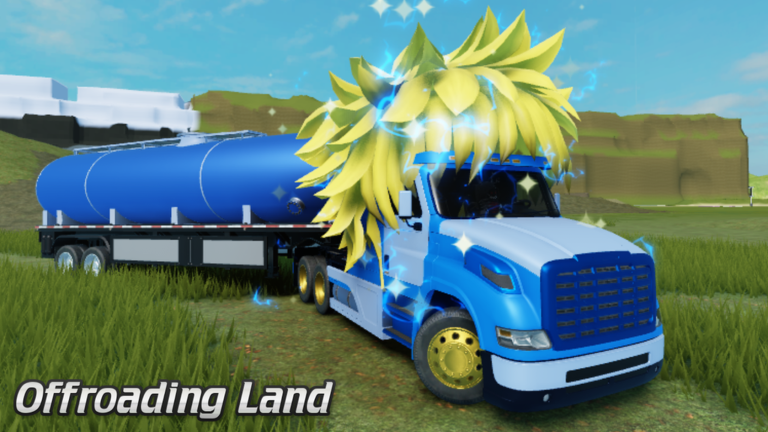
The only thing locked behind a payment is an exclusive badge for Roblox Premium members. Every car, every area of the map, and the entire multiplayer experience costs nothing extra.
- All 85+ cars are available to drive without any purchase.
- Every part of the map, including Swamp Mud, is open to all players.
- The only paid benefit is an exclusive badge tied to Roblox Premium membership.
Troubleshooting common problems
Warn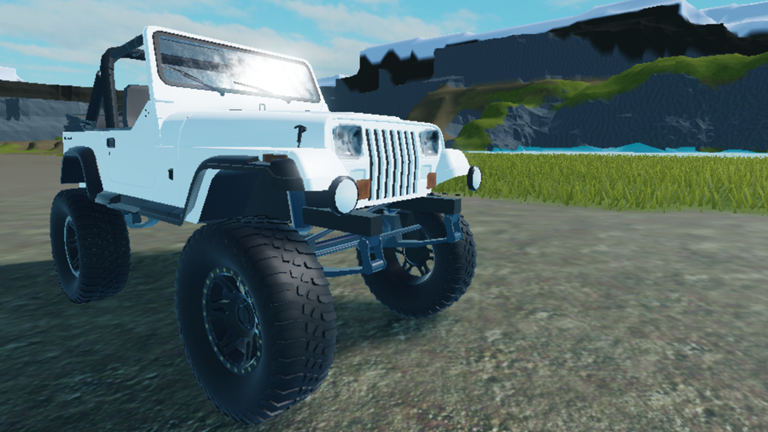
Community group and developer contact
SummaryOffroading Land is developed by TypKris, with TypStef as a second developer and admin. TypKris runs an official Roblox community group where members receive a Member Rank.
- Member Rank granted when you join the TypKris Official Group.
- No cost joining the group is free.
Glossary
Glossary- Off-road
- Driving on unpaved, muddy, or uneven natural ground rather than smooth roads.
- Suspension
- The part of a car's design that absorbs bumps, which affects how a vehicle handles rough terrain.
- Swamp Mud
- A newly added map section featuring challenging muddy terrain.
- Mud Quad
- A small vehicle added in the latest update, designed to perform well in muddy conditions.
- Member Rank
- A status you receive inside Roblox by joining the TypKris Official Group.
- Premium Badge
- An exclusive badge available only to Roblox Premium subscribers, and the sole paid benefit in this game.
Common questions
FAQHow do I get into a car?
Click on any vehicle you see on the map and your character will get inside. You can get out just as easily and switch to a different one whenever you want.
Is there anything I actually need to pay for?
The only paid item is an exclusive badge for Roblox Premium members. Every car, map area, and multiplayer feature is free.
The game feels buggy — what should I do?
The latest update included a code clean-up specifically to improve stability. Try leaving the game and rejoining.
Game updates can change what is on this page. If you spot something, get in touch and let us know.
