
 Live now
–
Live now
–
Game guide
BedWars Guide: First steps when a match begins
Is this game fun?1 votes
Fun 100%1Average 0%0Not fun 0%0
About
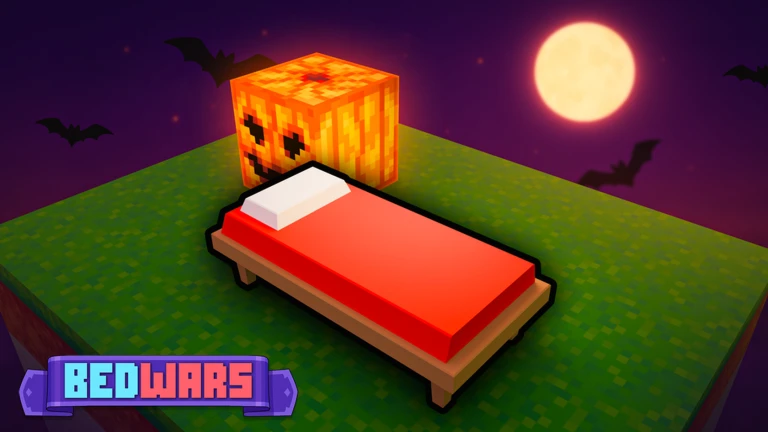
OverviewBedWars is a team PvP game where your goal is to destroy every enemy team's bed while keeping your own bed safe. Lose your bed and your team can no longer respawn after being eliminated. This guide covers resources, defense, teamwork, and controls so you can start winning matches.
What is on this page
Contents
01
First steps when a match begins
Step
02
The four resources and how to spend them
Tips
03
Live and upcoming events
Events
04
PC controls to know before you play
Check
05
Bed defense at every stage of the match
Table
06
Team communication habits that win games
Tips
07
Paid content and free play
Summary
08
Glossary
Words
09
Common questions
FAQ
01
First steps when a match begins
Step
In short
Spend the opening moments learning the map and grabbing resources before you think about fighting.
As soon as the match starts, your priority is collecting resources and understanding where everything is.
- Learn the map find your bed, your team's spawn point, and the resource generators before you do anything else.
- Collect resources pick up materials from generators as quickly as you can.
- Check the shop open the shop menu to see what weapons, armor, and blocks are available and what they cost.
- Agree on roles decide with teammates who focuses on collecting, who builds defense, and who watches for enemies.
MetaNew Player Survey
The next survey is being prepared.
02
The four resources and how to spend them
TipsIn short
Four resource types spawn from generators on the map — wood, iron, gold, and diamond.
The amount and variety of resources available grows as time passes, meaning cheap early purchases come first and stronger gear unlocks later. Coordinate with teammates so nobody doubles up on the same purchase when the group needs different things.
Tips worth knowing
- Some items require more than one resource type, so check the shop menu before committing to a purchase.
- When you eliminate an enemy, they can drop resources, giving you an extra way to build up your supply.
- Generators near enemy territory create a natural fight for control.
- Resources are used to buy weapons, armor, building blocks, and other items at the shop.
03 Live and upcoming events
Events
Events running now or coming soon. They have fixed dates, so check them first.
Live now
–
Upcoming
–
Halloween Event Part 3
04
PC controls to know before you play
CheckIn short
All hotkeys can be customized in settings, and mobile players can adjust button position and size as well.
All hotkeys can be customized in settings, and mobile players can adjust button position and size as well. These are the PC defaults worth memorizing first.
- Shift sprints.
- E opens your inventory so you can check what you are carrying.
- H drops an item.
- G pings a map location for teammates without needing to type.
- TAB opens the scoreboard.
- T opens the emote wheel.
Stuck? Try a video
〇〇するだけで勝てる最強のベッドウォーズ立ち回りを紹介します!【The Hive】【ゆっくり実況】【Hive】【Bedwars】
Roblox/床戰變強的三大技巧! 絕對實用 (EP.1)
I Tested The FASTEST Hive Bedwars Strategy
05
Bed defense at every stage of the match
Table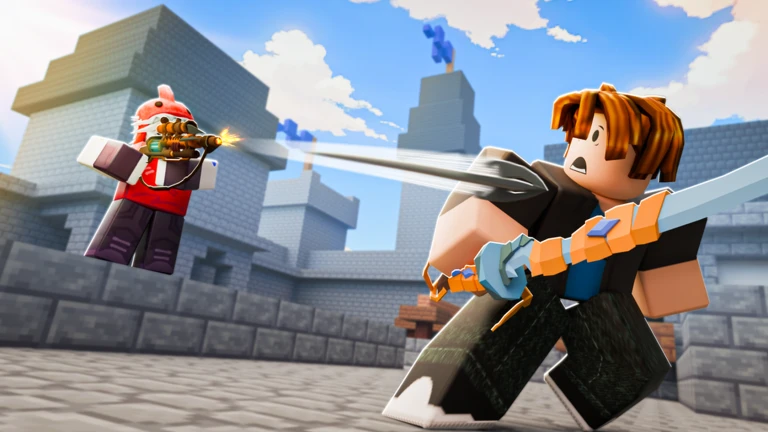
In short
Shift your focus from pure defense early to balanced play mid-match, then go on the offensive once an enemy team is eliminated.
How much time you spend defending versus attacking should change as the match goes on. Going fully aggressive from the start leaves your bed unguarded, but sitting back the entire match means you will never knock anyone out.
| Early game | Stack walls and obstacles around your bed to slow any enemy rush. |
| Mid game | Keep your bed covered while pushing back enemies who get too close. |
| Late game | Once you have destroyed one enemy team's bed and finished them off, shift your full attention to the remaining teams. |
06
Team communication habits that win games
Tips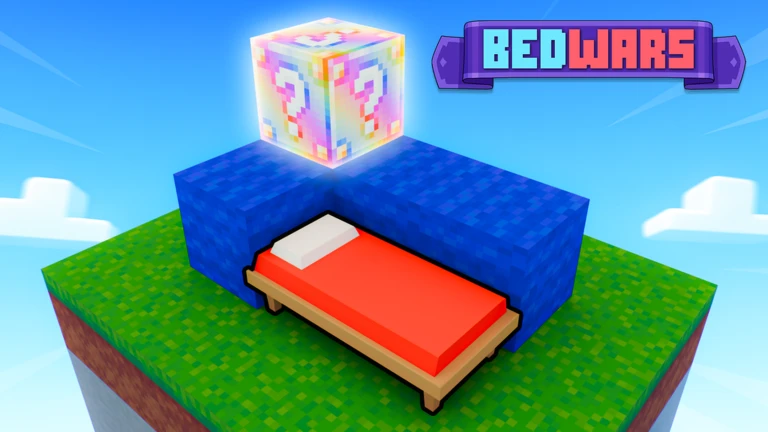
In short
Small, consistent communication makes the difference between a team that reacts in time and one that loses its bed without warning.
BedWars is built around team play. Developing a few simple habits keeps everyone on the same page throughout the match.
Tips worth knowing
- Call out enemy positions the moment you spot them so teammates can prepare.
- When a teammate is already fighting an enemy, add your own attacks to that fight rather than chasing a different target.
- If enemies are massing near your bed, tell everyone to pull back and defend.
- Regularly check that all teammates are still alive; a missing player means your defense has a gap.
- Use the ping button (G on PC) to mark important locations without needing to type.
07
Paid content and free play
Summary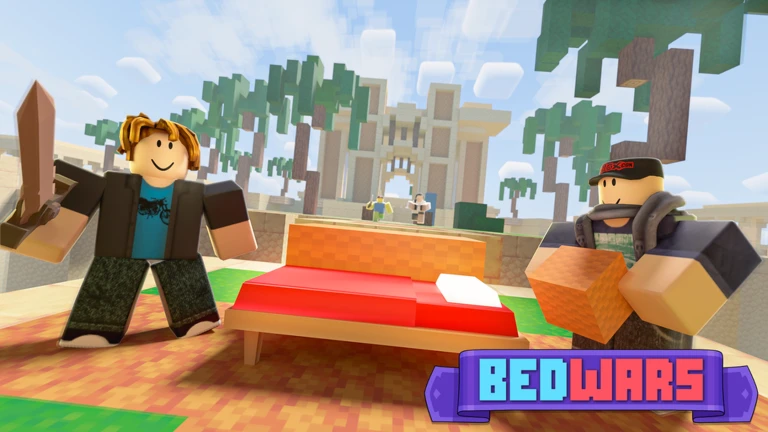
In short
Spending real money changes how your character looks, not how well you perform in a match.
BedWars has optional purchases, but they do not affect match outcomes. All weapons, armor, and blocks are bought with in-game resources that every player earns during the match itself.
- Cosmetics skins and emotes are available through paid options but have no effect on combat.
- Gear every piece of equipment comes from in-game resources, so free players and paying players start each match on equal footing.
- Game modes over ten modes including Lucky Block, SkyWars, Infected, and Creative are available to all players.
Glossary
Glossary- Bed
- The object your team must protect; once it is destroyed your team can no longer respawn after being eliminated.
- Respawn
- Coming back to life after being eliminated — only possible while your team's bed still exists.
- Generator
- A device on the map that automatically produces resources over time for players to collect.
- Shop
- An in-game location where you spend resources to buy weapons, armor, blocks, and other items.
- Elimination
- When every member of a team has been killed after their bed is already gone, removing that team from the match.
- Lucky Block
- An alternate game mode where hitting a special block produces a random item or event.
- PvP
- Player versus Player — the match format where all competition is between human players.
- Ping
- A map marker you can place using G on PC to point out locations to your teammates without typing.
Common questions
FAQWhat happens when my team's bed is destroyed?
Your team loses the ability to respawn. Every player on your team who gets eliminated after that point is out of the match for good.
Can I play solo, or do I need a group of friends?
You can join on your own — the game automatically places other players on your team when a match starts.
What do I spend resources on?
Resources are used at the shop to buy weapons, armor, building blocks, and other items.
Updated Oct 3, 2026
Game updates can change what is on this page. If you spot something, get in touch and let us know.
Game updates can change what is on this page. If you spot something, get in touch and let us know.
