
Destroy The Ship Guide: Your starting weapons and what they do
About
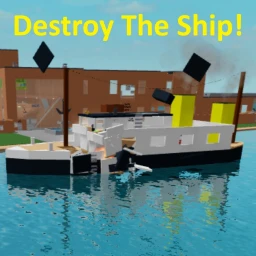
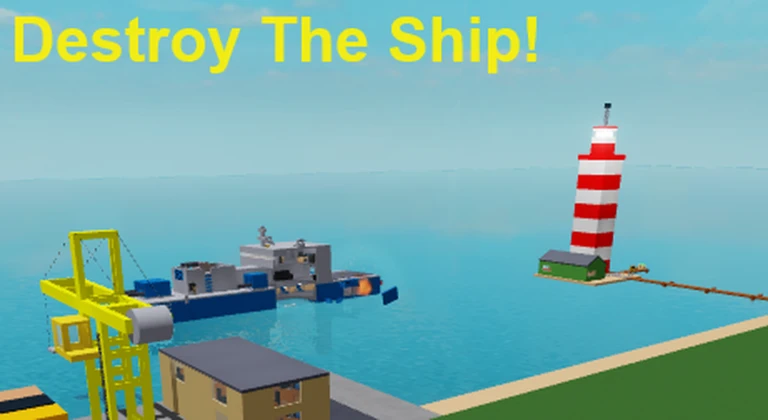
OverviewDestroy The Ship! is a Roblox game where you sink ships, blow up vehicles, and demolish buildings using a wide range of weapons and tools. This guide covers your starting weapons, how maps and ships work, secret badges worth chasing, and how to get the most out of private servers.
What is on this page
Contents
Your starting weapons and what they do
Tips
You spawn with all regular items every time you die and rejoin. A few of them are especially useful to understand early. The Holdable Laser Gun is the best tool for splitting ships clean in half, since its red beam fires underwater and in the air. The Magic Wand teleports you anywhere instantly — including onto moving vehicles — but watch out near the sawmill, because a bad teleport there kills you. The Magic Carpet lets you fly both in the air and underwater, though it slows down in water.
- Super Coil — boosts your jump power dramatically; shrink yourself to size 0.6 or smaller while holding it and you will float and accelerate.
- Big Time Bomb — detonates after about 15 seconds and flings nearby players far if they are close to the blast.
- Blazing Inferno — sets structures on fire and burns them completely to ash over time.
- Bombs — drop many small explosives at once; they detonate faster than the Big Time Bomb.
- Levitating Bomb — stays floating exactly where you place it, so you can position it precisely before it goes off.
- Teleporter — lets you jump directly to specific vehicles, islands, and structures, making it a stronger version of the Magic Wand.
Maps and where to play them
Table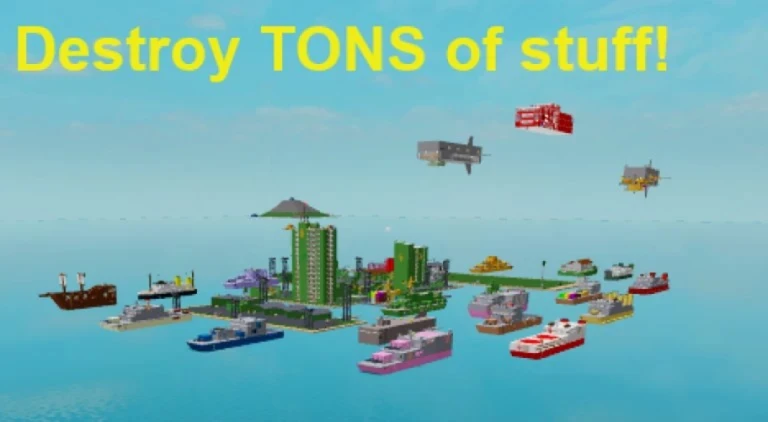
Public servers always load the Ocean map, which has only open water and Wolf Island. All other maps are loaded through private server controls. Use Private Server Controls in your inventory, click the map you want, press Select This Map, then press Load Selected Map. Alternatively, open Structure Manager 2.0, press Select Map Preset, and then Load Selected Map.
| Ocean | open water plus Wolf Island only; the default for public servers. |
| Islands | contains all faction islands and is the private server default; great for faction versus faction battles. |
| Allied Islands | combines factions into two large alliance islands for alliance-scale wars. |
| Giant Island | one large continent merging all faction territory, plus civilian structures you can load separately. |
| Giant Island (All structures loaded) | same as Giant Island but every city, airport, and structure loads automatically. |
| Connected Islands | includes connected landmasses with roads throughout. |
Ships worth knowing before you spawn one
Tips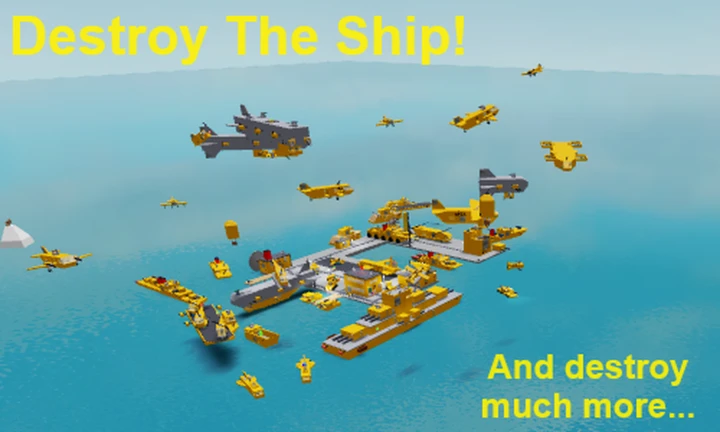
Ships are spawned from the Ship Panel near the Spawn Building, or through Private Server Owner Tools in a private server. There are 22 ships currently in the game across several factions.
- The Carrier is the hardest ship to sink.
- The Cargo Ship is the easiest to sink.
- The Corvette is a fast ship armed with a small number of cannons.
- The Wolf Battle Airship can spawn spaceships, planes, and helicopters, and sinks other ships in seconds.
- The AA Missile Ship spawns up to four drivable Interceptor Planes and is designed to shoot down enemy helicopters.
- The Submarine can launch a large torpedo as well as a nuclear missile, but the nuclear missile can destroy the submarine itself if you are not careful.
Private server setup
Step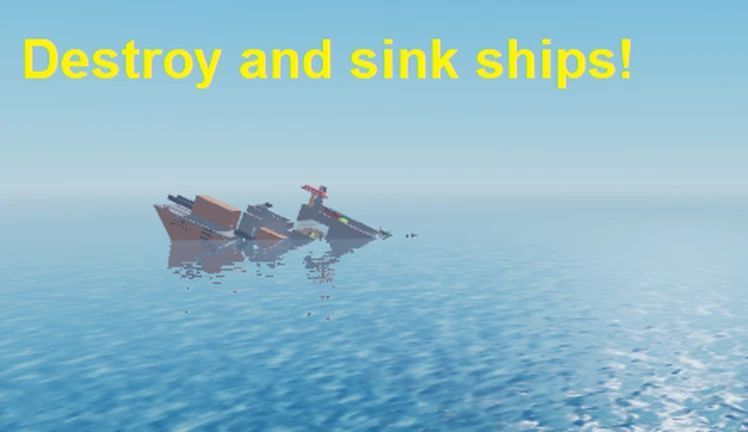
Private servers are free to create and drop you directly into the game when you join one. Once inside, you get extra items in your inventory that are not available on public servers, including the Vehicle Spawner, Ship Spawner, Jet Spawner, and the Private Server Controls tool itself.
- Open controls press Private Server Controls in your inventory or type /controls in chat to open server settings.
- Load a map select your map from the controls panel, confirm your choice, then press Load Selected Map.
- Spawn ships and vehicles use the Ship Spawner or Vehicle Spawner to place any faction's vessels wherever you want.
- Adjust weapon settings use Automatic Weapon Settings as a shortcut to toggle interceptor turrets and other combat options.
Secrets and how to unlock them
Step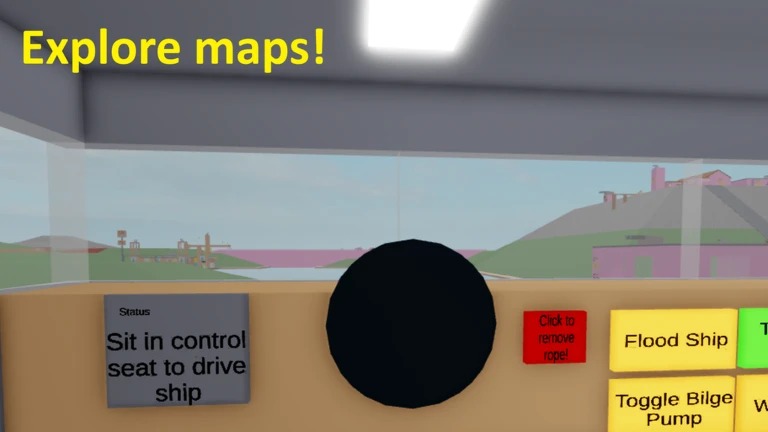
The UFO Spawner badge reward works in public servers, but the Nuke Launcher badge reward is limited to private servers only.
- Nuke Secret (gives Nuke Launcher for private servers) in a private server on a map with Wolf Island, go to the Wolf Nuke Missile Building, launch the nuke and self-destruct it at the same time; a section of concrete below the building opens, then click the badge inside.
- Button Secret find the Wolf Saw 2000 and press the grey button behind it.
- UFO Secret (gives UFO Spawner usable in public servers) load Giant Island in a private server, fire your Nuke Launcher near one of the mountains to open a secret base, complete an obby without touching the floor, navigate the maze by going left then right then straight forward, open the vault keypad, then interact with the computers and room walls in sequence until you reach the badge button.
- Spaceship Secret break into the Spaceship's reactor room, toggle Manual Control Mode, set Energy Input Level to reserve power, turn Overclock Reactor on, set Reactor Temperature to 8500F, then toggle the Reactor Control Computer.
- TOTTALY REAL FREE ADMIN (no actual admin is granted) simply walk into the Wolf Saw 2000; it kills you and awards the badge.
- That's not what those are for! (gives Improved Machine Gun) in a private server, enable InterceptableProjectiles, InterceptorTurretsEnabled, NeutralAutomaticWeapons, ExplosionPlayerDamage, and set ExplosionDamageMultiplier to 1000 in the private server controls, then spawn the Support Van, stand on top of its turret while holding the Handheld Missile, and let the interceptor turret kill you.
Badge item rewards at a glance
TableEarn these badges once and the item stays with you every time you respawn.
| Badge | Item unlocked | Where you can use it |
|---|---|---|
| Nuke Secret | Nuke Launcher | Private servers only |
| UFO Secret | UFO Spawner | Public and private servers |
| That's not what those are for! | Improved Machine Gun (replaces Semi-Machine Gun) | Public and private servers |
Glossary
Glossary- Ship Panel
- A panel near the Spawn Building where you select and spawn any of the game's ships.
- Private Server Controls
- A tool in your inventory (or accessible via /controls) that lets you change maps, toggle weapon settings, and spawn faction vehicles in your private server.
- Structure Manager 2.0
- An alternative menu for loading map presets in a private server.
- Interceptor Turrets
- Automatic turrets that target incoming projectiles; they must be enabled through private server controls before they function.
- Wolf Island
- The one island that appears in public servers and cannot be destroyed, unlike all other faction islands.
- Badge Item
- A tool you permanently receive after earning a specific badge, added to your respawn inventory.
Common questions
FAQCan I play with friends without spending Robux?
Yes. Private servers are completely free and drop you straight into the game when you join one.
Why can I not find faction islands in a public server?
Faction islands only appear when a map is loaded through private server controls. The only island available in public servers is Wolf Island, which is the center of the default Ocean map.
I got the UFO Secret badge but the UFO has a really long spawn cooldown. Is that a bug?
No, the UFO Spawner is intended to have a very long cooldown between spawns. You can bypass it by resetting your character, which re-adds the tool to your inventory fresh.
What is the best weapon for destroying ships quickly?
The Holdable Laser Gun is the best weapon for splitting ships in half, since it fires powerful beams both underwater and in the air.
Game updates can change what is on this page. If you spot something, get in touch and let us know.
