
Frigid Dusk — Settings to adjust before you play
About
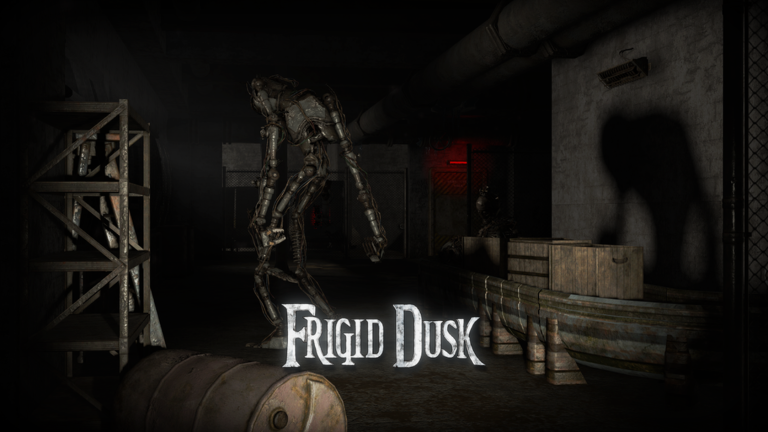
OverviewFrigid Dusk is a cooperative horror game where you and your friends investigate the places where a stolen biological weapon was used, uncovering the mysteries surrounding IBC Laboratory. This guide walks you through getting started, working with your team, and keeping the game running smoothly on any device.
What is on this page
Contents
Settings to adjust before you play
CheckTwo settings matter most when you first load in. Bump graphics quality up to 4 or higher so the environment is sharp and details are easy to spot. Set brightness to high as well, since many areas are dark and you will miss things if your screen is too dim. If the game feels sluggish, dial graphics back down until it runs smoothly.
- Graphics set to 4 or above sharper image, easier to catch small clues
- Brightness set to high dark scenes become readable instead of frustrating
- Device running hot or slow lower graphics until performance feels stable
Getting into your first game
Step
When you launch Frigid Dusk you land in the lobby, a waiting area where you meet up with friends or find other players to team with. Once everyone is together, the story kicks off with Chapter 1. Each chapter is built around investigation and puzzle missions that you tackle as a group. The chapters are designed to be played in sequence, so start at the beginning and work forward.
- Arrive in the lobby meet friends here or look for other players to join
- Form your team invite friends directly or group up with whoever is online
- Start Chapter 1 this is where the story begins, so don't skip ahead
- Read the on-screen prompts the clues you need are in the dialogue and instructions
Playing on mobile vs. PC vs. console
Table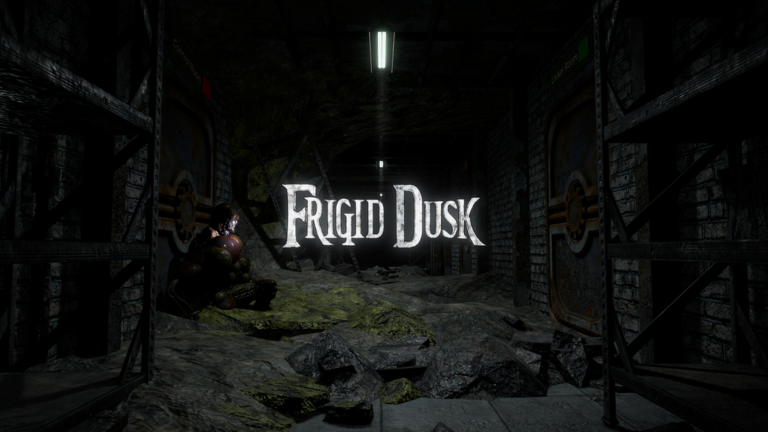
The game runs on all three platforms, but what you can access depends on which one you use. Console support covers only the lobby and Chapter 2.3, so if you want to experience every chapter you will need to switch to PC or mobile.
| PC | full story access |
| Mobile | full story access |
| Console | limited to the lobby and Chapter 2.3 only |
Fixing lag and crashes
Check
If your screen stutters or the game drops out entirely, work through the steps below.
- Graphics lowered to 3 or below
- Roblox app fully closed and reopened
- Background apps closed frees up memory so Roblox gets more to work with
- Device restarted
Cost and horror level
SummaryYou can play every chapter, including the Chapter 1.2 remaster, without spending anything. On the horror side, the game is designed not to be overly frightening, so it is manageable for most players.
 NewLobbySweet
EasterEgg
Part2Update
MedalTV
NewLobbySweet
EasterEgg
Part2Update
MedalTV
Glossary
Glossary- Lobby
- The waiting area you land in when you first join the game, where you gather your team before heading into a chapter.
- Chapter
- One numbered section of the game's story, each containing its own investigation and puzzle missions.
- Remaster
- A rebuilt version of an existing chapter — Chapter 1.2 received a remaster that updated and improved it.
- IBC Laboratory
- The research facility at the center of the game's story, where a biological weapon was accidentally created and then stolen.
- Graphics quality
- A setting that controls how sharp and detailed the game looks — higher numbers look better but need more processing power.
Common questions
FAQWhat is the Chapter 1.2 remaster?
It is an updated release of Chapter 1.2 that improves on the original version of that part of the story.
Why can't I access all chapters on my console?
Console support currently covers only the lobby and Chapter 2.3, so earlier chapters are not available on that platform. To play the full story, you will need to use PC or mobile instead.
Game updates can change what is on this page. If you spot something, get in touch and let us know.
