
Theme Park Tycoon 2 Guide: First steps when you start out

About
OverviewTheme Park Tycoon 2 is a Roblox game where you build and run your own theme park from scratch, designing roller coasters, placing hundreds of attractions, and decorating everything to match your vision. You can play alone or build together with friends. This guide walks you through getting started, making money, customizing coasters, and working through the common sticking points.
What is on this page
Contents
Player notes and tips
Found a useful trick? Share it with everyone! Notes with screenshots are welcome!
Write a guide note
Theme Park Tycoon 2
First steps when you start out
Step
When you load in, the game walks you through the basic building and placement controls. You only have a small plot at first, but the cash your park earns lets you buy more land over time. Keep your entrance fee low early on so visitors keep coming in, since more visitors means more income.
- Complete the tutorial
work through every step so the controls feel natural before you build freely.
- Set a low entrance fee
more visitors through the gate means faster cash flow at the start.
- Place one or two small attractions
check that they are turning a profit before you add more.
- Buy more land
once cash is building up steadily, spend it on expanding your plot.
MetaNew Player Survey

The next survey is being prepared.
Making money in the early game
Tips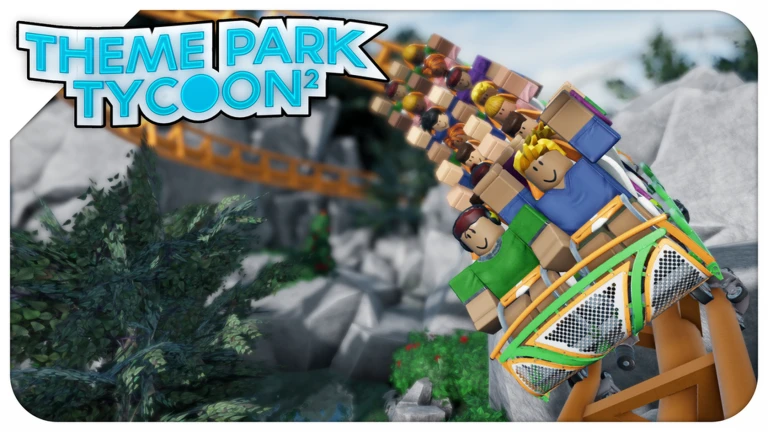
The fastest way to grow your income early is to place multiple small, lower-cost attractions rather than saving up for one big ride. Each one adds another stream of cash and keeps visitors busy. Watch your visitor count closely — if it drops, your entrance fee or ride prices are probably too high. Hold off on heavy decoration until your finances are stable.
- Add attractions gradually and check your profit after each one before spending more.
- If visitor numbers fall, lower your entrance fee or individual ride prices.
- Save decoration for later
function comes before appearance when cash is tight.
Roller coaster customization
CheckAfter placing a roller coaster you can enter edit mode to reshape the track, add loops and twists, and adjust height and speed. A more complex course raises visitor satisfaction, which means you can set a higher ride price. If you are new to coaster building, tweaking an existing template is much easier than starting with a blank track.
- Start from a built-in template rather than designing from an empty track.
- Enter edit mode after placement to add loops, bends, and height changes.
- Check that complexity and ride price move up together a more impressive coaster earns the higher charge.
- Adjust speed and height to balance the thrill and the look.
- When building with friends, talk through big changes before making them.
Building a park with friends
Tips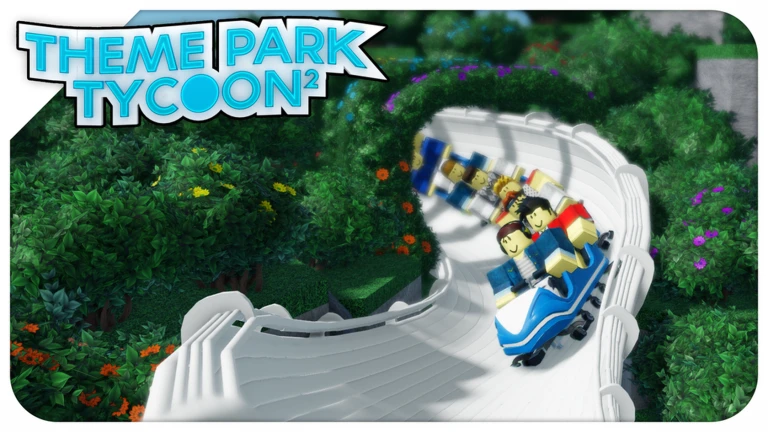
The game lets you grant build permissions to friends, so set those up early and be clear about who can change what. Splitting into roles — someone handling design, someone handling rides, someone watching the finances — cuts down on confusion. Before anyone places a single tile, agree on a concept for the park, such as a fantasy world or a retro funfair, so everything you build fits together.
- Set build permissions so everyone knows what they can and cannot change.
- Divide up roles like designer, ride builder, and finance manager to avoid stepping on each other.
- Agree on a park concept before building starts so the finished result feels coherent.
- Talk through major additions together rather than making big unilateral decisions.
When your park feels stuck
Warn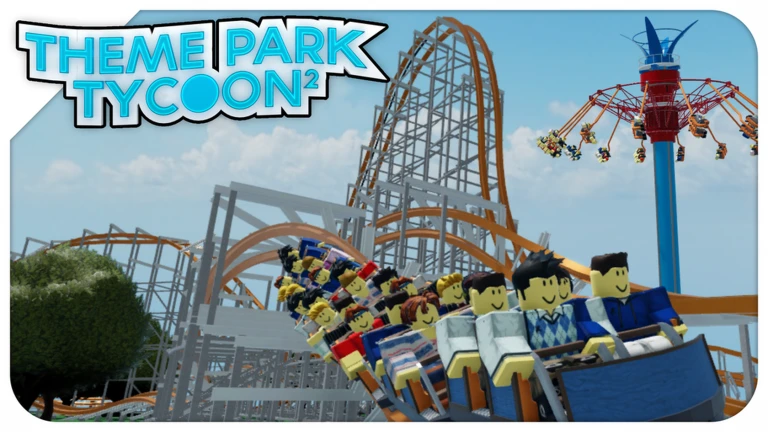
If cash stops growing, the most common reason is that your entrance fee or ride prices have climbed too high and visitors are staying away. Lower the prices and watch whether the visitor count recovers. If your plot feels full, focus on squeezing more profit from what you already have before spending on new land. If something seems broken rather than just slow, a full game reload usually clears it up.
Decoration and park appearance
Tips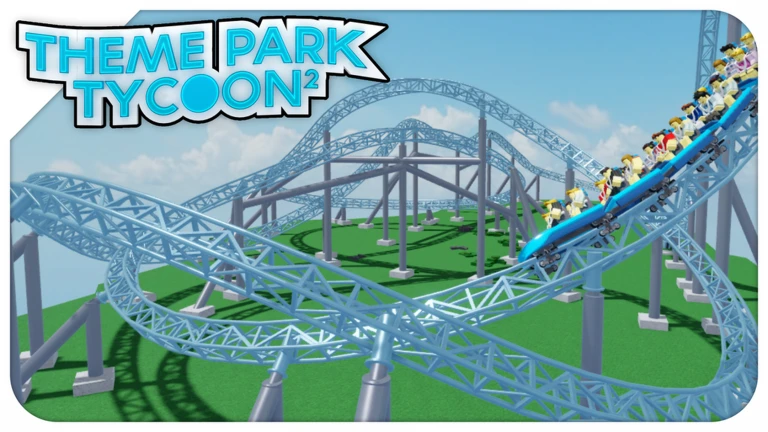
With hundreds of scenery pieces available it is easy to end up with a cluttered-looking park. Choosing a theme first — fantasy, modern, retro, or anything else — narrows down your choices and keeps everything looking intentional. Sticking to around three colors across the whole park does a lot to pull the look together. Spread decoration across the whole park rather than piling it around one ride.
- Decide on a theme before you start decorating so every piece you place fits the overall picture.
- Limit yourself to roughly three colors throughout the park.
- Ask a friend for an outside opinion on your park's appearance.
Free-to-play and paid items
TableTheme Park Tycoon 2 is free to play and keeps all of its core building and management tools available to everyone. Paid items center on speeding things up, but they do not unlock attractions or decorations that free players cannot reach. If you have time to spare, there is no content in the game that requires spending money.
| Attractions | all available without paying. |
| Decorations | all available without paying. |
| Land expansion | costs in-game cash earned through play, not real money. |
| Paid items | speed up progress but do not gate any core feature. |
| Co-op building | same permissions and tools for every player regardless of spending. |
Glossary
Glossary- Entrance fee
- The price visitors pay to enter your park — setting it too high drives people away, while setting it low brings in more visitors and steadier income.
- Visitor satisfaction
- How happy guests are with your park's rides, looks, and prices; higher satisfaction lets you charge more without losing customers.
- Land expansion
- Spending in-game cash to increase the size of your plot so you can place more rides and decorations.
- Edit mode
- The tool you enter after placing a roller coaster to reshape its track, add loops, and change its speed and height.
- Build permissions
- Settings that control which friends are allowed to place, edit, or remove things in your park during a co-op session.
- Park concept
- The overall theme or design direction you choose for your park, such as fantasy or retro, which guides every building and decoration decision.
Common questions
FAQI can't figure out how to build a roller coaster. Where do I start?
Pick one of the built-in coaster templates rather than trying to build from nothing. Once it is placed, enter edit mode to make small changes and get comfortable with the tools.
How do I let a friend build in my park?
Use the build permissions feature to grant your friend access. Once granted, they can place and edit rides in your park.
My cash just won't grow. What am I doing wrong?
The most likely cause is that your entrance fee or ride prices are high enough to put visitors off. Try lowering them and see whether more guests start coming in. If money is still slow, placing additional small attractions can help.
The game is running slowly as my park gets bigger. What can I do?
A larger park puts more load on the game, so the first thing to try is a full restart. If performance is still poor on a mobile device, lowering the graphics settings or making sure the app is up to date can help.
Game updates can change what is on this page. If you spot something, get in touch and let us know.
