
The Multiverse Project Guide: Getting started as a new player
About
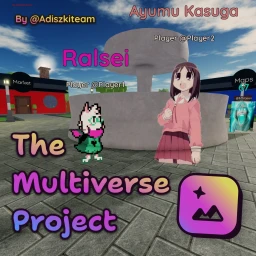
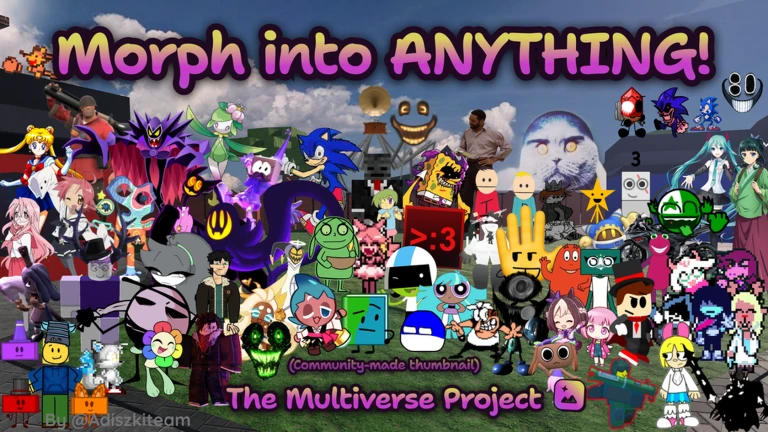
OverviewThe Multiverse Project is a Roblox roleplaying game where you transform into characters using morphs and custom images, explore maps from different fandoms, and build stories with other players. It was previously known as Comedy World RP Fixed and is currently running as version 4.5. This guide covers how to get started, how to use the custom-image system, and how to collect every badge in the game.
What is on this page
Contents
Getting started as a new player
Step
When you join for the first time you automatically earn the Welcome badge. The game puts roleplaying at the center, so choose how you want to look before you start exploring. Several fandom maps are available, and you can switch between them to find the setting that fits the story you want to tell.
- Pick a morph use a morph to snap your character's appearance to a specific model right away.
- Browse the image library search the built-in library and apply a custom image if you want a 2D or 2.5D look instead.
- Choose a map walk through the available fandom maps and settle on one that matches your roleplay idea.
- Use AFK when you step away the game includes a built-in AFK tool so you can signal you are away without leaving the server.
Custom images and sprite roleplay
Tips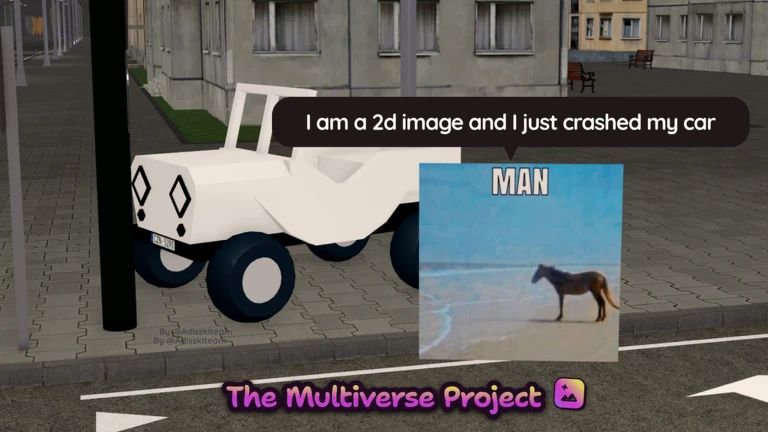
One of the biggest things that sets this game apart is its huge image library. You can pull a decal from it and wear it as a flat 2D sprite, or use a spritesheet to cycle through multiple poses during roleplay. A paper morph takes that further by giving you a printed, flat look for your character.
- Search the image library by character name or fandom to find a decal quickly.
- Apply a spritesheet when you want to switch between poses or expressions mid-scene.
- Use a paper morph if you want a flat, printed-paper style rather than a full 3D model.
Seasonal and timed badges
Check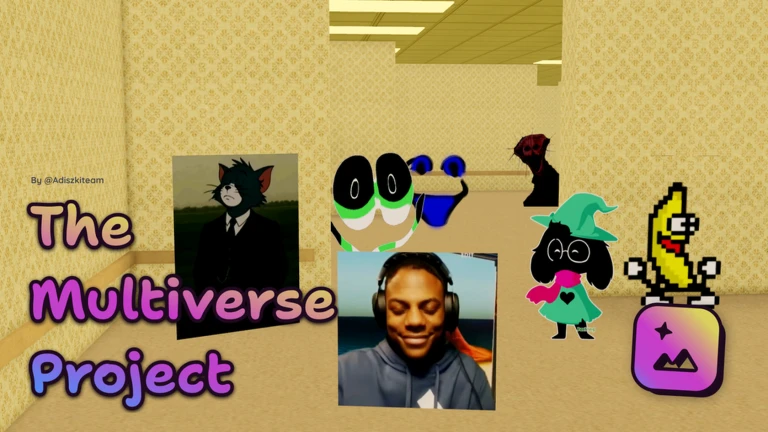
Missing an event month means waiting a full year for another chance. Log in during each window below and the badge awards itself just for joining — no extra steps are needed once you are in the game.
- April log in during the Egg Hunt event to earn the Egg Hunt badge, the ??? Egg badge, and the Rainbow Egg badge.
- June 12 to 13 log in on either day to earn the Anniversary badge.
- October log in during the Candy Hunt event to earn the Candy Hunt badge, the ??? Candy badge, and the Rainbow Candy badge.
Badges that take more than logging in
Summary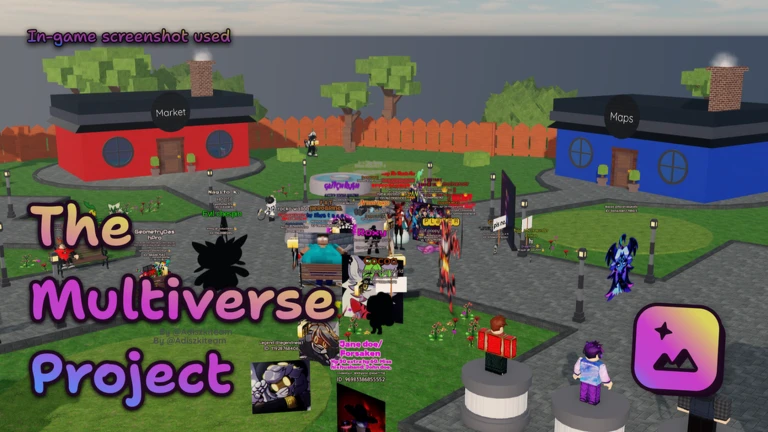
Three badges sit outside the seasonal calendar. The creator badge depends entirely on being in the same server as the developer Adiszkiteam at the right moment. The two hidden badges — fly in a glass and get grounded by boris — have conditions described only in their own names.
- Welcome awarded automatically on your first visit.
- Veteran awarded after more than one month of total playtime since October 2023.
- You met the Creator awarded by sharing a server with the developer Adiszkiteam.
- fly in a glass awarded by meeting a specific in-game condition tied to the badge's name.
- get grounded by boris awarded by meeting a specific in-game condition tied to the badge's name.
Glossary
Glossary- Morph
- A feature that changes your character's appearance to match a specific model, used as the main way to transform during roleplay.
- Decal
- A 2D image uploaded to Roblox that you can apply to your character as a sprite instead of using a 3D model.
- Spritesheet
- A single image containing multiple poses or expressions that lets you switch looks during a scene.
- Paper Morph
- A morph that gives your character a flat, printed-paper appearance rather than a three-dimensional look.
- AFK
- A built-in game tool that signals you have stepped away from your keyboard without leaving the server.
Common questions
FAQHow do I get the creator badge?
You earn it by being in the same server as the developer Adiszkiteam.
Do I need to do anything special during event months to get the event badges?
No — joining the game during the event window is enough. The Egg Hunt badges drop in April, the Anniversary badge drops on June 12 or 13, and the Candy Hunt badges drop in October.
Can I use my own images as a character?
The game provides a large built-in image library to choose from. Select a decal or spritesheet from that library to wear it as a 2D or 2.5D sprite character.
Game updates can change what is on this page. If you spot something, get in touch and let us know.
