
Fix a Console Guide: The basic repair loop
About
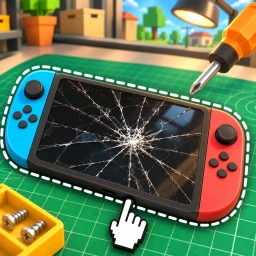
OverviewFix a Console is a Roblox repair simulation where you strip down broken consoles, phones, and laptops, fix them, and sell them for cash. You grow from a street stall into a full repair workshop by hiring workers, ordering parts, and taking on harder jobs. This guide covers the repair loop, how to earn more stars, managing parts, building your shop, and playing with friends.
What is on this page
Contents
Player notes and tips
Found a useful trick? Share it with everyone! Notes with screenshots are welcome!
Write a guide note
Fix a Console
The basic repair loop
Step
The tutorial walks you through the full sequence from start to finish.
- Pick up a device
go to the repair bench and take a broken machine.
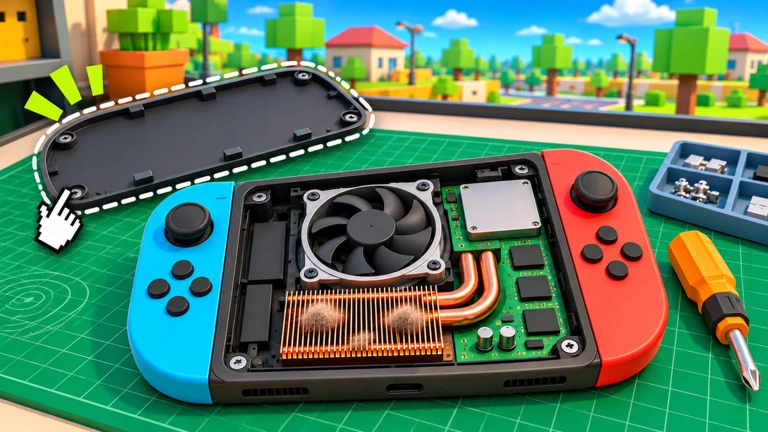
- Disassemble it
pull the device apart into its individual components.
- Clean the parts
remove dirt and grime from the components before doing anything else.
- Solder and swap
fix damaged joints and replace any broken parts.
- Reassemble
put everything back together once the repairs are done.
- Collect your rating
a clean, accurate repair earns up to three stars, which raises your payout.
MetaNew Player Survey

The next survey is being prepared.
Earning more stars and bigger pay
Tips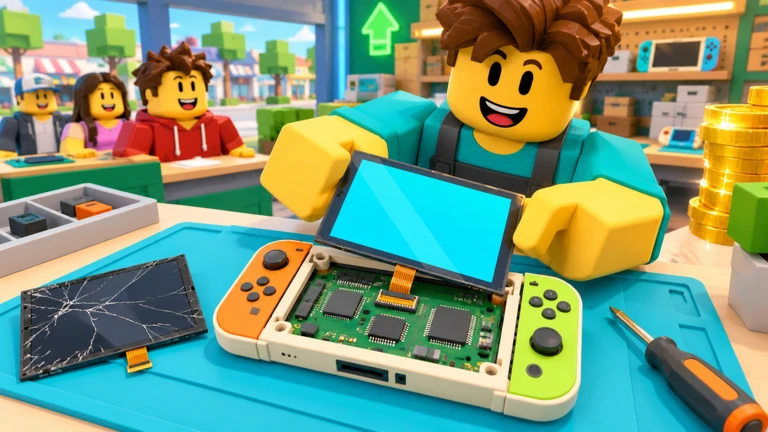
Your payout on each device depends on two things: the difficulty mode you choose and how clean your repair is.
- Hard mode pays more than the default difficulty for the same device.
- Pro mode pays even more, but it expects a higher standard of finish.
- A three-star rating comes from precise soldering and correctly swapped parts.
- Branching out across the 20-plus device types (consoles, handhelds, phones, laptops) keeps more repair jobs available to you.
Ordering and managing parts
Step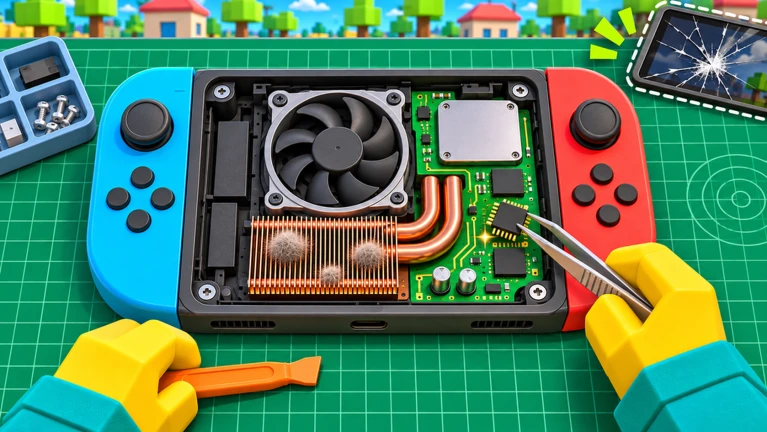
Replacement parts come through the PC near your bench. Because delivery takes time, placing orders ahead of when you actually need them keeps your workflow moving.
- Open the PC
find and access the computer near your repair bench.
- Select and order
choose the replacement parts the next repair will need.
- Unbox at the bench
open the delivered package at your repair bench to make the parts ready to use.
- Install during repair
fit the unboxed part into the device when you reach that step.
Growing your workshop
Check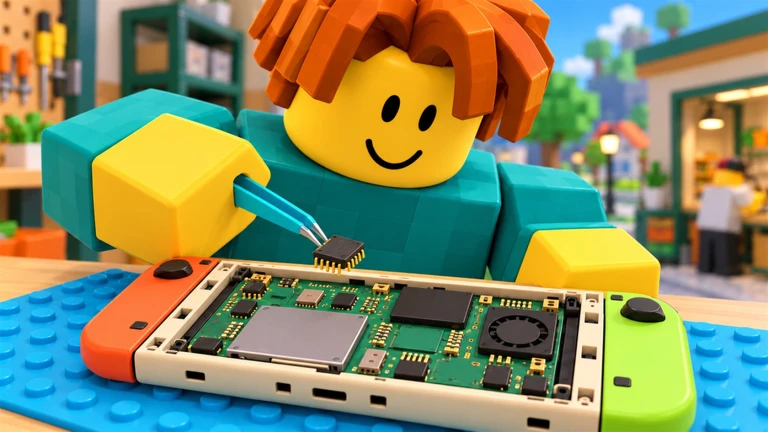
The game starts you at a small street stall. Spending your earnings on upgrades and workers turns it into a proper repair headquarters over time. Workers keep earning coins on your behalf whenever you are away from the game.
- Open boxes to unlock workers each box you open adds a worker to your roster.
- Deploy your workers placed workers generate coins for you.
- Upgrade the facility reinvest your earnings to level up the workshop itself.
Multiplayer, missions, and leaderboards
Summary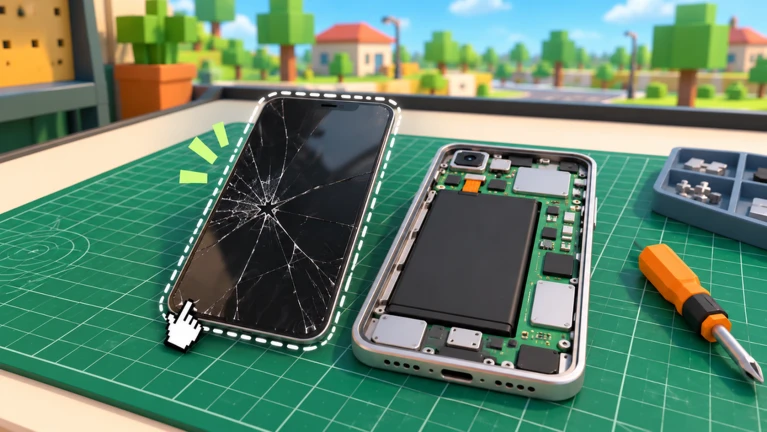
Up to eight players can share the same workshop, working together and growing it as a team. Solo players are not locked out of anything — the daily missions and leaderboards work either way.
- Multiplayer capacity
up to eight players in one room.
- Daily missions
fresh tasks each day that reward bonus currency on completion.
- Leaderboards
standings based on repair performance and total earnings.
- Solo play
the full repair, hiring, and upgrade loop is available without other players.
Glossary
Glossary- Soldering
- A repair step where you fix electronic components by melting metal to bond them to connection points.
- Star rating
- A score of one to three stars awarded after each repair, with cleaner work earning more stars and higher pay.
- Hard / Pro
- Difficulty modes you can choose before a repair — higher difficulty means higher reward but also a stricter quality standard.
- Offline income
- Coins that your hired workers earn for you while you are not actively playing.
Common questions
FAQCan I make real progress playing solo?
Yes. The entire loop — repairing devices, earning cash, hiring workers, and upgrading the workshop — works fully in solo play. Daily missions and leaderboards are available to solo players too, though you can also tackle them with friends.
Do I earn anything while I am offline?
As long as you have hired workers, yes. Workers you unlocked by opening boxes keep generating coins after you log off.
How many devices can I learn to repair?
There are more than 20 device types across consoles, handheld systems, smartphones, and laptops.
What actually determines my star rating?
The quality of your repair work does — things like how accurately you solder joints and whether you install the right replacement parts. A clean repair earns more stars, which directly increases what you are paid.
Game updates can change what is on this page. If you spot something, get in touch and let us know.
