
Investor City — Your first building
About
OverviewInvestor City is a real-estate tycoon game where you buy buildings, collect rent, upgrade your properties, and grow a full property empire. This guide walks you through your first steps, how to grow your income, and the extras — like cars and planes — that open up as your wealth increases.
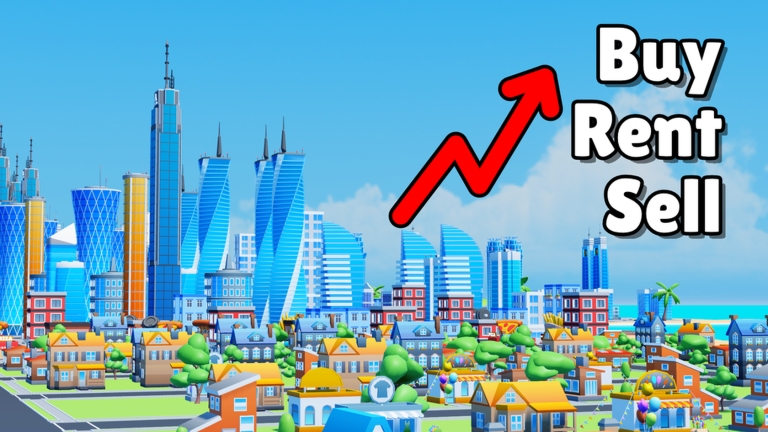
What is on this page
Contents
Your first building
Step
When you load in, find a building you can afford and buy it. Once you own it, tenants move in and rent starts arriving automatically. That rental income is the engine that drives the rest of the game.
- Start cheap look at the lowest-priced buildings first and pick one your opening cash can cover.
- Buy the building once purchased, tenants fill it and rent flows in.
- Stack properties every additional building you own adds another stream of income.
Three ways to grow a building's value
Table
Once you own a property, you have three levers to pull. You can pour money into upgrades, bring in more tenants, or sell the building entirely and reinvest the proceeds into something bigger.
| Upgrade | raises the building's value and the rent it generates. |
| Rent out | adding tenants increases the number of income sources on a single property. |
| Flip | selling a building frees up capital to put straight into a more profitable one. |
Offline earnings and the idle loop
Tips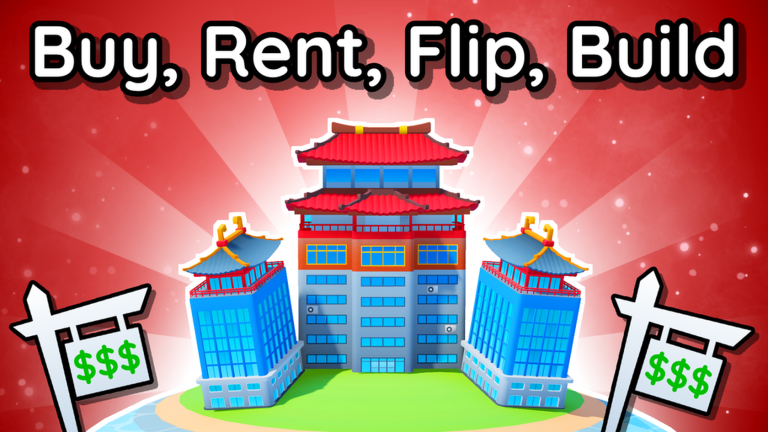
One of the biggest features added to Investor City is offline earnings — your properties accumulate income even when you are not playing. A short daily login to collect what has built up is enough to keep your empire growing.
- Buildings generate income while the game is closed.
- Log in to collect accumulated rent and reinvest it.
Venue and retail businesses
Summary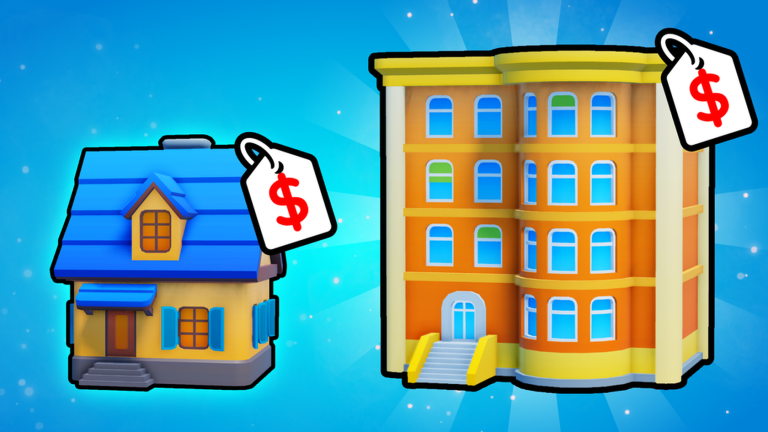
A large update introduced two new business types: venues and retail. Each operates differently from a standard building, which means they bring in money through their own separate structures.
- Venue businesses a new type with its own income mechanics, distinct from rent.
- Retail businesses another new type with a separate profit structure.
Cars, planes, and taking a break from investing
Tips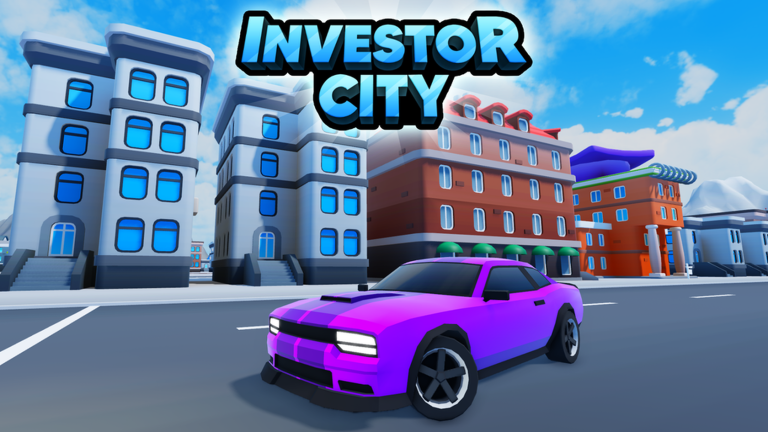
You can spend money on fast cars and planes, then actually drive or fly them around the city. These are side activities — the main game is still building your empire.
- Fast cars are available to buy and drive.
- Planes let you fly freely.
Redeem codes
CheckThe developers release codes that you can redeem in-game for bonuses. The site tracks working codes — you will find the current list on this page, inserted automatically.
- Codes can only be redeemed once per account.
- Older codes can expire, so redeem anything you find sooner rather than later.
 insane50klikes
businesscomplete
30klikeswow
fromsnowman
This code credits your account with 5 Luck Boosts .
insane50klikes
businesscomplete
30klikeswow
fromsnowman
This code credits your account with 5 Luck Boosts .
Glossary
Glossary- Rent
- Income your buildings automatically generate once tenants are living in them.
- Upgrade
- Spending in-game money on a building to raise its value and the rent it produces.
- Flip
- Selling a building you own to free up cash for a bigger or more profitable investment.
- Offline earnings
- Income that accumulates in your buildings while the game is closed, ready to collect next time you log in.
- Tenant
- An NPC occupant who lives in your building and pays rent, as long as they can afford it.
- Evict
- Removing a tenant who cannot pay rent so the unit is free for a new, paying occupant.
Common questions
FAQDo I need to stay logged in for my buildings to earn money?
No — offline earnings mean your properties keep generating income even while the game is closed. You just need to log back in to collect what has built up.
What are venue and retail businesses?
They are two business types added in a large update, each with income mechanics that differ from standard residential buildings.
Where do I find working redeem codes?
This page tracks working codes and inserts them automatically — scroll to the codes section to see the current list. Each code works only once per account, so use them as soon as you spot them.
Game updates can change what is on this page. If you spot something, get in touch and let us know.
