
Unlimited Battlegrounds — Basic controls
About
OverviewUnlimited Battlegrounds is a Roblox fighting game where you pick a character and battle other players to get stronger. Up to 15 players can share a server, and the game runs on PC, mobile, and console. This guide covers controls, characters, map secrets, and how to unlock every badge.
What is on this page
Contents
Basic controls
Check
Every action in the game ties back to a small set of inputs. Punching is your main way to deal damage, while blocking and dashing keep you alive. When an attack sends you flying, recovering fast is just as important as landing hits.
- Left Click punch the enemy
- F block an incoming attack
- Q dash out of the way
- Q while ragdolled cancel the ragdoll and get back on your feet quickly
- Double-tap W run
- G activate your character's ultimate mode
- B open the emote wheel
Choosing and playing a character
Tips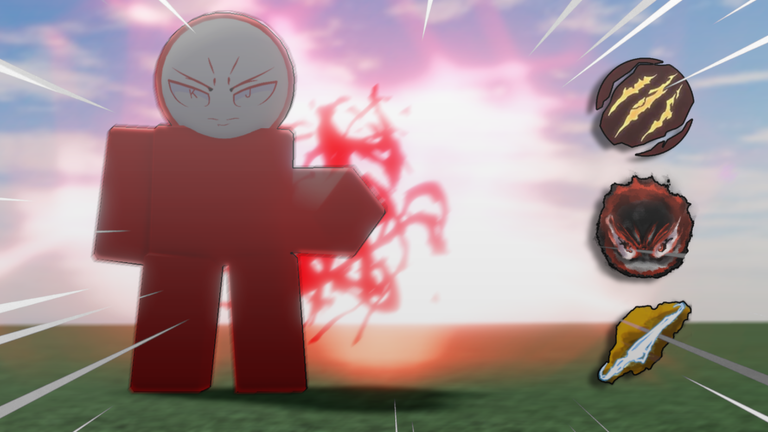
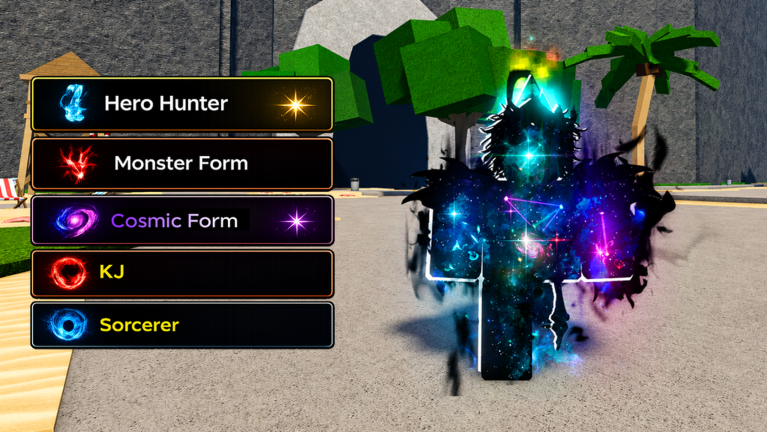
The roster includes KJ, JK, V, Gojo, Sans, Verity, and others. Each character has a unique ultimate mode triggered with G, so the way a fight feels changes depending on who you pick. No character requires spending anything to unlock, so everyone starts on equal footing.
- Pick whoever appeals to you — no character is locked behind a paywall.
- Press G when your ultimate is ready, since each character's version works differently.
- Train and fight repeatedly to get better with your chosen character.
Badge unlocks and map secrets
SummaryThe game has five badges in total. Two involve the train, one involves the elevator, one triggers just by joining, and one requires a very specific coincidence. Exploring the map actively is the only way to find these spots.
- hi unlocked on your first visit to the game
- troubleshooting mindset guess the password at the top of the elevator
- big dreams get run over by the train
- serial killer activate the train so it hits another player
- Gulp be in the same server as one of the game's developers
Emote rewards
TipsThe game hands out emotes as randomized rewards while you play. Because all emotes share the same drop rate and duplicates cannot happen, there is nothing to grind for strategically — just keep playing and your collection fills in over time.
- Emotes are purely cosmetic expressions you can use mid-match from the B menu.
- Every emote has an equal chance of dropping, so no single one is rarer than another.
- Once you own an emote, it will not drop again, so every reward is a new addition.
 SUPERSECRETEMOTE
SPOOKY
HELLOVERITY
NEWTITLESYSTEM
SUPERSECRETEMOTE
SPOOKY
HELLOVERITY
NEWTITLESYSTEM
Glossary
Glossary- Ultimate mode
- Each character's special ability, activated with G, that changes how they fight.
- Ragdoll
- The state where an attack sends your character flying; press Q immediately to cancel it and recover.
- Ragdoll cancel
- Pressing Q while ragdolled to cut the knockback short and get back into the fight faster.
- Block
- Pressing F to absorb an enemy's incoming attack instead of taking full damage.
- Emote
- A cosmetic expression you can trigger in-match from the emote wheel, opened with B.
Common questions
FAQCan I play on my phone?
Yes — the game supports mobile, PC, and console.
How do I recover faster after getting knocked away?
The moment you enter a ragdoll state, press Q to cancel it.
What are the train and the elevator for?
Both are interactive map features tied to badge unlocks. Standing in the train's path earns one badge, activating it to hit someone else earns another, and guessing the password at the top of the elevator earns a third.
How many players fit in one server?
Each server holds up to 15 players.
Game updates can change what is on this page. If you spot something, get in touch and let us know.
