
Mimic the Voice Guide: Before you join
About
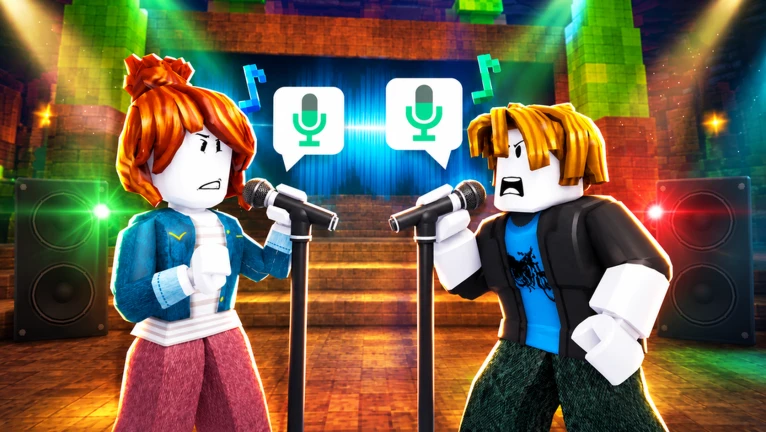
OverviewMimic the Voice is a Roblox game where you listen to a sound, copy it into your microphone, and get rated by everyone else in the room. Up to eight players take the stage one at a time each round, and whoever scores lowest gets eliminated. This guide covers setup, how scoring works, survival tactics, and long-term goals.
What is on this page
Contents
Player notes and tips
Found a useful trick? Share it with everyone! Notes with screenshots are welcome!
Write a guide note
[🤣] Mimic the Voice!🎙️
Before you join: voice chat setup
Check
Voice chat is required to play. Without it you cannot submit a performance. Check these things before you enter a lobby.
- Voice chat enabled confirm voice chat is turned on for your account.
- Microphone working the Mic Ready badge unlocks only when other players can actually hear you, so test it before a real round.
- Quiet surroundings background noise bleeds into your microphone and can hurt how your performance is judged.
MetaNew Player Survey

The next survey is being prepared.
How a round works
Step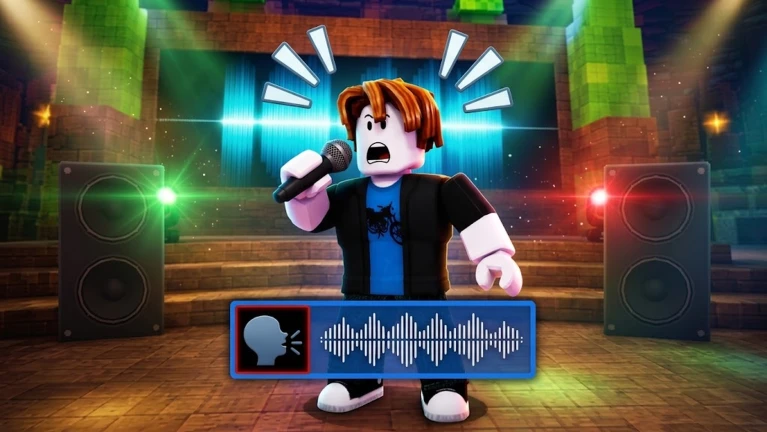
Each round follows the same loop.
- Listen to the sound pay close attention to both the pitch (how high or low the note is) and the rhythm (the timing and pace).
- Take the stage when it is your turn, step up and recreate the sound into your microphone as accurately as you can.
- Wait for ratings the players who are not performing rate your attempt in stars; their votes feed directly into your score.
- Check the result after everyone has performed, the player with the lowest score that round is eliminated.
- Repeat rounds keep going until only one player remains, and that person wins.
Scoring: pitch and rhythm
Tips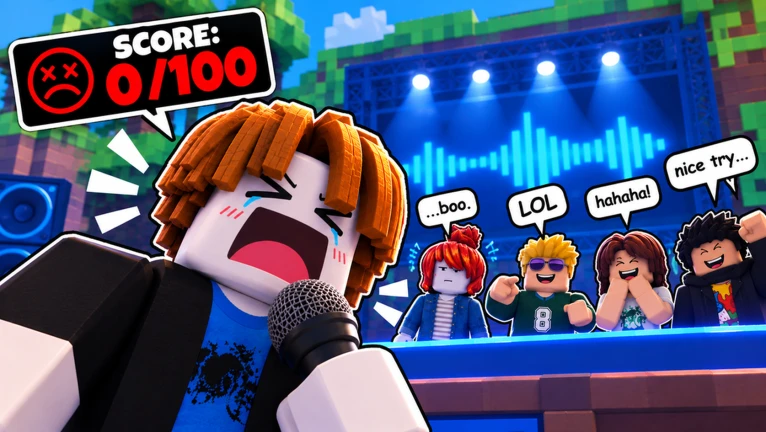
Your score is built on two things: how accurately you match the pitch of the sound, and how well you keep time with its rhythm.
- Match the exact pitch; even a note that is close but not exact will cost you points.
- Stay locked to the rhythm — timing errors hurt your score just as much as pitch errors.
- A single turn scored at 95 or above unlocks the Spot On badge.
- A perfect 100 on one turn unlocks Pitch Perfect — that means no errors at all in either pitch or rhythm.
- Keeping a 4.5-star average across 20 turns unlocks Crowd Pleaser, which rewards consistent quality over many performances, not just a single great moment.
Win streaks and survival
Table
Building a streak requires sustained performance across rounds.
| One round win | First Win badge |
| Ten round wins | Rising Star badge |
| Fifty round wins | Crowd Favourite badge |
| Two hundred and fifty round wins | Living Legend badge |
| Three consecutive wins | Hat Trick badge |
| Ten consecutive wins | Unstoppable badge |
Long-term play rewards
SummarySome badges have nothing to do with how well you perform in a round — they reward showing up and playing regularly over time.
- Seven-day login streak claim all seven daily rewards in a row to unlock Regular.
- Ten total hours played reach ten cumulative hours to unlock Marathon.
- One hundred rounds played complete a hundred rounds to unlock Veteran.
- Twenty-five perfect recreations land 25 scores of 100 to unlock Encore.
 AURA
SORRY
MIMIC
THANKYOU300LIKES
Cosmetics from the Style menu
TipsThe Style menu sells cosmetics including titles, trails, mic skins, and voice effects. Owning five unlocks Dressed Up, and owning fifteen unlocks Wardrobe.
- Owning five cosmetics from the Style menu unlocks the Dressed Up badge.
- Owning fifteen cosmetics unlocks the Wardrobe badge.
- Free reward codes are posted in the developer's group — joining is free.
Glossary
Glossary- Pitch
- How high or low a sound is — matching the pitch of the original clip is one of the two things your score is based on.
- Rhythm
- The timing and pace of the sound; drifting off the beat lowers your score just like a wrong pitch does.
- Star rating
- The score other players assign to your performance, which feeds directly into your round total.
- Elimination
- At the end of each round the player with the lowest score is removed from the game.
- Daily reward
- A reward you collect each day you log in; claiming seven in a row unlocks the Regular badge.
- Cosmetic
- An item from the Style menu — titles, trails, mic skins, and voice effects.
Common questions
FAQCan I play without a microphone?
No. Voice chat is required to compete, and without a working microphone you cannot submit a performance.
How many players can be in one room?
Up to eight players can join a single room. Each of them takes the stage one at a time, so rounds move through all the active players before scores are compared.
Where do I find reward codes?
Codes are posted in the developer's group on Roblox. Join the group for free to access them.
What is the difference between Spot On and Pitch Perfect?
Spot On requires a score of 95 or higher on a single turn. Pitch Perfect requires a perfect 100, which means no errors in either pitch or rhythm for that entire performance.
Game updates can change what is on this page. If you spot something, get in touch and let us know.
